

iOS 13 / iPadOS 13: Profile Must Be Installed Interactively
Problem
Section titled “Problem”During the initial setup of a new iOS / iPad, an error is displayed stating that the profile must be installed interactive.
| On a DEP’ed iOS device, during the activation process, the error: Installation of profile failed. “com.capasystems.profile must be installedinteractively” appears. When you reboot the device, the same error appears again and the device is stuck in a loop. |
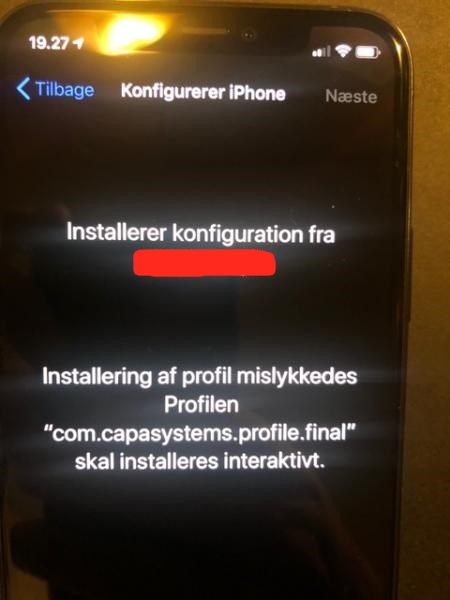 |
This error comes on iOS 13.x and iPad OS 13.x when a system update is ongoing. For some reason, the profile cannot be installed when the system is about to be updated.
Workaround
Section titled “Workaround”You need to wipe the device and in some cases even download the OS again.
During the initial setup, answer no to update automatically. If you have a device with this error, it will properly get stuck in this state and you will have to wipe it an start all over.
You can also skip it in the DEP profile.