

Drivers
Introduction
Section titled “Introduction”The following is a description of a driver, its purpose and functionality. Drivers are device drivers targeted for specific hardware devices. A driver typically consists of an information file (.inf), the actual driver (.sys) and a digital signature (.cat). When drivers are uploaded to the solution, it is recommended that you only upload the necessary files.
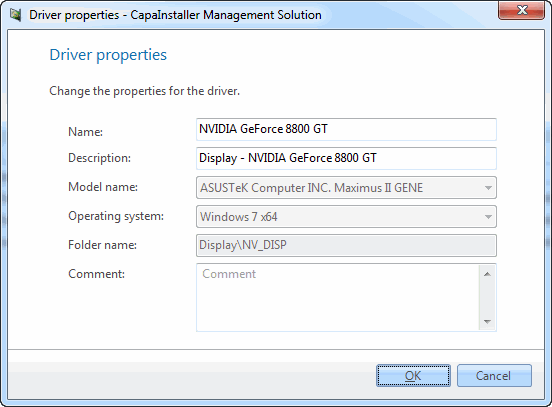
| Element | Description |
| Name | Specify the driver name. |
| Description | Enter a driver description. (Optional.) |
| Model name | Select the system model name. |
| Operating system | Select the operating system. |
| Folder name | Specify the folder where you want the driver to be stored. |
| Driver path | Specify the folder where the driver is located. |
| Comment | Enter a custom description that will be added to the change log. |
Right-clicking on a driver gives you the following options:
| Element | Description |
| Promote | Lets you promote the items on the CapaInstaller OS Deployment Point (DP) to another DP. This can only be done if a child DP has been created. 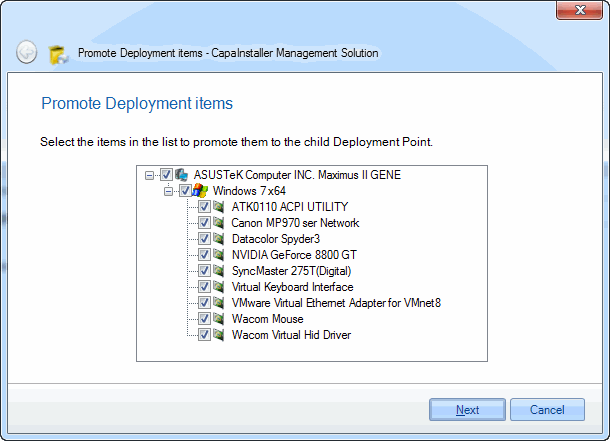 |
| Delete | Lets you delete the driver. You are asked to confirm this. 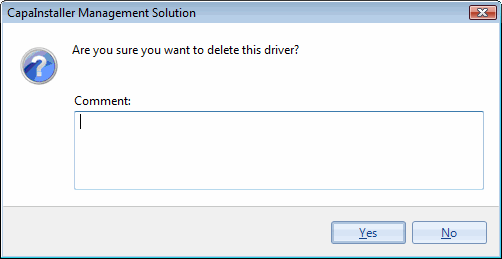 |
| Properties | Shows the properties for the driver. For a detailed description of the individual fields, see above. |