

Decline Updates
Declining an Updates makes sure that the update is not approved to any Wsus Groups. You can only decline updates under All updates.
| Step | Action |
| 1 | Go to the All Updates folder and select one of the Categories or Classifications, with the Updates you want to decline. 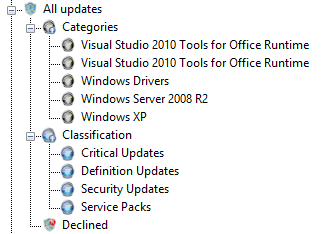 |
| 2 | Select one or more of the Updates in the gridview. Right-Click and choose Decline. 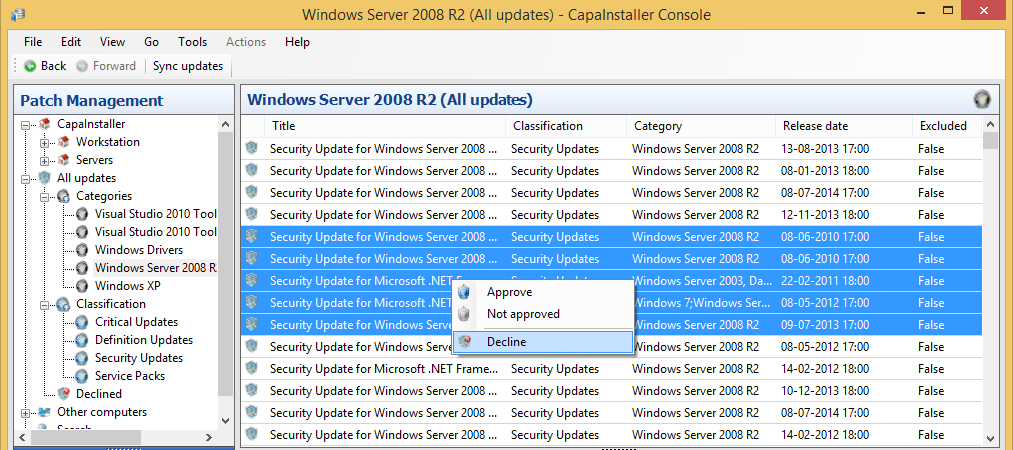 |
| 3 | Confirm that you want to decline the selected updates. Write a Change description if needed. 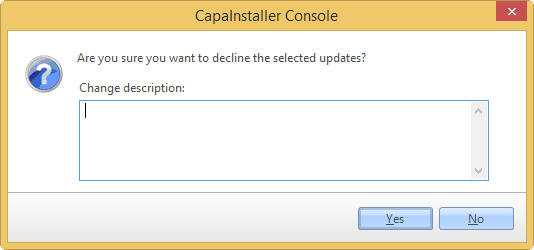 |
| 4 | If one or more updates is linked to multiple categories, this message box will be displayed 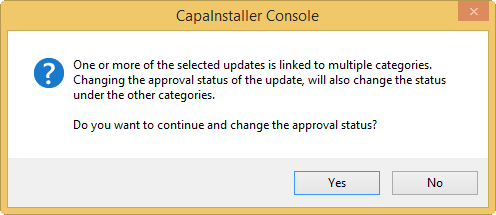 |
| 5 | Progress in declining the selected update 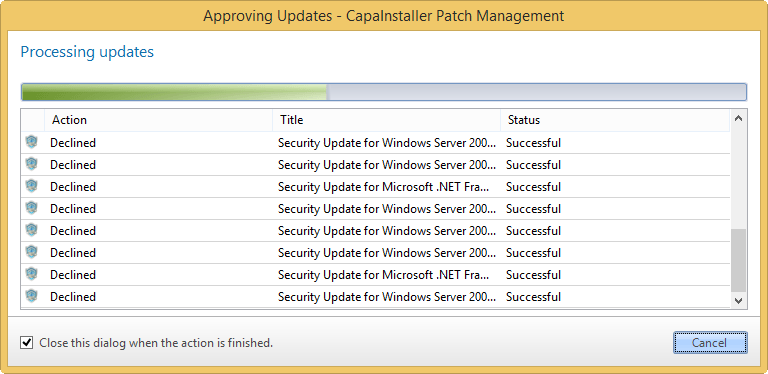 |
| If you want to… | You can… |
| Automatically install updates | Approval rules |
| Approve Updates | Approve updates |
| Approve from All Updates | Approve from All updates |