

Deploy the Back-end Service
Introduction
Section titled “Introduction”This section will guide you through the deployment of a Back-end Service.
| Step | Action |
| 1 | Open the Services folder and right-click on Back-end Service click Deploy Backend Service and the following form will open. Enter the name of the Server and press Validate |
| 2 | 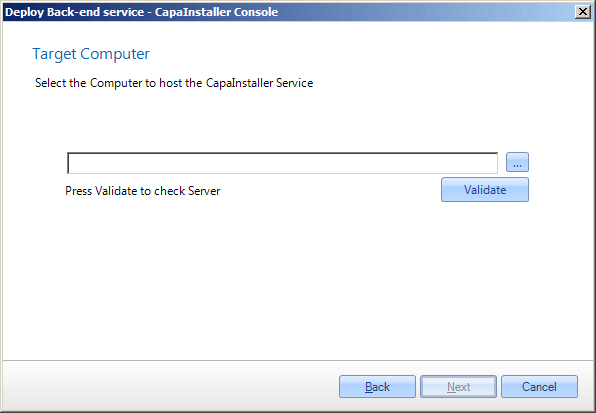 |
| 3 | Enter port, the default port is 80 Assign a public URL to the service if needed |
| 4 | 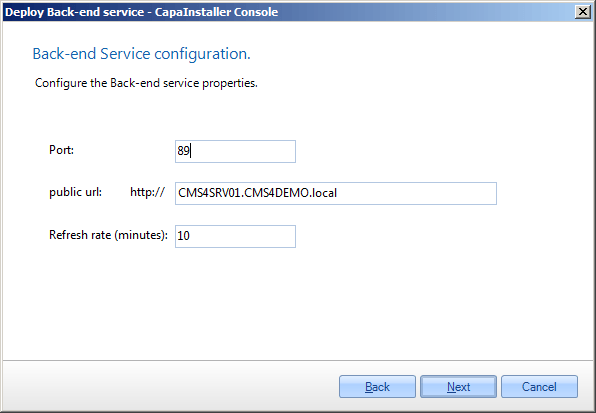 |
| 5 | Normally Windows authentication should be used, however, it is possible to use SQL authentication and Data Connection Service. |
| 6 | 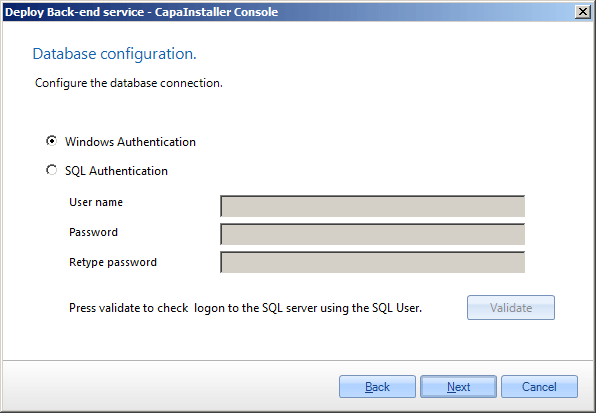 |
| 7 | - Select how service files are copied to target Server - Select how framework files are copied to target Server - Select the source server |
| 8 | 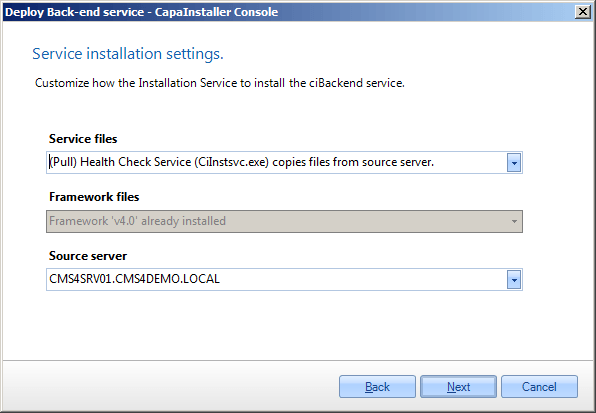 |
| 11 | The Frontend service is being installed. |
| 12 | 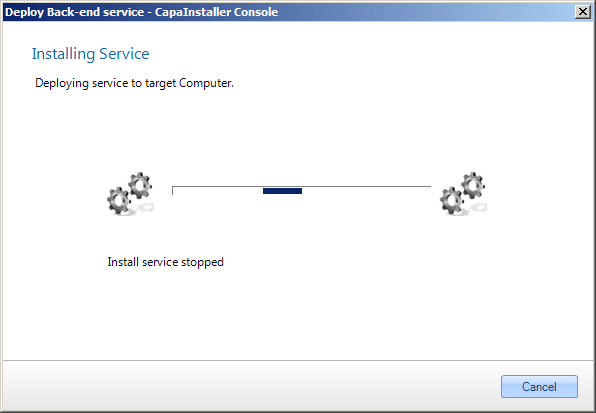 |
| 13 | Installation completed. |
| 14 |  |