

Create a department group
The following is a description of how to create a department group in Configuration Management. Groups are created the same way in two steps, whether it is a dynamic, static, department, or ad group.
| Step | Action |
| 1 | In Configuration Management, Expand the Group folder, and right-click on Create group. |
| 2 | Choose which group type you want to create. 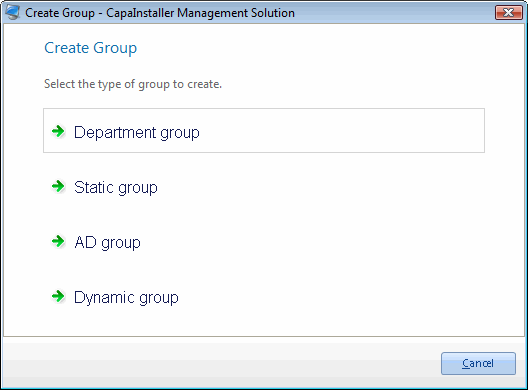 |
| 3 | 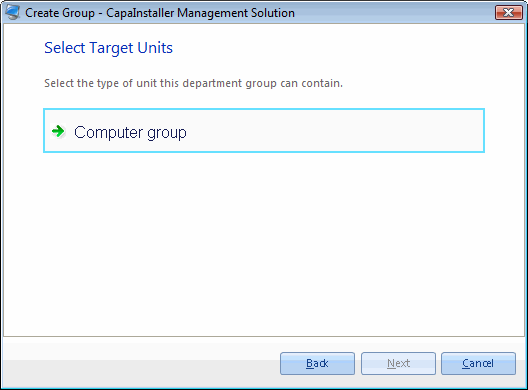 |
| 4 | Enter the Name, Description, and Change description on the group. 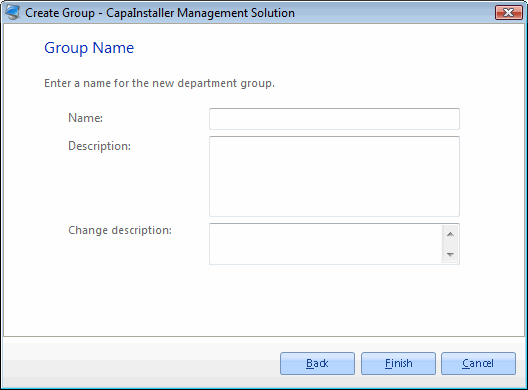 |
Related tasks
Section titled “Related tasks”| If you want to… | You can… |
| Learn about groups | Groups |