

Assign printers
The following is a description of how to assign printers to computers. This is done by drag and drop or by using The buffer.
Assign printers using drag and drop
| Step | Action |
| 1 | Click and hold the mouse button on the printer. |
| 2 | Drag it to the unit and release the mouse button. |
| 3 | Confirm the assignment. 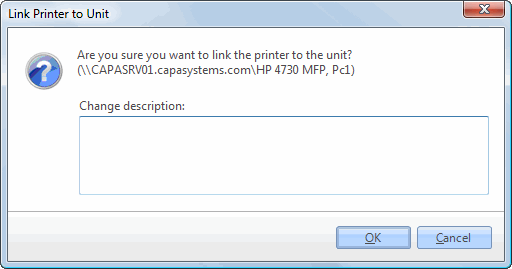 |
Assign printers using the buffer
| Step | Action |
| 1 | Right-click the printer(s), and select Add to buffer. |
| 2 | Right-click the unit, and select Paste printers. |
| 3 | Confirm the assignment. |