

Create security profiles
Introduction
From this form, a new Profile is created. When the profile is created it is possible to link Management Points to the profile and set different security rights.
| Step | Action |
| 1 | Open security Management and right-click on All profiles, click New. 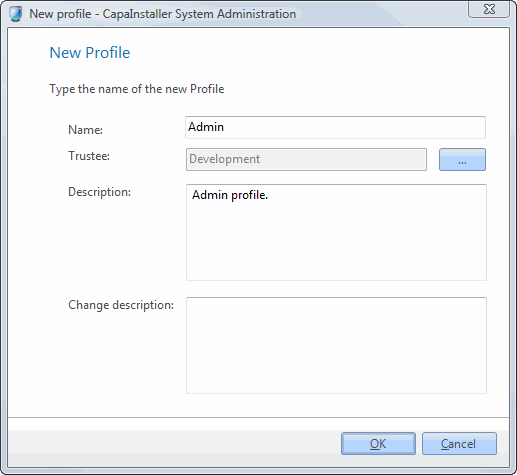 |
| 2 | Enter Name. |
| 3 | Enter Trustee: Browse the Active Directory to select a group. |
| 4 | Enter Description. |
| 5 | Change Description. |
| 6 | Click OK to complete. |
Read more: Profile rights