

Scheduled reinstalls
The following is a description of how a schedule is used when configuring the reinstallation of a computer.
Create the schedule
Section titled “Create the schedule”| Step | Action |
| 1 | Right-click a computer and click Reinstall. |
| 2 | Select Custom Schedule. 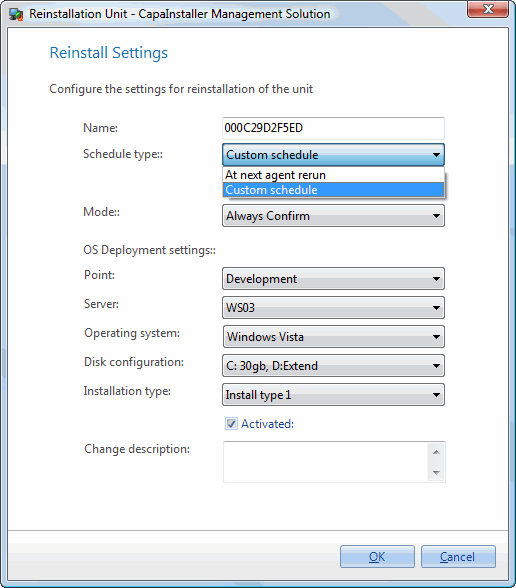 |
| 3 | Select the rest of the settings and click OK. 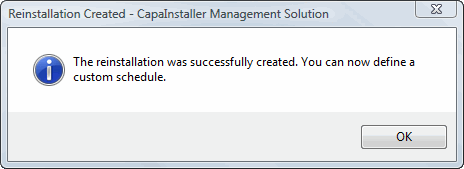 |
| 4 | The Schedule window opens. Use the tabs to define when the reinstall will occur (see Scheduling), and enable or disable it with the Enabled checkbox. |
Edit the schedule
Section titled “Edit the schedule”| Step | Action |
| 1 | Right-click a computer and click Reinstall. |
| 2 | Click Edit Schedule. 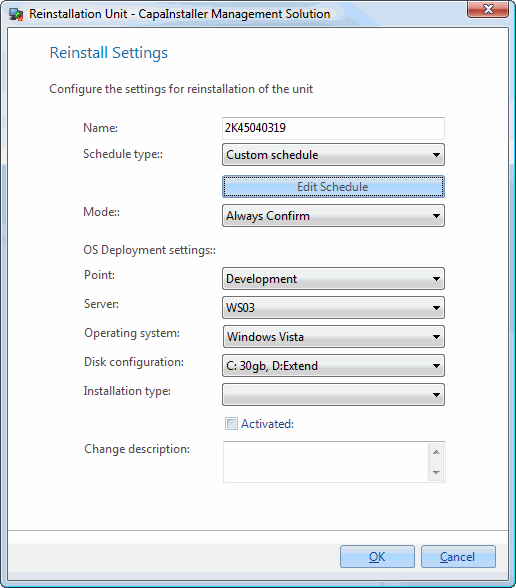 |
| 3 | The Schedule window opens and you can adjust when the reinstall will occur. |