

Manage printer assignments
The following is a description of how to manage printer assignments. Here you can activate or remove printers.
| Step | Action |
| 1 | Open CM/click on Printers/Right-click and click Manage printer assignments. |
| 2 | The following form opens. 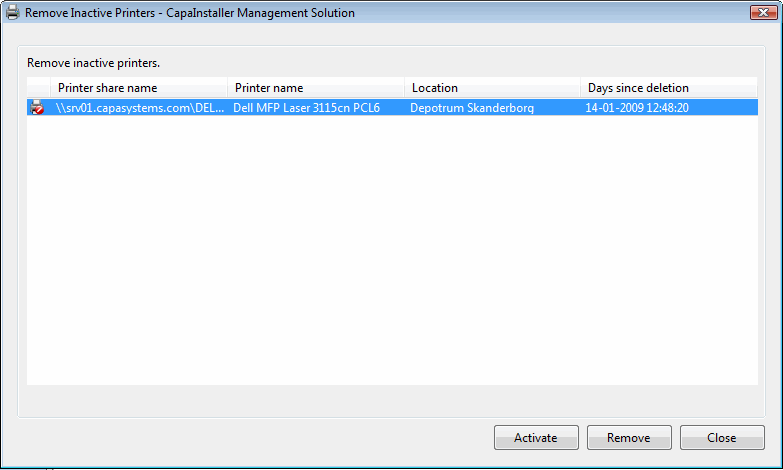 |
| 3 | Remove or activate the printer listed by clicking Active or Remove. |
| 4 | Click Close to proceed. |