

Deploy Patch Management Service
Introduction
Section titled “Introduction”The following is a description of how to deploy the Patch Management Service.
| Step | Action |
| 1 | Open the Services folder and right-click on Patch Management Service click _Deploy _Patch Management Service and the following form will open. |
| 2 | Enter the URL to WSUS server, both internal and public. The default ports on the WSUS are 8530 for HTTP and 8531 for HTTPS (SSL) If this is a re-deployment, check ‘This server replaces another Patch Management Service’. This ensures a full synchronization of points, child points, and groups. 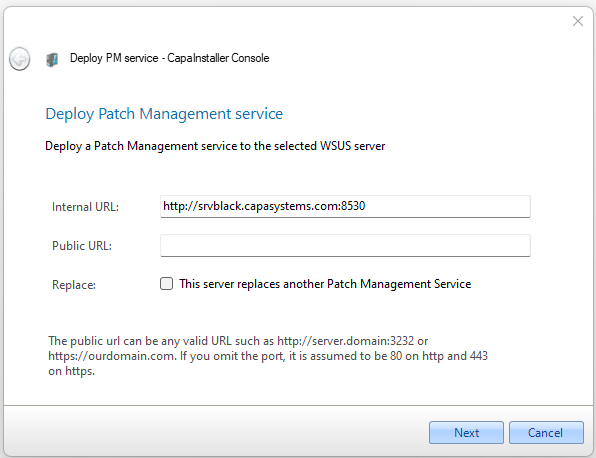 |
| 3 | Normally Windows authentication should be used, however, it is possible to use SQL authentication. 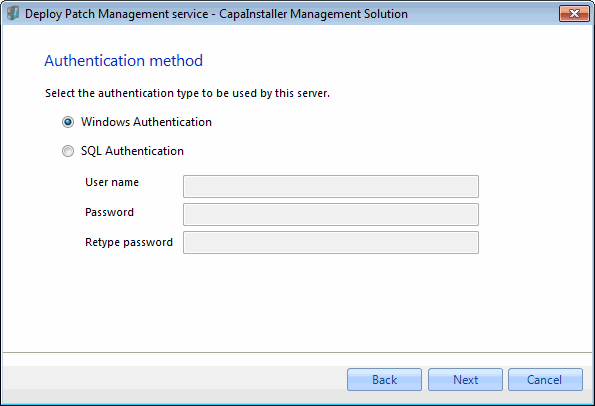 |
| 4 | - Select how service files are copied to target Server - Select how framework files are copied to target Server - Select the source server 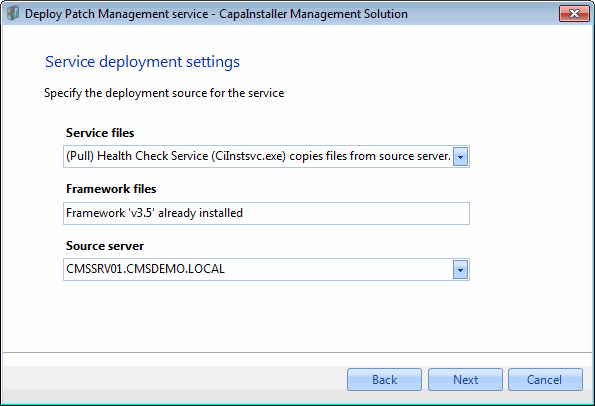 |
| 5 | The deployment process will now start 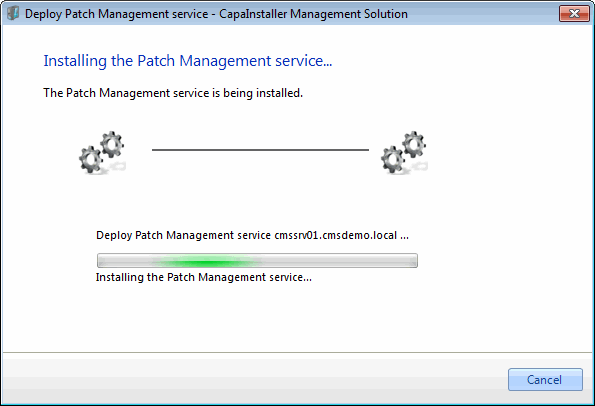 . . |
| 6 | Deployment completed. 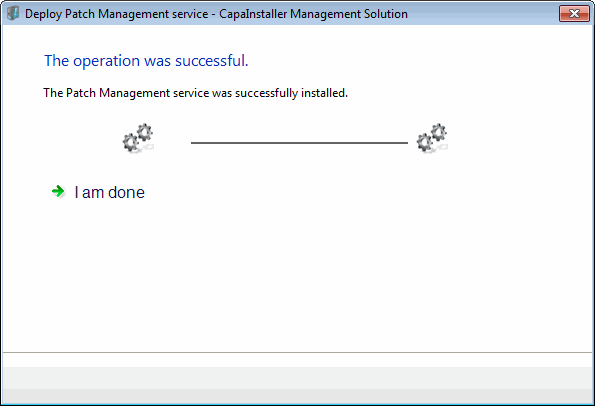 |
.