

Changelog simple search
Changelog simple search is placed on top of the grid view in the changelog. A simple search is used to do a quick search in the changelog.
| Step | Action |
| 1 | Enter a string to search for in a changelog. The simple search will search in the change description, comment, and user name. A simple search will only search one month back and return a maximum of 1000 records. * You do not need to insert wildcard, because wildcards are automatically inserted when searching. 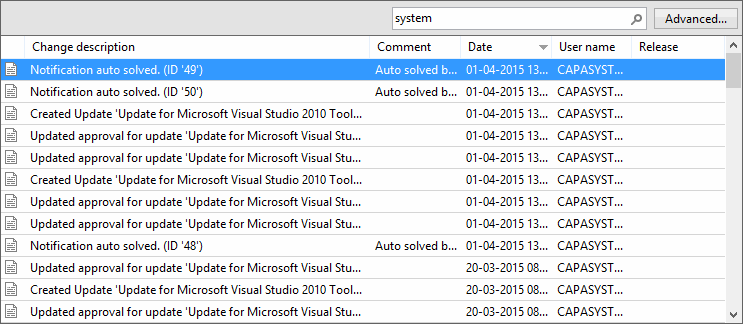 |
| 2 | To open Changelog Advanced Search, click on the Advanced search button  |