Update now
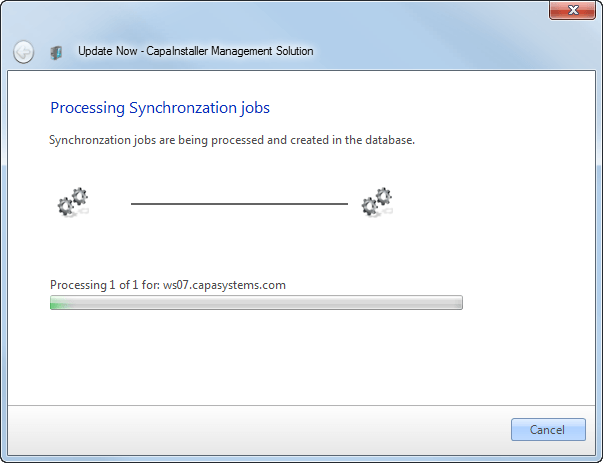
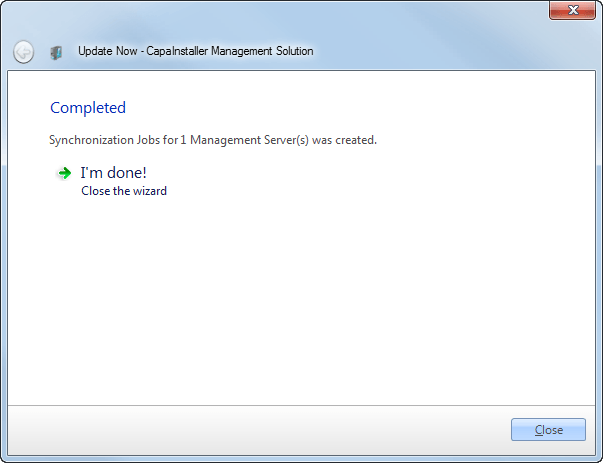
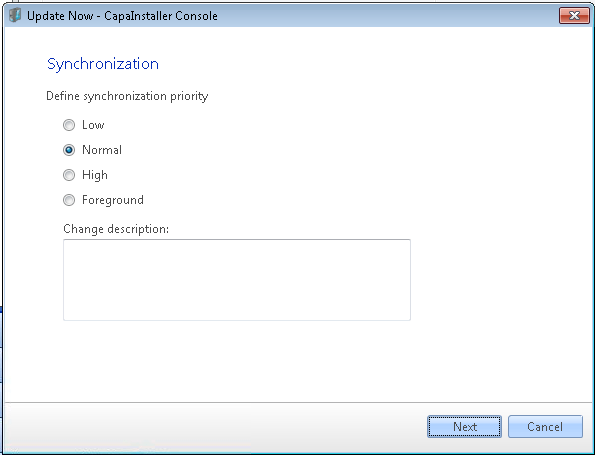
Update now runs a synchronization job on demand. Before it runs, you can set the priority the job uses to transfer its files. Follow the three steps below.
| Element | Description |
| Low | Transfers the job in the background with a low priority. Background transfers use the idle network bandwidth of the client to transfer files. This is the lowest background priority level. |
| Normal | Transfers the job in the background with a normal priority. Background transfers use the idle network bandwidth of the client to transfer files. This is the default priority level. |
| High | Transfers the job in the background with a high priority. Background transfers use the idle network bandwidth of the client to transfer files. This is the highest background priority level. |
| Foreground | Transfers the job in the foreground. Foreground transfers compete for network bandwidth with other applications, which can impede the user’s network experience. This is the highest priority level. |