

Samsung Smart Switch is Prohibited to Run by Security Policy.
Problem
Section titled “Problem”When enrolling a Samsung device as device owner, Samsung Smart switch is prohibited to run by security policy.
| Device | 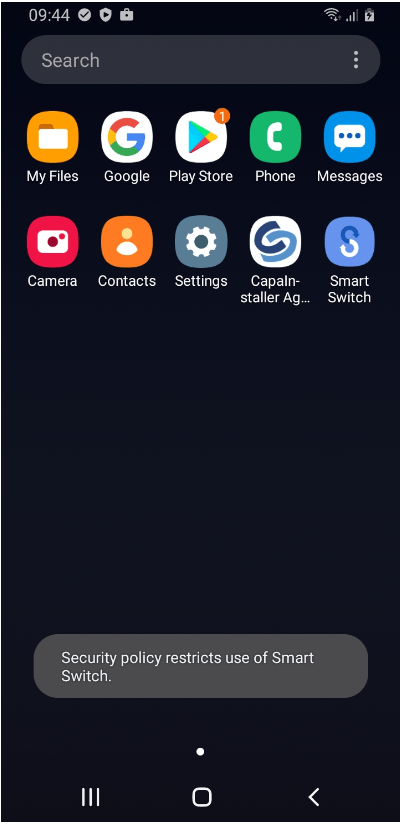 |
For some reason, Samsung Smart Switch is disabled when you enroll a Samsung device as device owner.
Solution
Section titled “Solution”Samsung Smart Switch can be enabled by AppConfig.
AppConfig configuration
| Key | Type | Value |
|---|---|---|
| allow_run | Bool | True |
How to create AppConfig:
| Step | |
|---|---|
| 1 | Create Samsung Smart Switch as an Android device application in Configuration Management. It can be Google Play, Google Play Work or Enterprise app. |
| 2 | Add Android AppConfig to device app. |
| 3 | Click Create key/value |
| 4 | Enter Key, select type and select value  |
| 5 | Install the device app on the device. Samsung Smart Switch is enabled. |
| App is enabled | 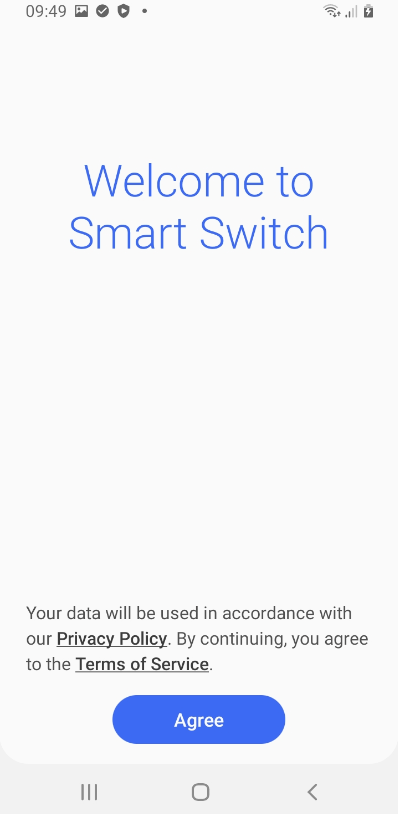 |