

CapaOne Integration in Console
Integrate CapaInstaller with CapaOne
| Description | |
|---|---|
| 1 | In the CapaInstaller Console select System Administration -> Software Account -> CapaOne 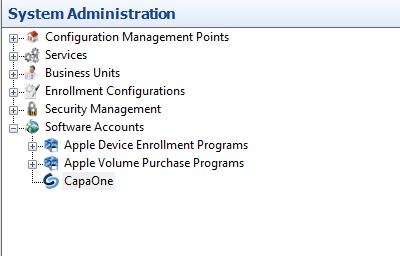 |
| 2 | Right-click on CapaOne and click properties. 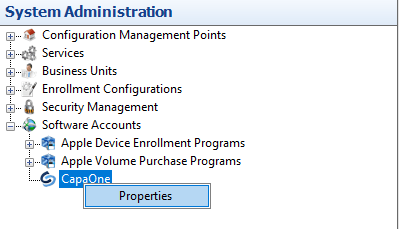 |
| 3 | Click on The “Update…” tab, and login with your CapaOne Account. |
| 4 | When you’re logged in, you can see your Organization name, Portal Access token, and Organization Key (OrgKey).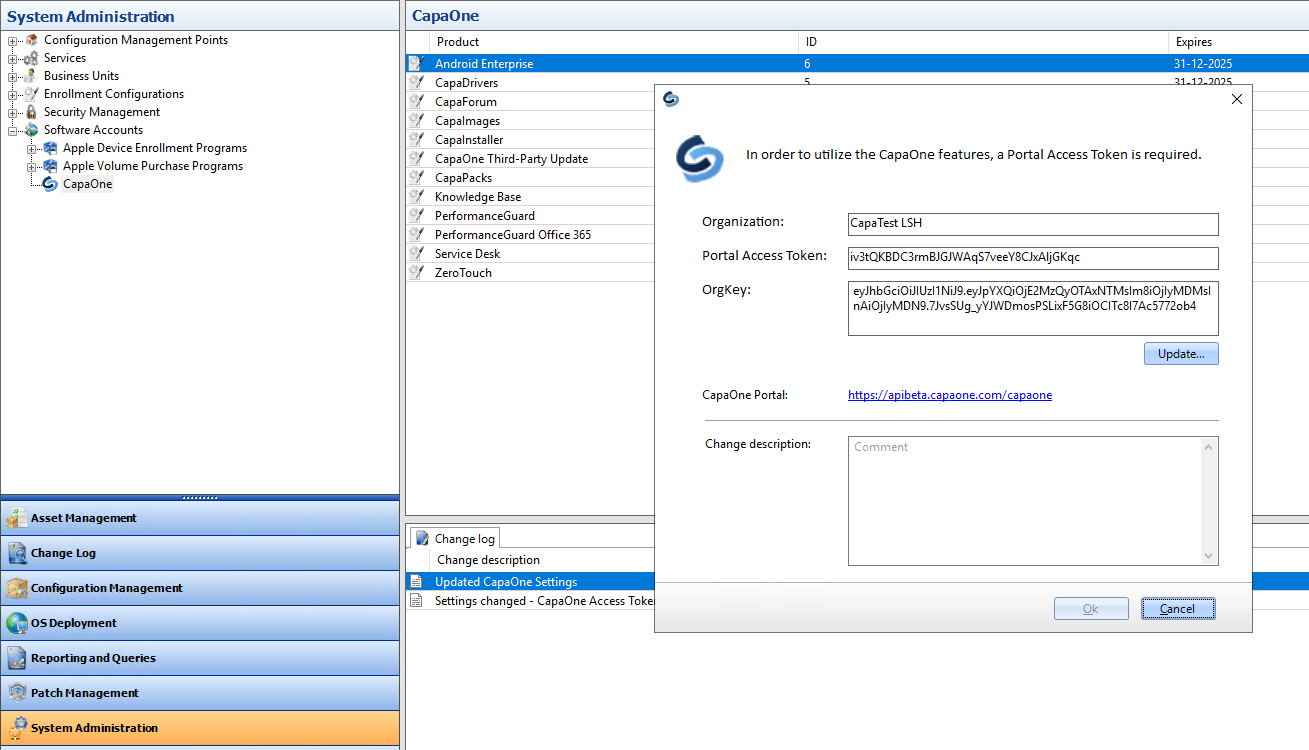 |