

Certificate Payload
Description
Section titled “Description”This payload can be used to add a new certificate to the mobile device certificate store. The added certificate can then be used by the device for obtaining trust to a web service or other services.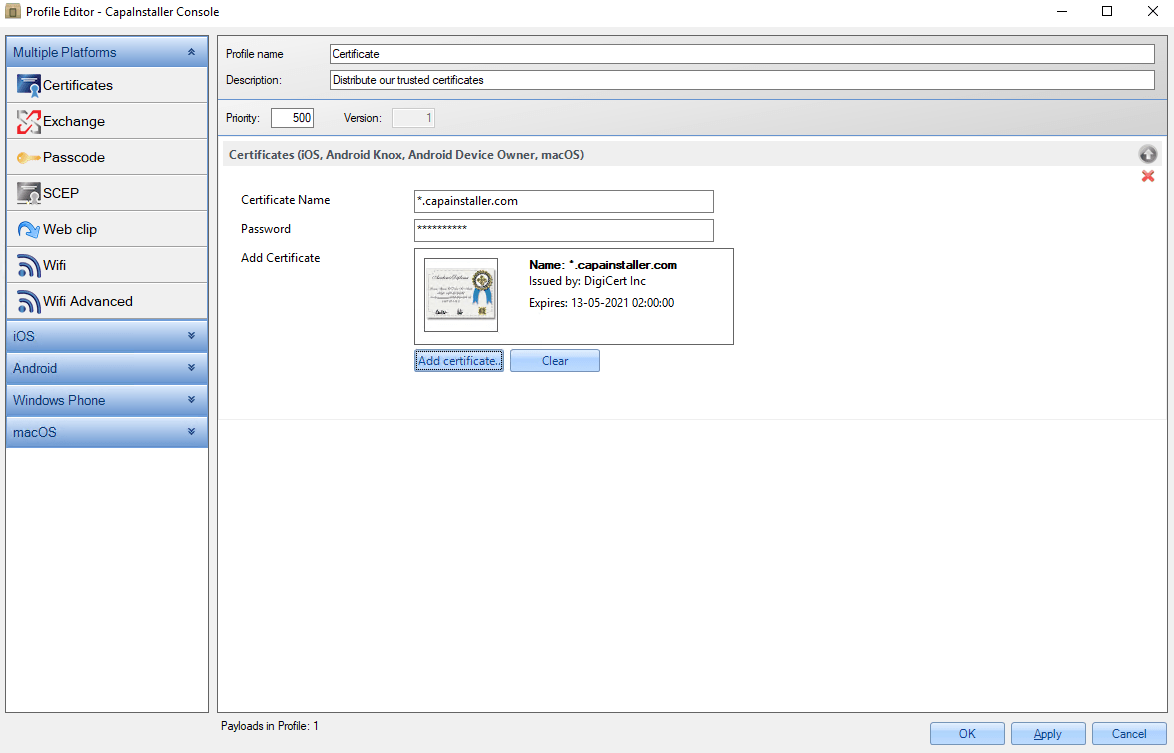
Configuration
Section titled “Configuration”| CONFIGURATION | DESCRIPTION |
|---|---|
| Certificate Name | Name for the Certificate e.g. “star_capasystems_com” |
| Password | If the certificate is password protected you must enter the password. Please remember that password is case sensitive |
| Add Certificate | Press the “Add certificate..” button and select the certificate. After selection, you should be able to see the certificate name and issuer. |