

Create a calendar group
The following is a description of how to create a Calendar group in Configuration Management.
| Step | Action |
| 1 | On your Configuration Management Point, find the System Group, expand, and right-click on the Calendar Group, Click Create Calendar Group. |
| 2 | Fill out the Name, Description, and change description. 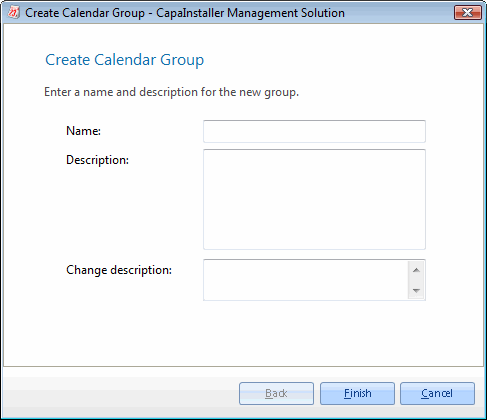 |
| 3 | After the calendar group has been successfully created you have three options. - Create a schedule for the group - Create another calendar group in the same folder. - Close the wizard. 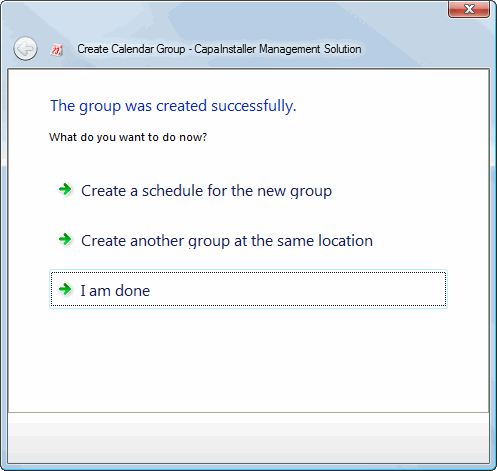 |
| 4 | Click Finish. |
Related tasks
Section titled “Related tasks”| If you want to… | You can… |
| Learn more about calendar groups | Calendar groups. |
| Add a schedule to a group | Schedule groups. |
| Limit client run | What is a Calendar group? to learn more about Using calendar groups to limit when the client will run. |