

Create a query
Introduction
Section titled “Introduction”To ensure the correct software is present in the correct groups and folders you can use queries. Queries can be initiated from several right-click menus. When the query is executed, not already linked software to an application group is linked.
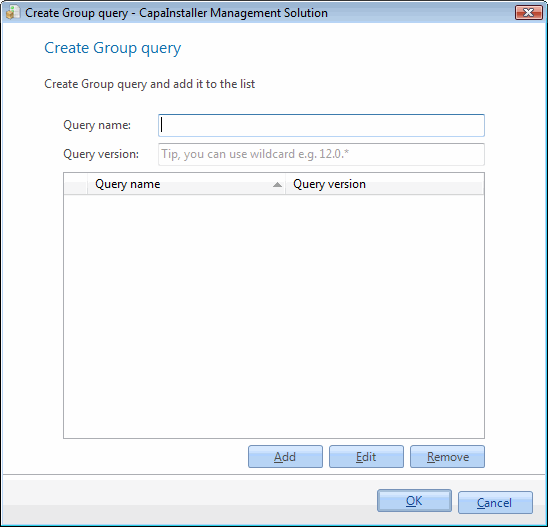
| Element | Description |
| Query Name | Name of the Software query e.g. “Microsoft*” or “CapaInstaller”. |
| Query Version | The version of the Software query e.g. “7.5.” or “4.1.”. |
| Add | Adds the entered query to the query list. |
| Remove | Removes the selected queries from the list. |
| Step | Action |
| 1 | Right-click on the group/folder you want to add a query to. |
| 2 | Click Create group Query. |
| 3 | Name the Query. |
| 4 | Type in the version of which the query should search for. |