

Can't Set APN (Access Point Names) Manually
Problem
Section titled “Problem”When I try to access Access Point Names on my Android device, the menu option is grayed out and not accessible.
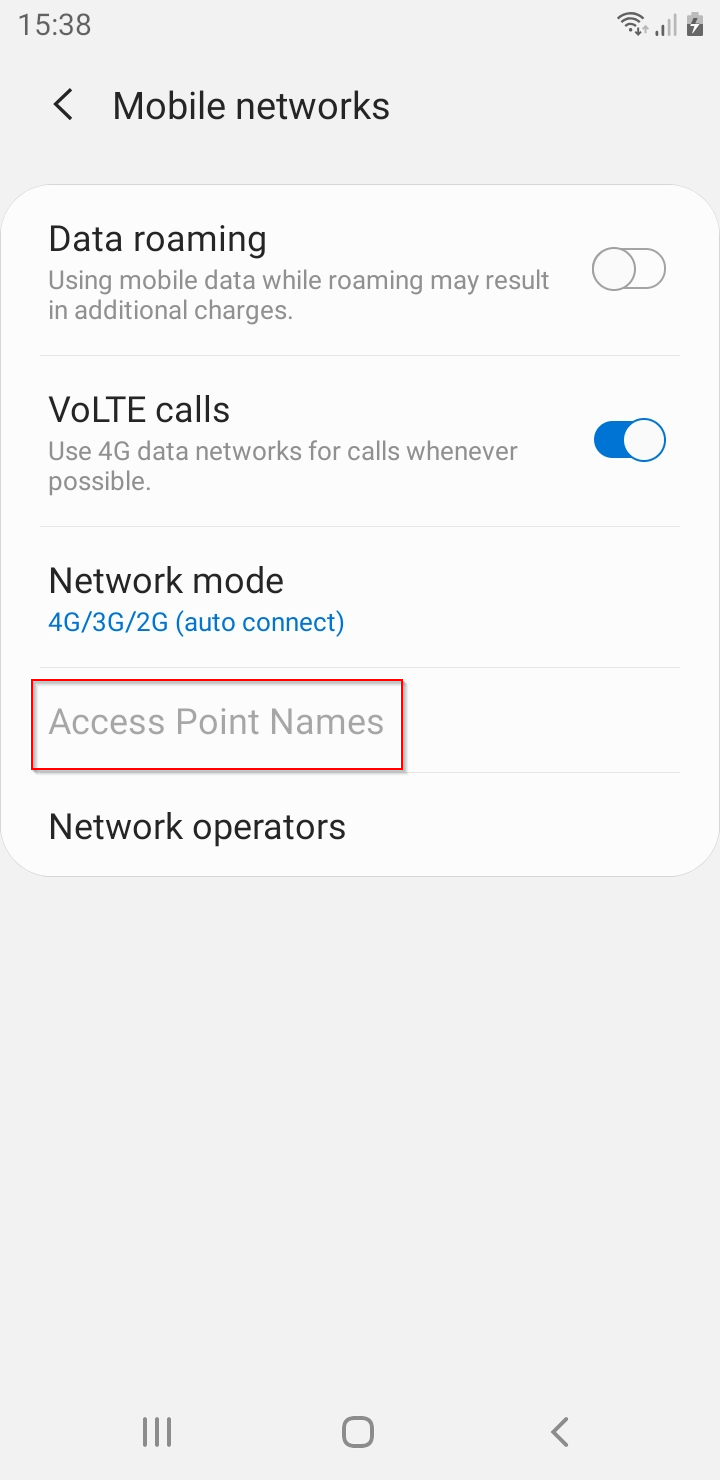
When the device is enrolled as Device Owner and you have installed an APN profile, the Access Point Names (in Settings→Connections → Mobile Networks) is locked by the system. The SIM card is linked to the APN profile and cannot be changed.
Solution
Section titled “Solution”You need to remove the APN profile from the device. Before you do that, connect to Wifi or you may lose connection to your device!