

BitLocker Recovery Mode
During patch Tuesday on August 9, 2022, Microsoft released a Windows update that can cause BitLocker to activate recovery mode and prompt the end-user for a recovery key.
With the update KB5012170, Microsoft has fixed some security vulnerabilities in Secure Boot by updating Secure Boot DBX — which can cause BitLocker to activate recovery mode.
The prompt is presented only one time, after the update has been installed and the computer has been rebooted.
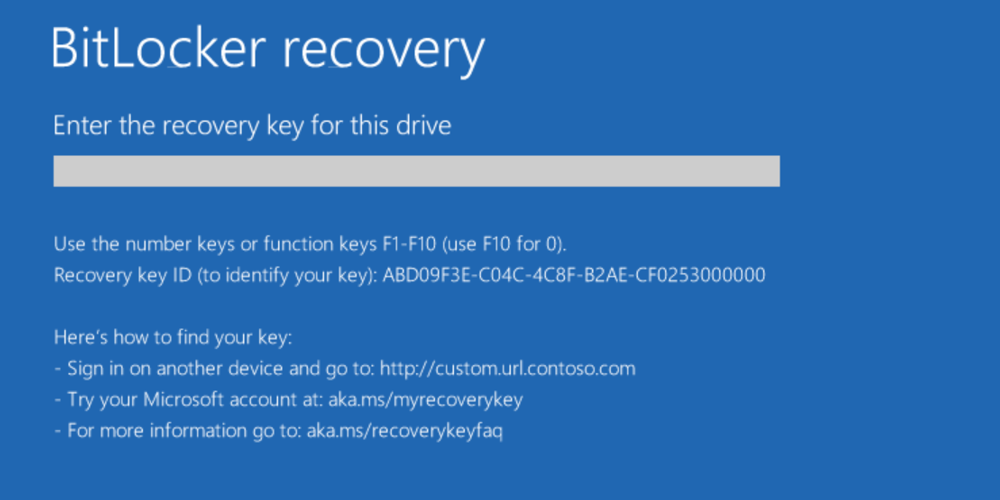
Due to the above, CapaSystems recommends that all our customers take the following actions:
- Ensure that all active BitLocker recovery keys are saved in Active Directory and/or CapaInstaller
- Consider postponing the installation of KB5012170
Collect the recovery keys
Section titled “Collect the recovery keys”We have developed a computer package to collect and save all active BitLocker recovery keys.
If you already have a subscription for CapaBitLocker and are using Cloud Updater:
- The package will automatically download to your CapaInstaller environment.
If you do not have a subscription for CapaBitLocker or you are not using Cloud Updater:
- Download the package here