

Work with assets
Introduction
Section titled “Introduction”Setting up the assets is done in the same way no matter which asset you want to customize. Assets consist of categories, entries, and values.
| Element | Description |
| Category | The root item in Custom is a category. A category can have multiple entries. |
| Entry | This can be one of many entries in a category and consists of a name and a data type, which can be a date, number, string, or text. An entry can have multiple values. |
| Value | This can be one of many values in an entry, and the will be of the data type specified by its entry. |
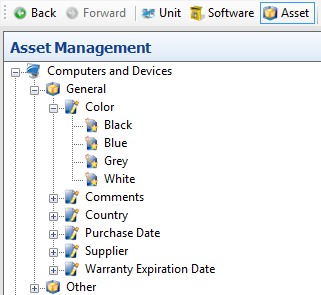
Example of a category named General with the entry Color, which has the following color values: Black, Blue, Grey, and White.
Related tasks
Section titled “Related tasks”| If you want to… | You can… |
| Create a new category | Right-click on a unit type and click add a category. 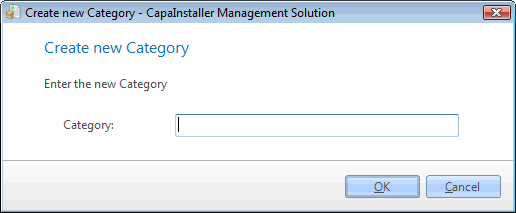 Enter the category name and click OK. Enter the category name and click OK. |
| Edit Category | Right-click on a Category and click the Edit category. 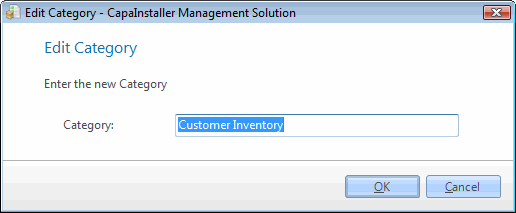 Type the new name and click OK. Type the new name and click OK. |
| Delete a category, entry, or value | Right-click on a category, entry, or value and click Delete. 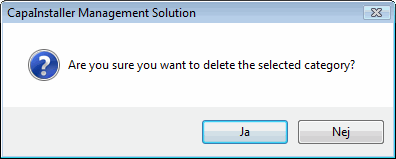 |
| Create entry | Right-click on a Category and click Add an entry. 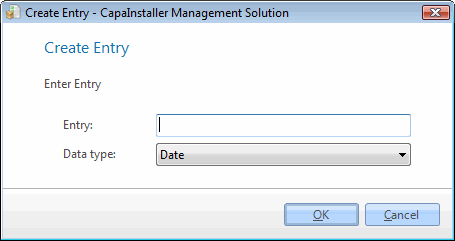 Enter entry name and data type and click OK. Enter entry name and data type and click OK. |
| Edit entry | Right-click on an entry. 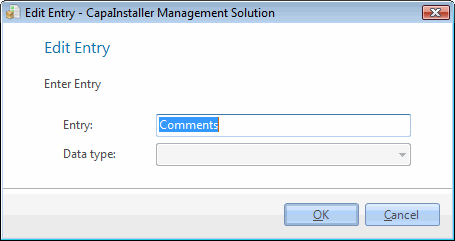 Enter your corrections and click OK. Enter your corrections and click OK. |
| Create new value | Right-click on an entry and select New value. 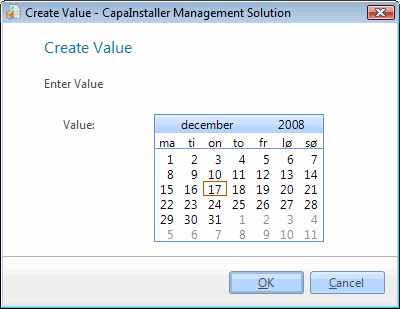 Or Or 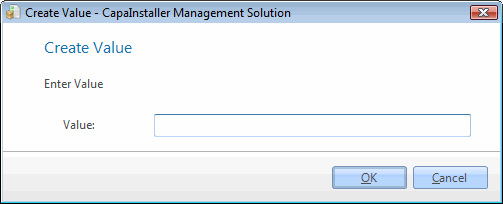 Specify the value and click OK. Specify the value and click OK. |
| Edit value | Right-click on a Value and click Edit Value, click OK after you have done the change. 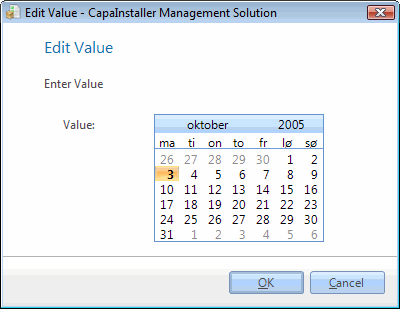 |