

iOS Wallpaper Profile
With this profile, you can set wallpaper on Home screen, Lock Screen or both. If you want a different wallpaper, you need to create a profile for each of them.
Step-by-step Guide
This guide describes how to create the profile, import in the console and link it to a device
| 1 | Logon https://mdm.capaone.com |
| 2 | Select Profiles and click Create Profile 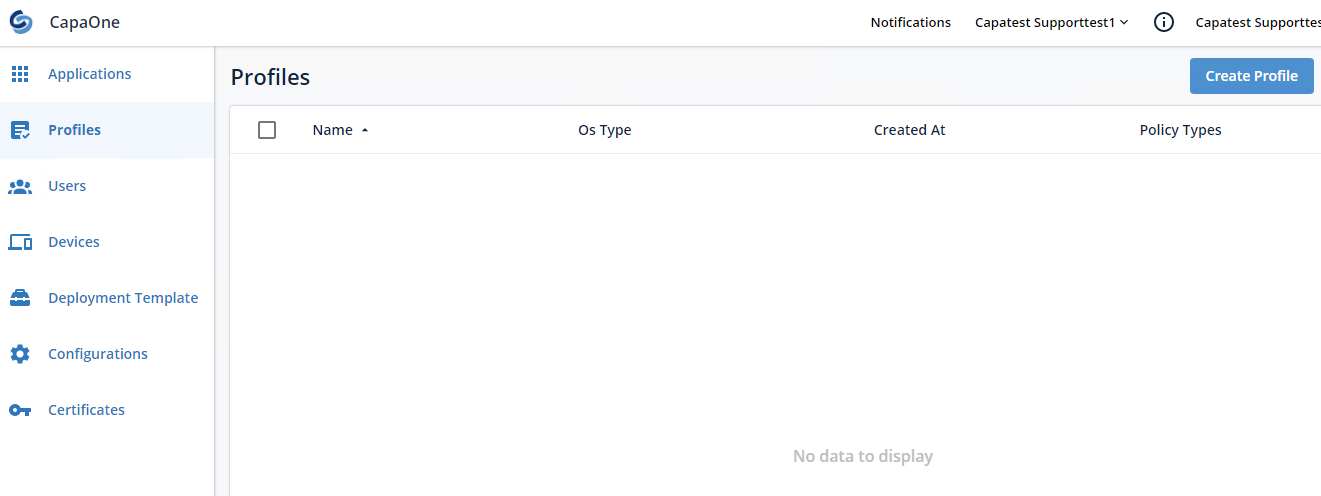 |
| 3 | Click in the Policies filed and select WallPaper Policy 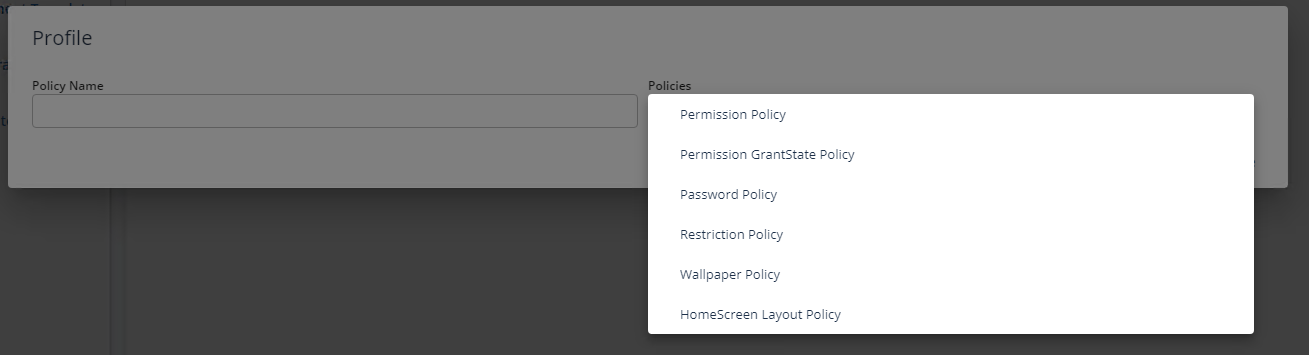 Click in the Supported Platforms fields and select iOS Click in the Supported Platforms fields and select iOS  |
| 4 | Click Placement and select the wanted placement 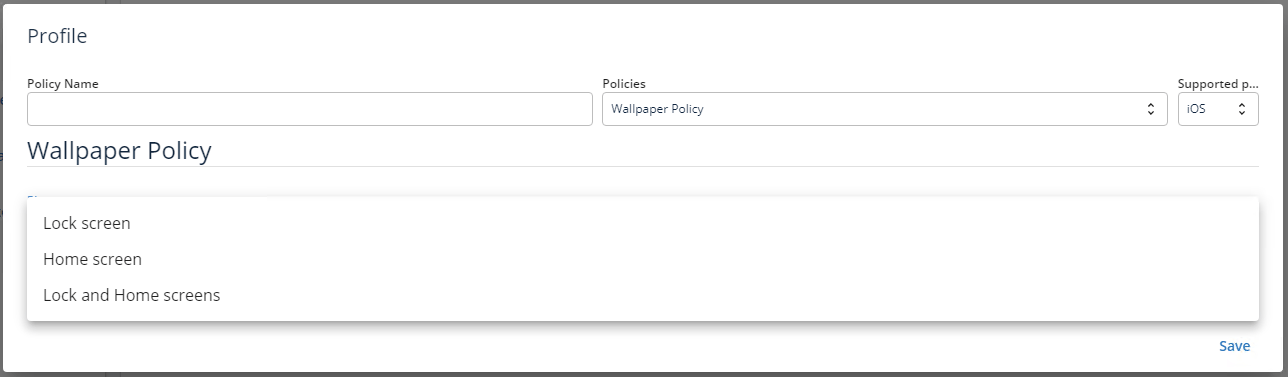 |
| 5 | Click on Choose File 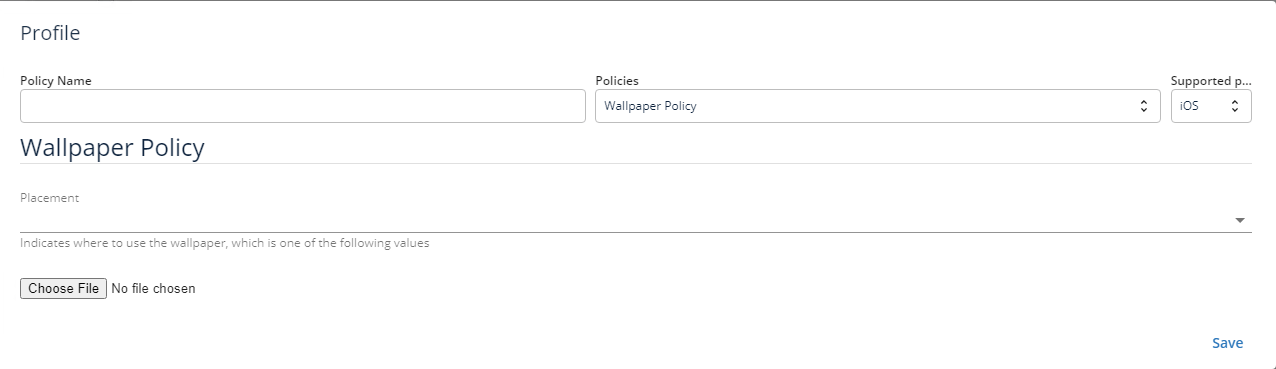 |
| 6 | Browse to and select file. Name the profile and click Save 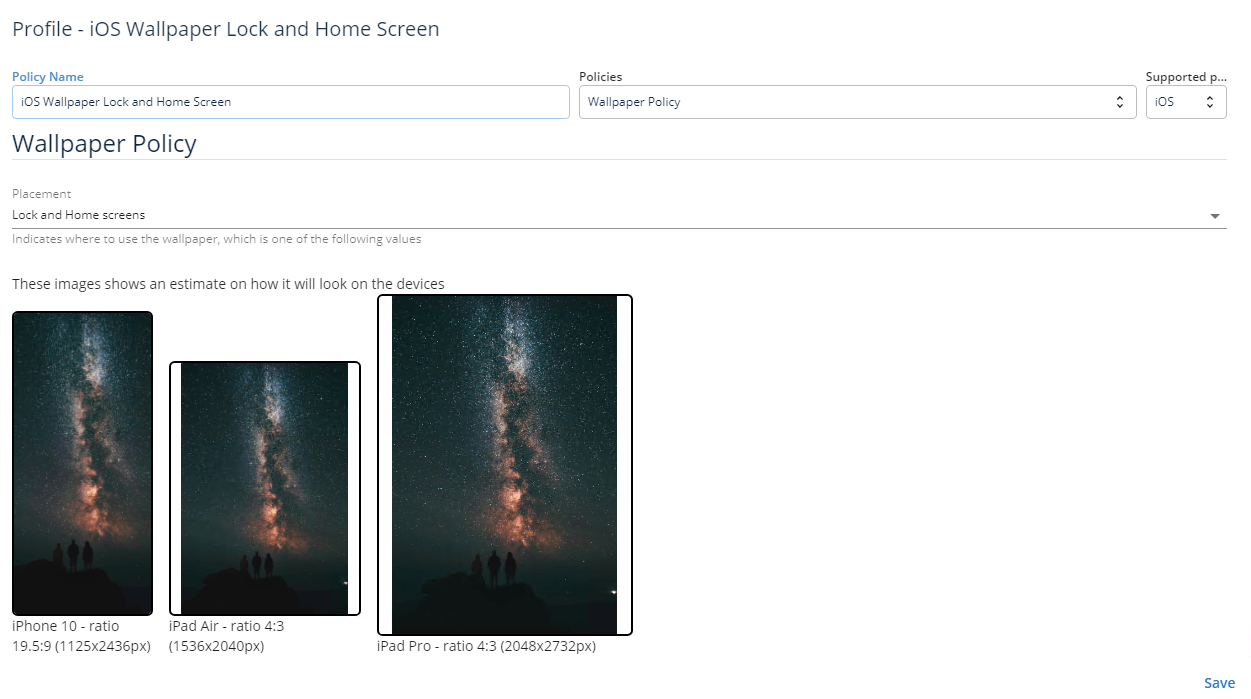 |
| 7 |