Create a Package using Package Creator
CIPC offers a graphical interface for step-by-step package design. The following procedure can be used to create a package ready for testing.
| Step | Action |
| 1 | Click New  |
| 2 | Select the template that matches the installation technology used by the application that has to be installed 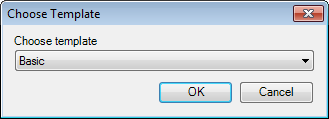 |
| 3 | Define values in the tree view 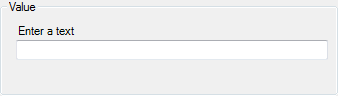 |
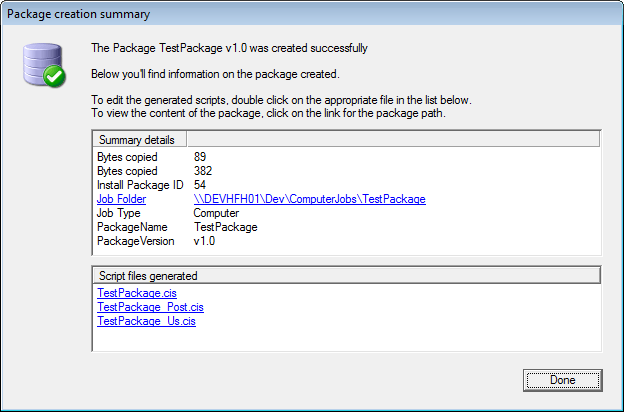
| 4 | Generate the package. The created package contains the application, the install script, Uninstall scripts, and user configuration based on the choices made in the tree view  |
| 5 | Customize the script(s) as needed |
The Package creation summary window is displayed when a package has been generated.