

Department groups
Department groups are created manually and membership is based on the manual adding and removing of specific units. Department groups can only hold computers. You will usually use Department groups to collect units because these can easily be shown in the reporter
Properties
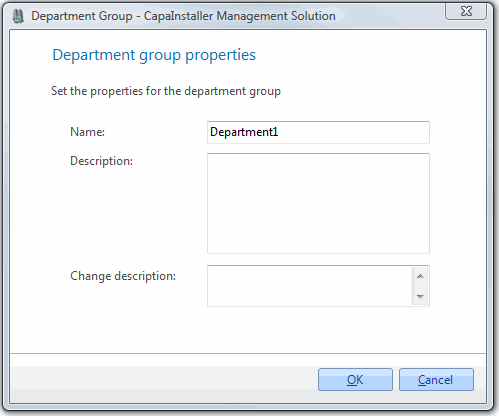
| Element | Description |
| Name | Name of the group |
| Description | Description of the group. |
| Change description | A custom comment that will be added to the changelog. |
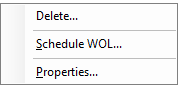
Right-clicking on a department group gives you the following options:
| Element | Description |
| Delete a group | Opens the delete group form. |
| Scheduling | Opens the schedule form for the group. Will Schedule a Wake On Lan for the units in the Group. |
| Properties | Shows the properties for the group. |
Icons
| Element | Description |
 |
Department Group. |
 |
Department Group with a WOL scheduled. |