

Create a new model
The following is a description of how to create a new model.
| Step | Action |
|---|---|
| 1 | Click File menu, click New and then Create new model. |
| 2 | Select your preferred method.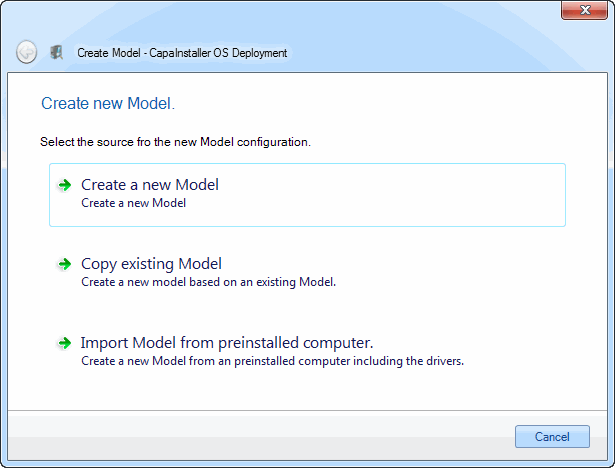 |
Create a model from scratch
Section titled “Create a model from scratch”| Step | Action |
|---|---|
| 1 | Enter name and SM BIOS tag for the new model.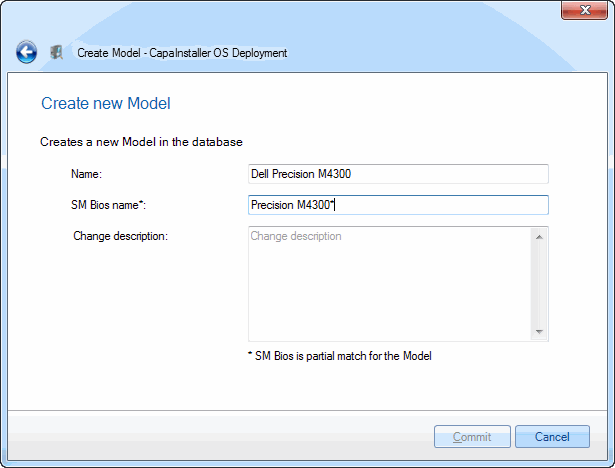 |
| 2 | Click Commit when done. |
Copy an existing model
Section titled “Copy an existing model”| Step | Action |
|---|---|
| 1 | Select the model to copy from.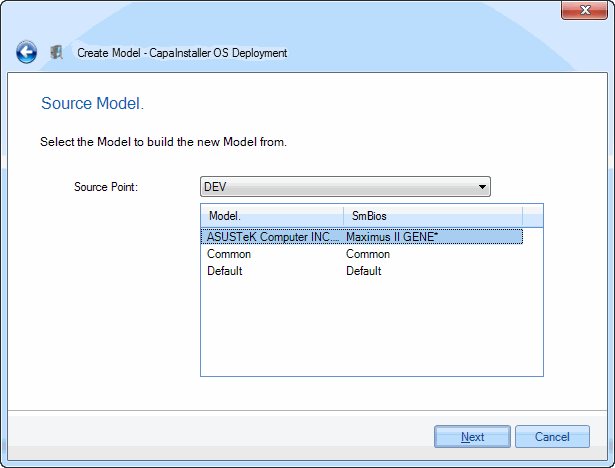 |
| 2 | Select drivers to be copied.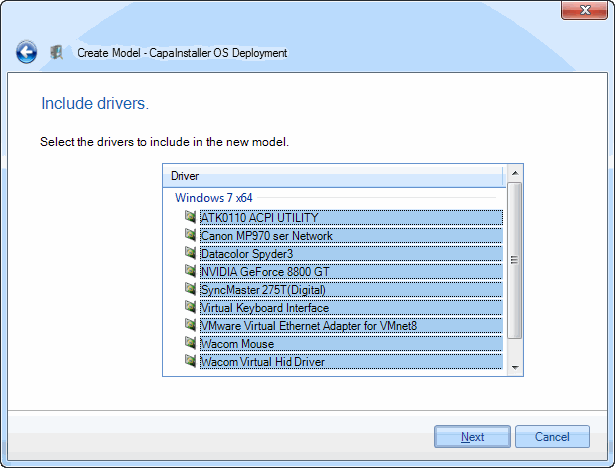 |
| 3 | Enter name and SM BIOS tag for the new model. |
| 4 | Click Commit when done. |
Import from an active machine
Section titled “Import from an active machine”| Step | Action |
|---|---|
| 1 | Enter name and SM BIOS tag for the new model.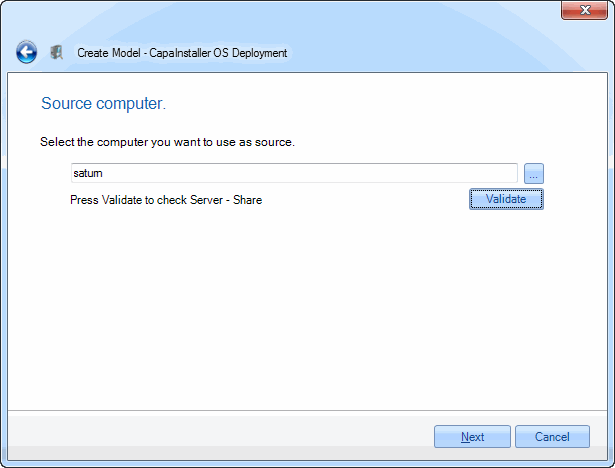 |
| 2 | Select the drivers to be included.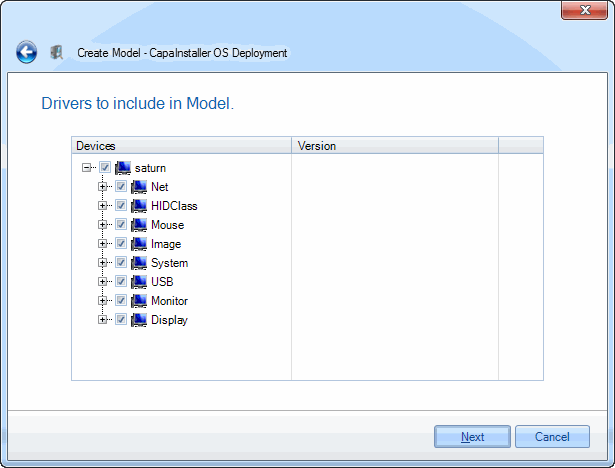 |
| 3 | Enter name and SM BIOS tag for the new model. |
| 4 | Click Commit when done. |