

Delete a group
The following is a description of how to delete a group in Configuration Management.
| Step | Action |
| 1 | Right-click on a group and click the delete group. |
| 2 | This form will open: 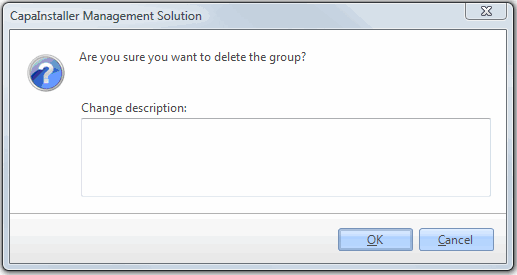 |
| 3 | Type a change description and click OK to delete the group. |