

Start a synchronization right now
Introduction
Section titled “Introduction”On a CapaInstaller Management Server, You can start a synchronization immediately, if you have some urgent changes that you want to propagate.
| Step | Action |
| 1 | Right-click on the Management Server, and choose the menu item Update Now. 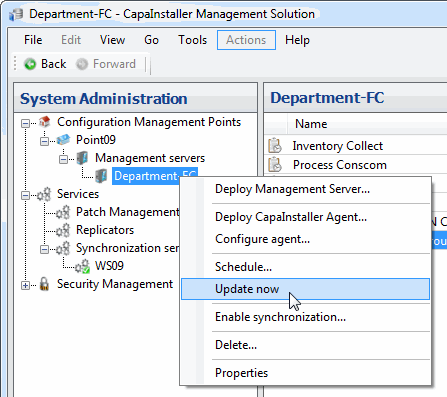 |
| 2 | CapaInstaller then inserts the entries required by the Synchronization Service into the SQL server. The management will then start the synchronization. 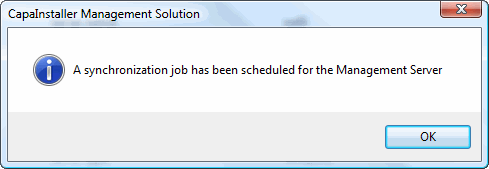 |
| If you want to… | You can… |
| Scheduling | Right-click on the CapaInstaller Management Server or CapaInstaller management point and select the menu item ‘Schedule…’. |