CapaDrivers v1.6 - PreDriverCopyScript
CapaDrivers v1.6 released on May 16, 2023
PreDriverCopyScript
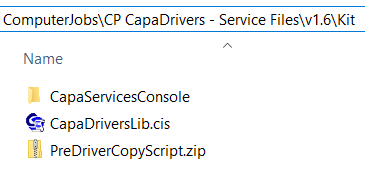
Section titled “PreDriverCopyScript”The PreDriverCopyScript is placed in the Kit folder of the “CP CapaDrivers - Service Files” package.
Importing the PreDriverCopyScript
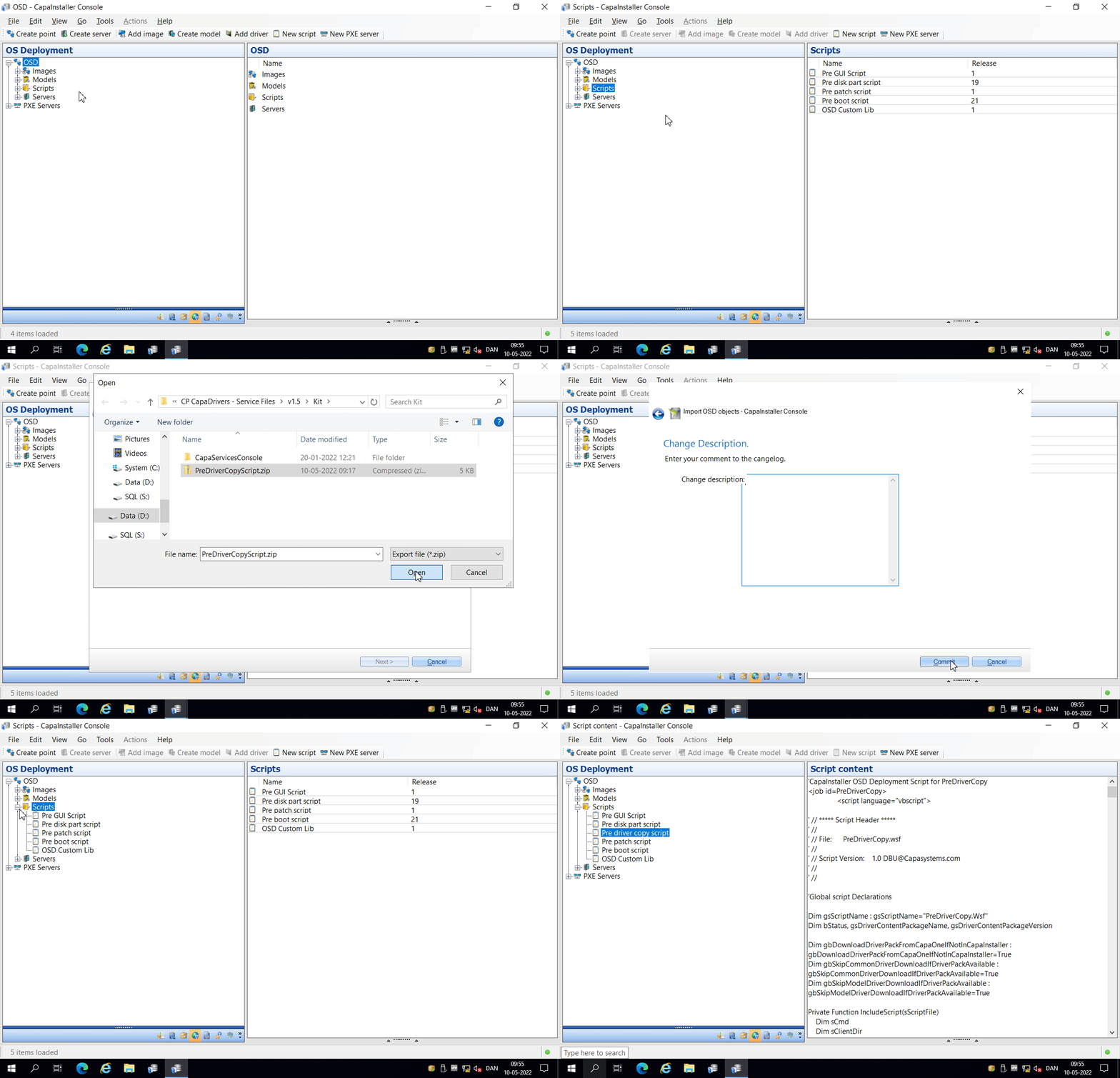
Section titled “Importing the PreDriverCopyScript”If you don’t have a PreDriverCopyScript, you can import the PreDriverCopyScript.zip file using the CapaInstaller Console.
If you already have a PreDriverCopyScript, without modifications, you can delete the existing PreDriverCopyScript and import the new.
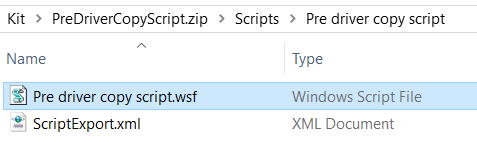
If you already have a PreDriverCopyScript, with modifications, you must unzip the PreDriverCopyScript.zip file and copy the relevant functions from the extracted PreDriverCopyScript.wsf file to the existing PreDriverCopyScript file.
💡 We recommend using the CapaInstaller Console as entry point when editing OSD scripts.
Installing PowerShell in Windows PE
Section titled “Installing PowerShell in Windows PE”The PreDriverCopyScript requires PowerShell and the WinPE-PowerShell component must be included when building the boot.wim file.
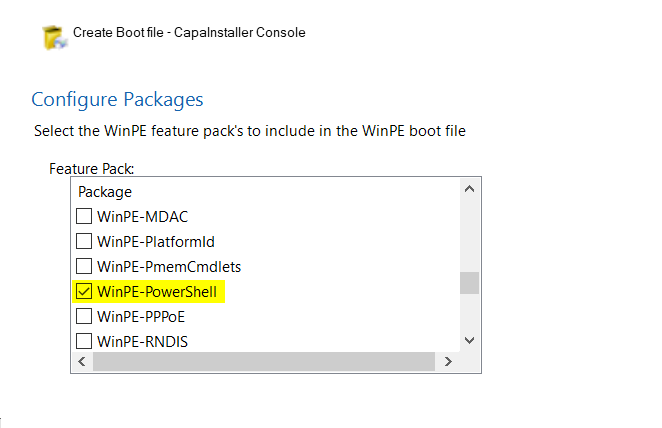
💡 In CapaInstaller 6.5 and newer, the WinPE-PowerShell component is automatically included when building the boot.wim file.
Prompts
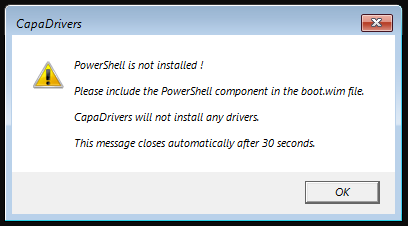
Section titled “Prompts”A warning prompt will be presented during image deployment, if PowerShell is not installed in Windows PE.
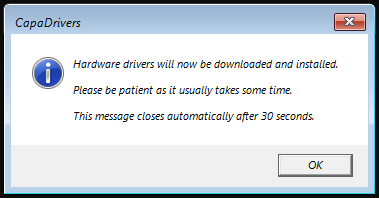
An information prompt will be presented during image deployment, if CapaDrivers detects a matching driver pack.