

How to add NIC to boot.wim
| Step | To do |
|---|---|
| 1 | First, in your CI-Console, go in to your OSD, and right click your OSD-Point, expand “Boot image”, and click “Create boot file…”: 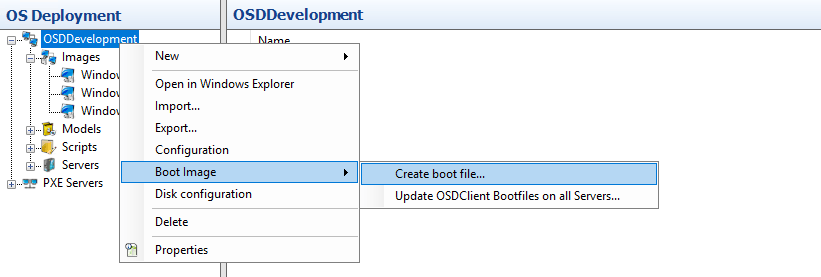 |
| 2 | Choose “Create Boot Image for 64-bit UEFI systems”: 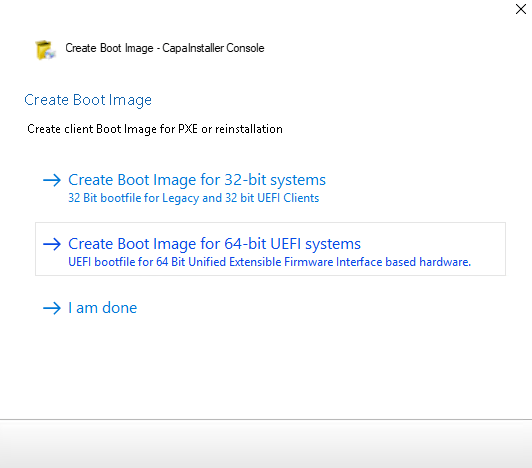 |
| 3 | To do this, you need to have an ADK-installation and Windows PE: OSD - Installation of Windows ADK and WINPE If you have it you can just click “next”: 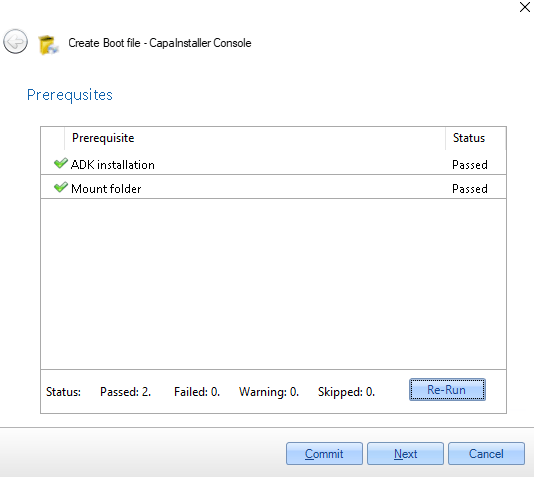 |
| 4 | You have to click the required packs off, and click “Next”: 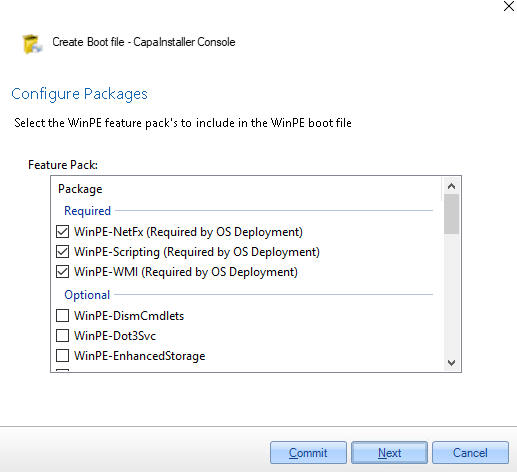 (THE OTHER PACKAGES ARE OPTIONAL) |
| 5 | In this page, click “Add”, and add the driveres you need to add to your boot.wim, and click next: 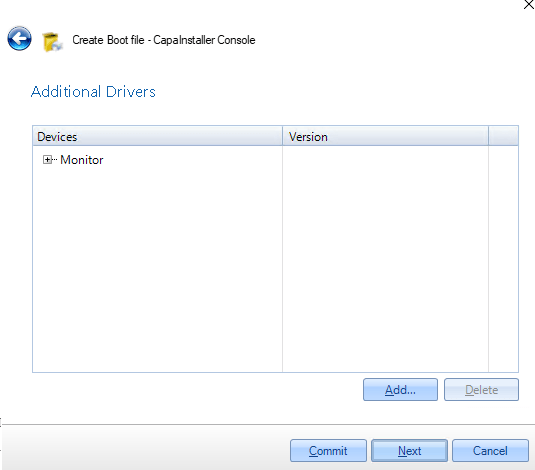 |
| 6 | Click “Next”: 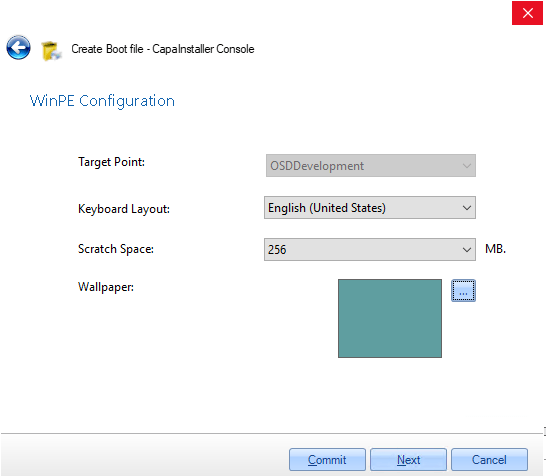 |
| 7 | Click “Commit”: 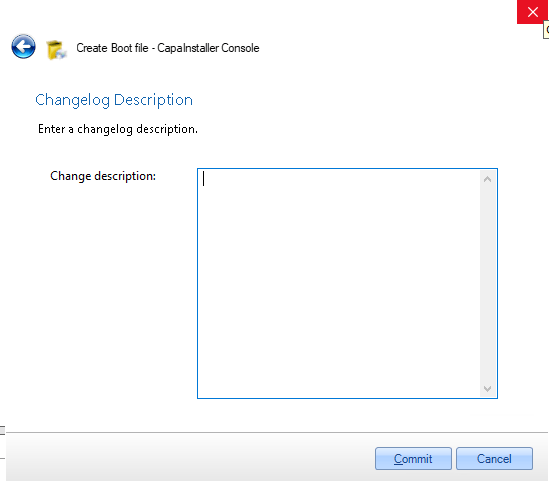 |
| 8 | Wait for the installation to be done: 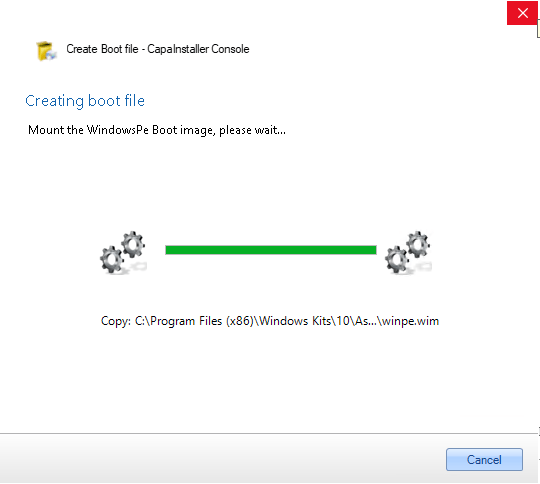 |
| 9 | Click “I am done” and now you have addet NIC to you boot.wim: 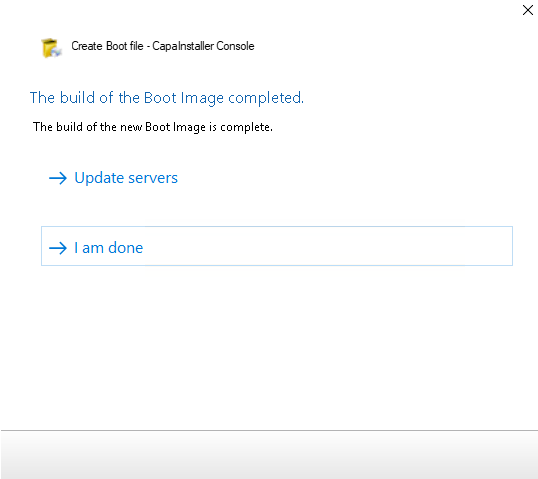 |
Related
Section titled “Related”- How to Add a NIC Driver to boot.wim for PXE Boot Failures — detailed troubleshooting: driver sources, ADK version issues, and redistributing the boot image to all OSD servers.