

Detail view
The detail view is used to display properties and other related information about the node is selected in the tree view.
This information will vary depending on the type of node.
The information is divided into tabs, these are described below.
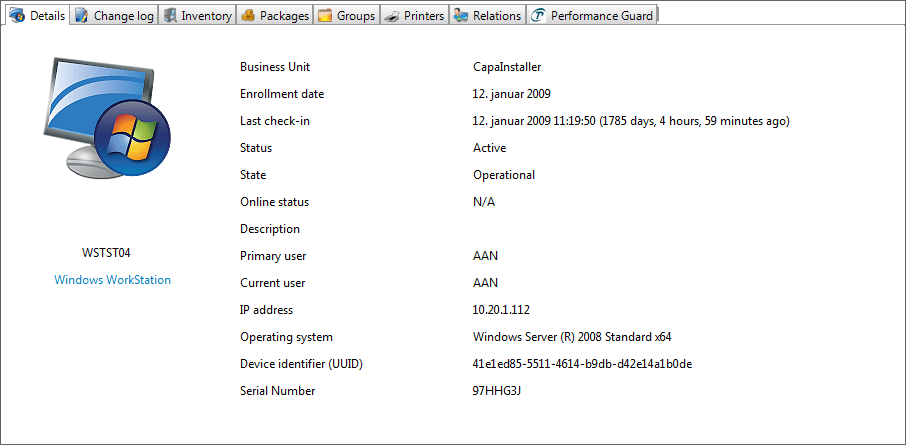
Right-click on the info you want to copy to the clipboard
| Tab | Description |
| Details | These is the details of the device selected in the tree view. |
| Change log | This is the changelog for the device selected in the tree view. Every change done to the device will be visible from here. |
| Inventory | Inventory is divided into 5 different categories. Hardware, Software, Updates, Logon, and Custom. Inventory Management to learn more about the 5 different types of inventory. |
| Packages | View which packages is installed on a specific computer and the status and last run date on the packages. |
| Groups | View the groups an asset is a member of. |
| Printers | View the Share name of a printer, the printer name, and location. |
| Relations | View any relation to any other Asset. |
| Performance Guard | View data of the Utilization Index |
| Update approval | Displays the status of the selected update on the different Patch Management groups. |