

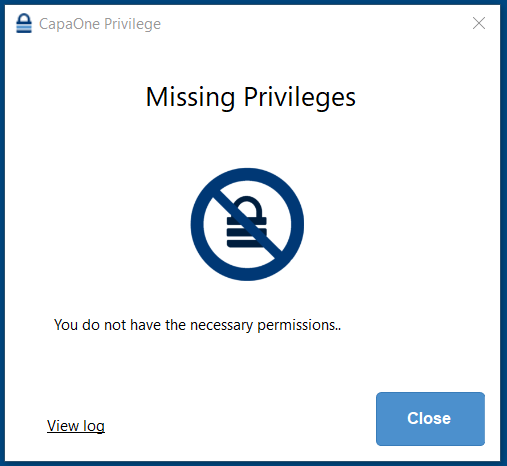
Missing Privileges
Problem
Section titled “Problem”You have created a process elevation rule and linked the configuration to the endpoint, but still get errors.
Solution
Section titled “Solution”-
Use a Validation Method:
- Navigate to the Validation section within the Privileges Configuration.
- Select and utilize one of the available validation methods.
-
Verify Endpoint Configuration:
- Ensure that the Endpoint has a Configuration assigned.
- Confirm that the assigned configuration is marked with a green checkmark.
-
Instruct User to Refresh Session:
-
If the configuration is assigned and shows a green checkmark, ask the user to:
- Log out of their account.
- Log back in to apply the changes.
-