Windows Enrollment with SCCM
You can deploy the CapaOne Agent from Microsoft SCCM in four steps.
Deploy the CapaOne Agent
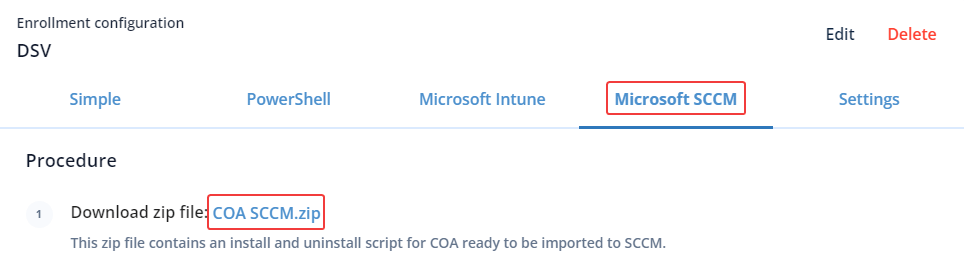
Section titled “Deploy the CapaOne Agent”- Download and extract the COA SCCM.zip from CapaOne Enrollment.
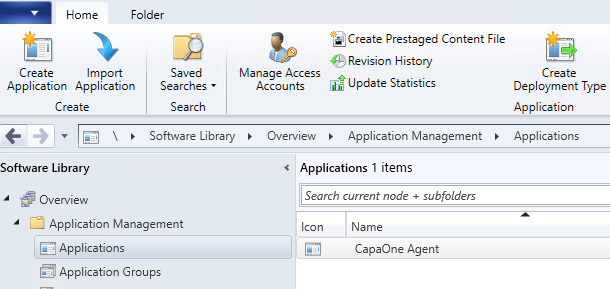
- Import the extracted contents as an Application in SCCM.
-
Create a collection containing the endpoints that should have the CapaOne Agent installed.
-
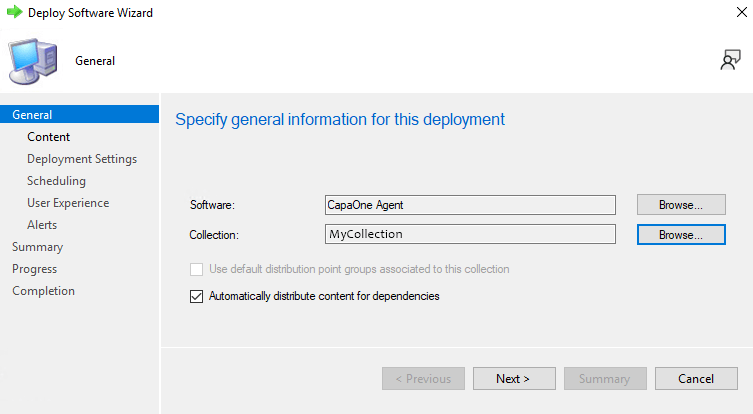
Deploy the Application to the Collection.