

Event Log
Experience Monitor’s Event Log provides visibility into system and application events collected from endpoints across the organization. It enables administrators to investigate reliability issues, identify recurring errors, and analyze event patterns affecting endpoint stability.
Event bar chart
Section titled “Event bar chart”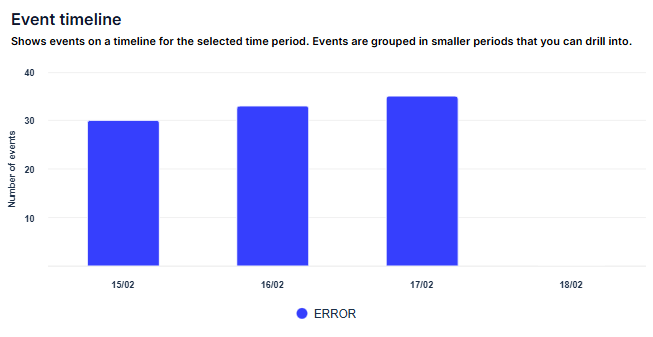
The Event Bar Chart provides a time-based overview of event distribution.
Each bar represents the number of events recorded for the selected severity level:
- Critical
- Error
- Warning
Hovering over a bar displays:
- Time Period – The selected time interval
- Event Count – The number of events recorded during that period
- Affected Devices – The number of endpoints impacted
Clicking a bar drills down and filters results to the selected time range for deeper analysis.
Event sources
Section titled “Event sources”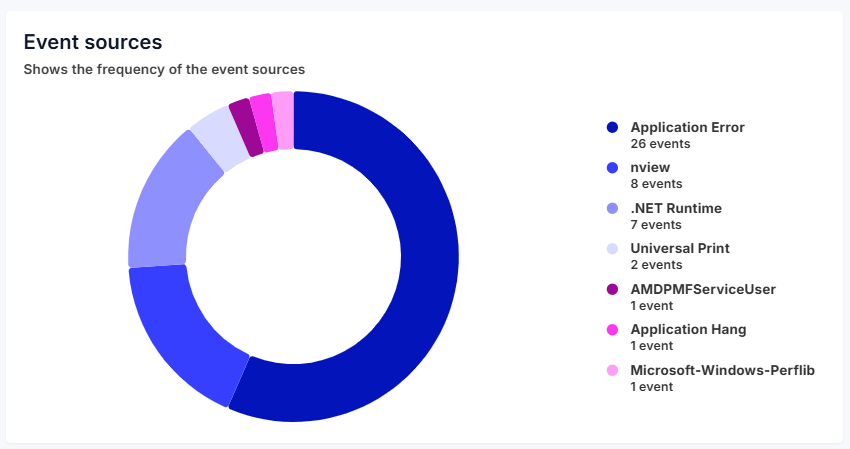
When drilling down into a specific time period or application, the Event Sources pie chart displays the distribution of events by source.
The chart shows how much each source contributes to the total event volume. Selecting a source filters the results accordingly, allowing focused troubleshooting.
Event list
Section titled “Event list”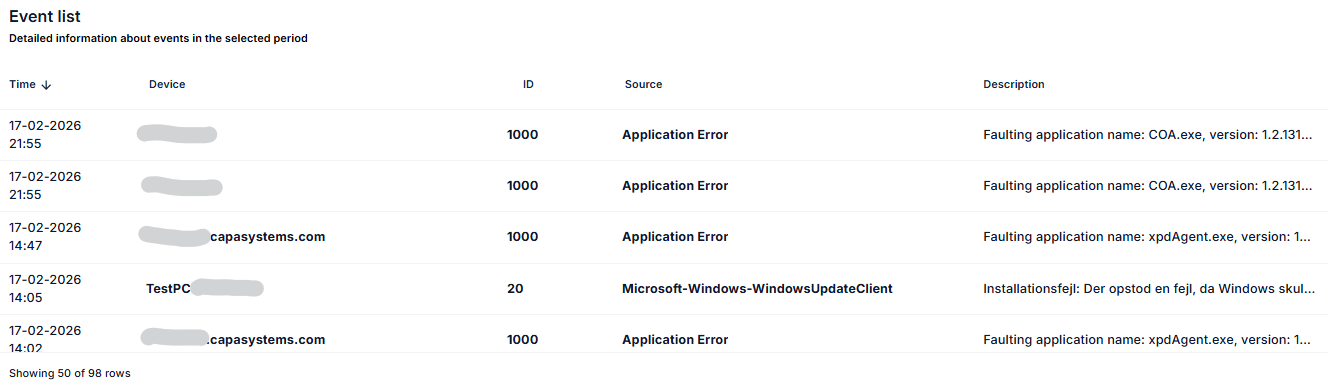
The Event List displays all logged events based on the selected filters and severity.
Each entry includes:
- Time – When the event was logged
- Device – The endpoint where the event occurred
- Event ID – The unique identifier of the event
- Source – The application or system component generating the event
- Description – Detailed event information
Severity selector
Section titled “Severity selector”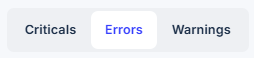
The Severity Selector allows you to switch between:
- Critical
- Error
- Warning
This enables quick prioritization and focused analysis of the most impactful issues.
Filters
Section titled “Filters”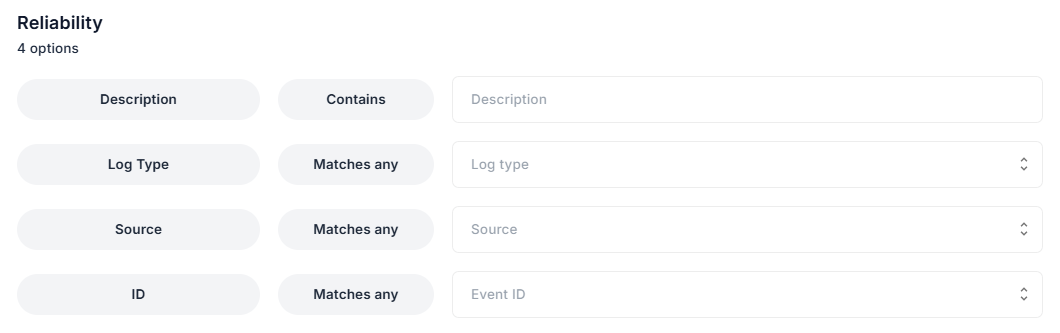
Advanced filtering options allow you to narrow results to the most relevant events.
Click the filter icon in the upper-right corner to access filtering options, including:
- Description – Full-text search based on the event description
- Log Type – Filter by Application or System events
- Source – Filter by event source
- Event ID – Filter by specific event IDs
You can also filter directly by selecting a device from the Agent Severity list or by clicking a severity category.
Time period
Section titled “Time period”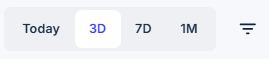
Use the time selector in the upper-right corner to define the reporting range:
- Today
- Last Three Days
- Last Seven Days
- Last Month
This allows administrators to analyze event activity across different time intervals and identify reliability trends.