

View and edit your profile
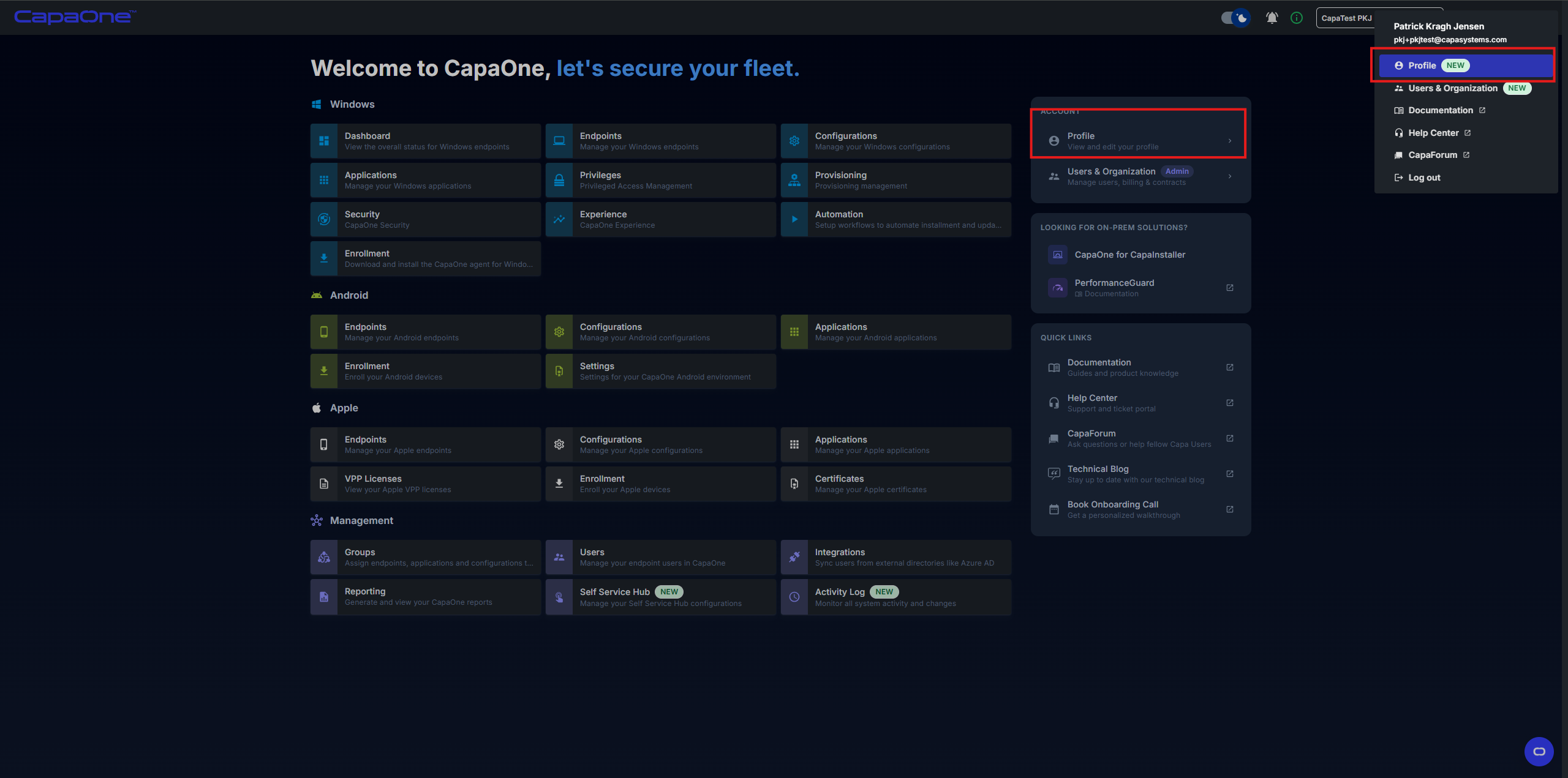
Your profile page shows your account details and the contracts associated with your organization. You can access it from the top-right menu by clicking your name and selecting Profile — located above Users & Organization.
Profile overview
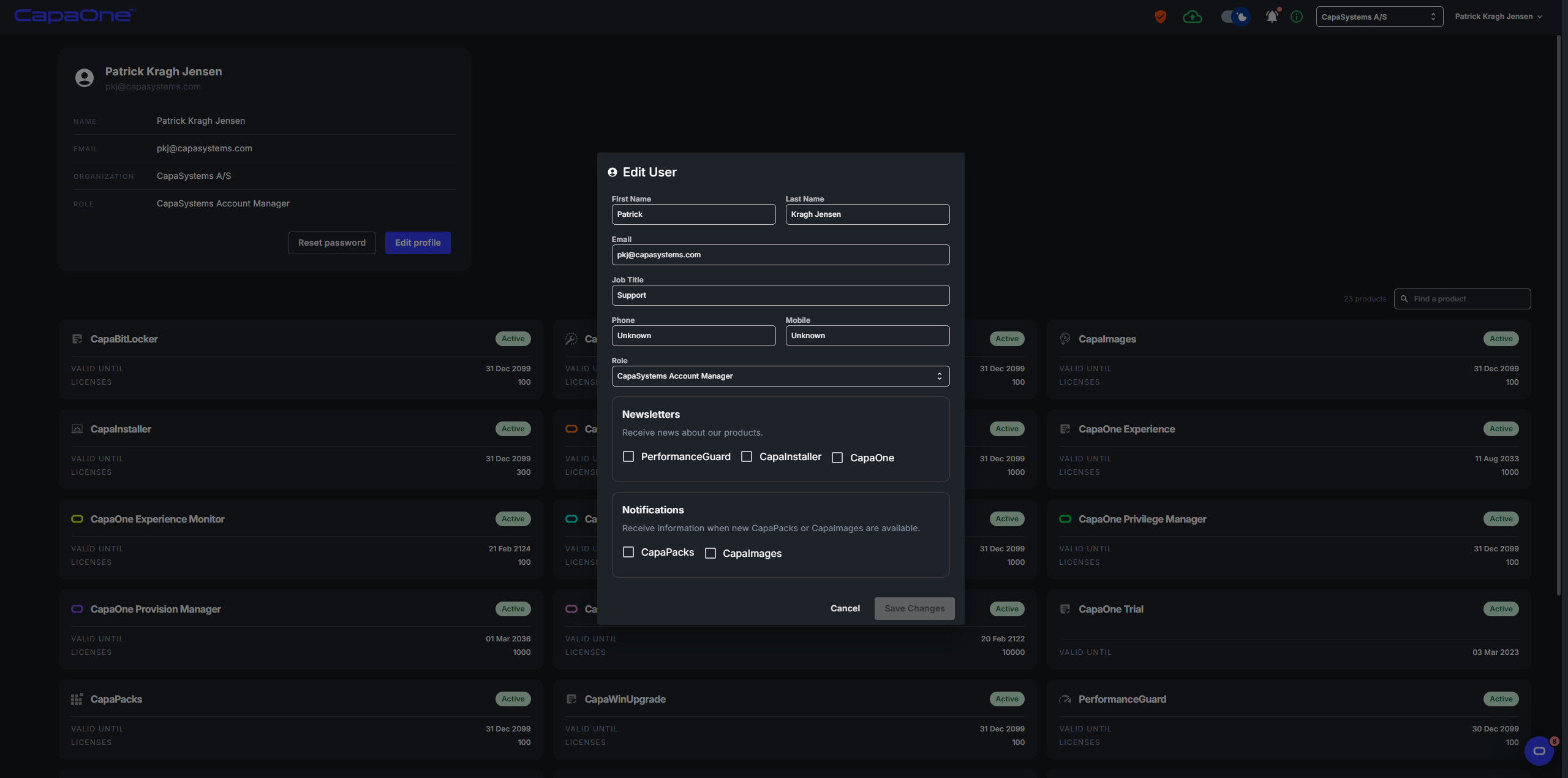
Section titled “Profile overview”The profile page displays your current account information:
- Name
- Organization
- Role
Below your details, all contracts tied to your organization are listed, showing the validity and number of licenses for each.
Edit your profile
Section titled “Edit your profile”Click Edit to open the Edit User dialog, where you can update the following fields:
- First Name and Last Name
- Job Title
- Phone and Mobile
- Role
Newsletters
Section titled “Newsletters”Subscribe or unsubscribe from product newsletters for PerformanceGuard, CapaInstaller, and CapaOne.
Notifications
Section titled “Notifications”Opt in or out of notifications for when new CapaPacks or CapaImages are available.
Click Save Changes to apply your updates.
Reset your password
Section titled “Reset your password”Click Reset Password on the profile page to trigger a password reset for your account.