Apple DEP Integration
Integrate Apple DEP
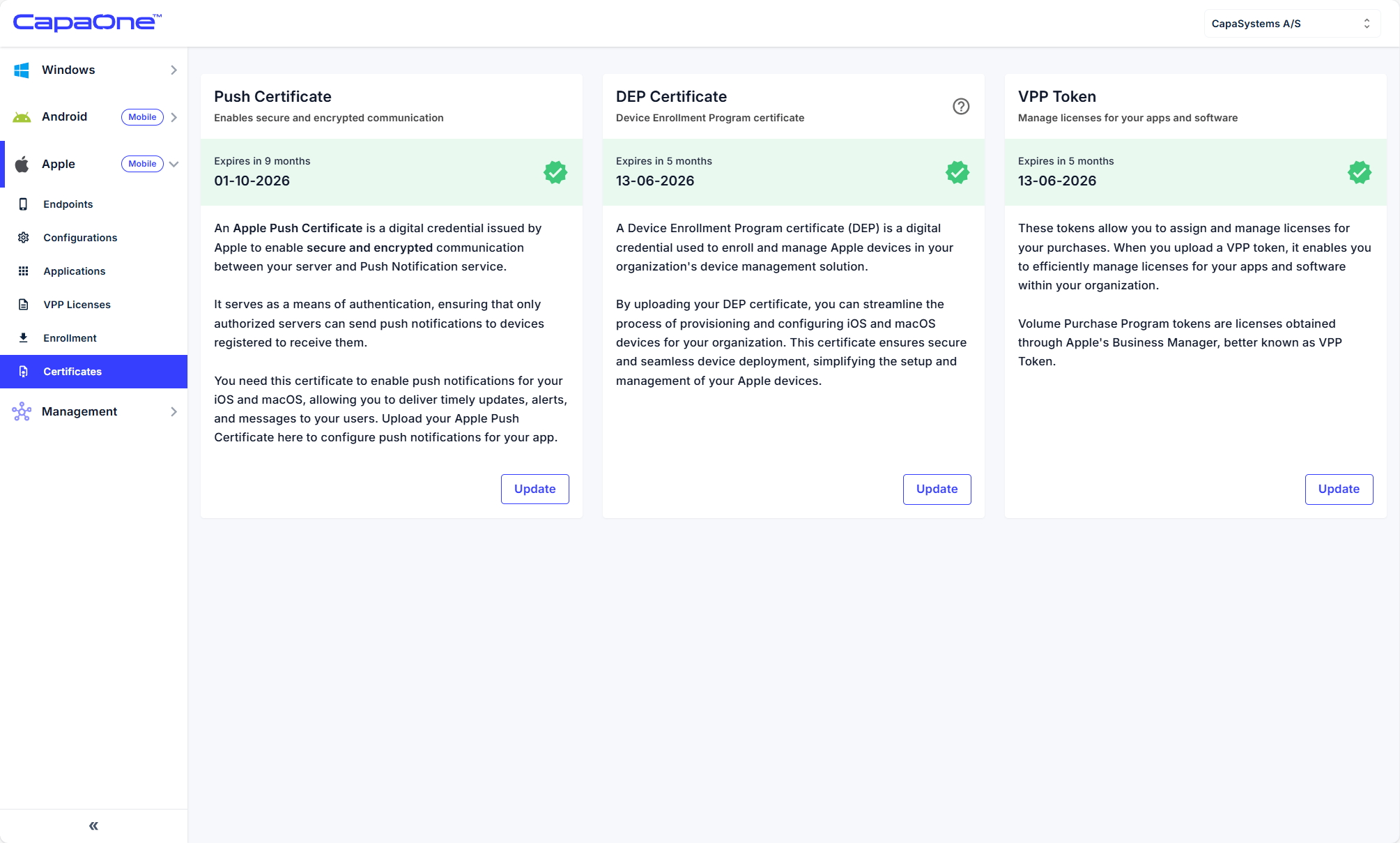
Section titled “Integrate Apple DEP”- In CapaOne, go to Apple → Certificates → DEP Certificate → Update.
- Download the Public Key.
- In ABM, go to Settings → MDM Servers → Add MDM Server.
- Upload server token and name the server (e.g., CapaOne MDM).
- Download the ABM server token (.p7m).
- Upload token into CapaOne → Select DEP Token → Upload.
CapaOne is now linked with ABM.
If you are renewing a DEP Certificate to an already existing CapaOne ABM device server, then you do not need to do step 2, 3 and 4. There you just need to find your current device server and download a new ABM server token (.p7m). which you can upload to CapaOne to update.
Assign devices to CapaOne MDM
Section titled “Assign devices to CapaOne MDM”You can now assign devices to CapaOne MDM in ABM.
- In ABM, go to Devices.
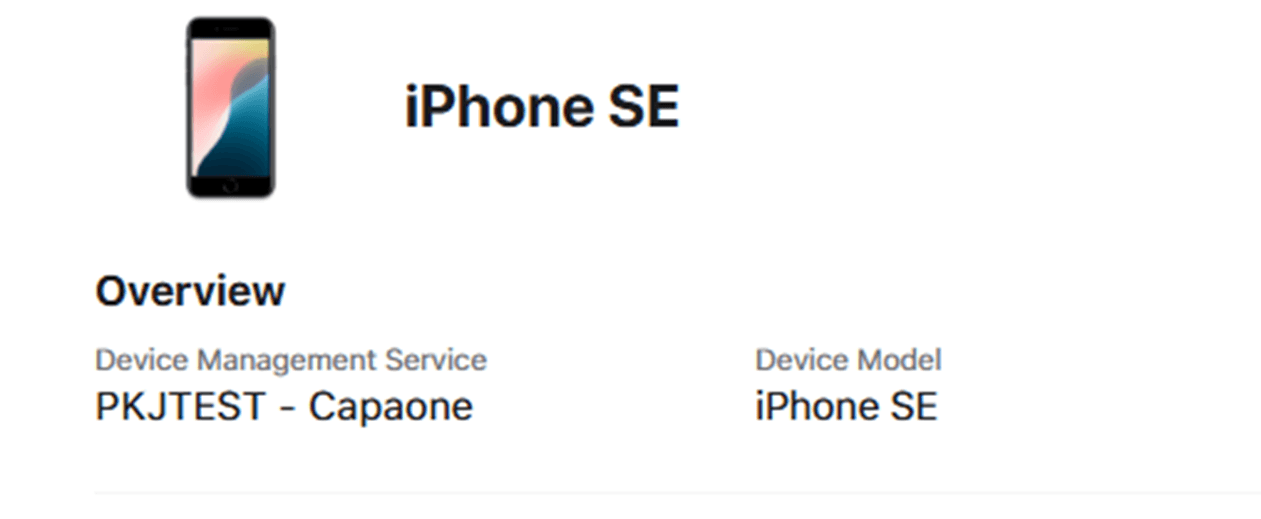
- Select devices → Assign Device Management → assign to CapaOne MDM server.
Devices now automatically DEP enroll to CapaOne when activated or reset.