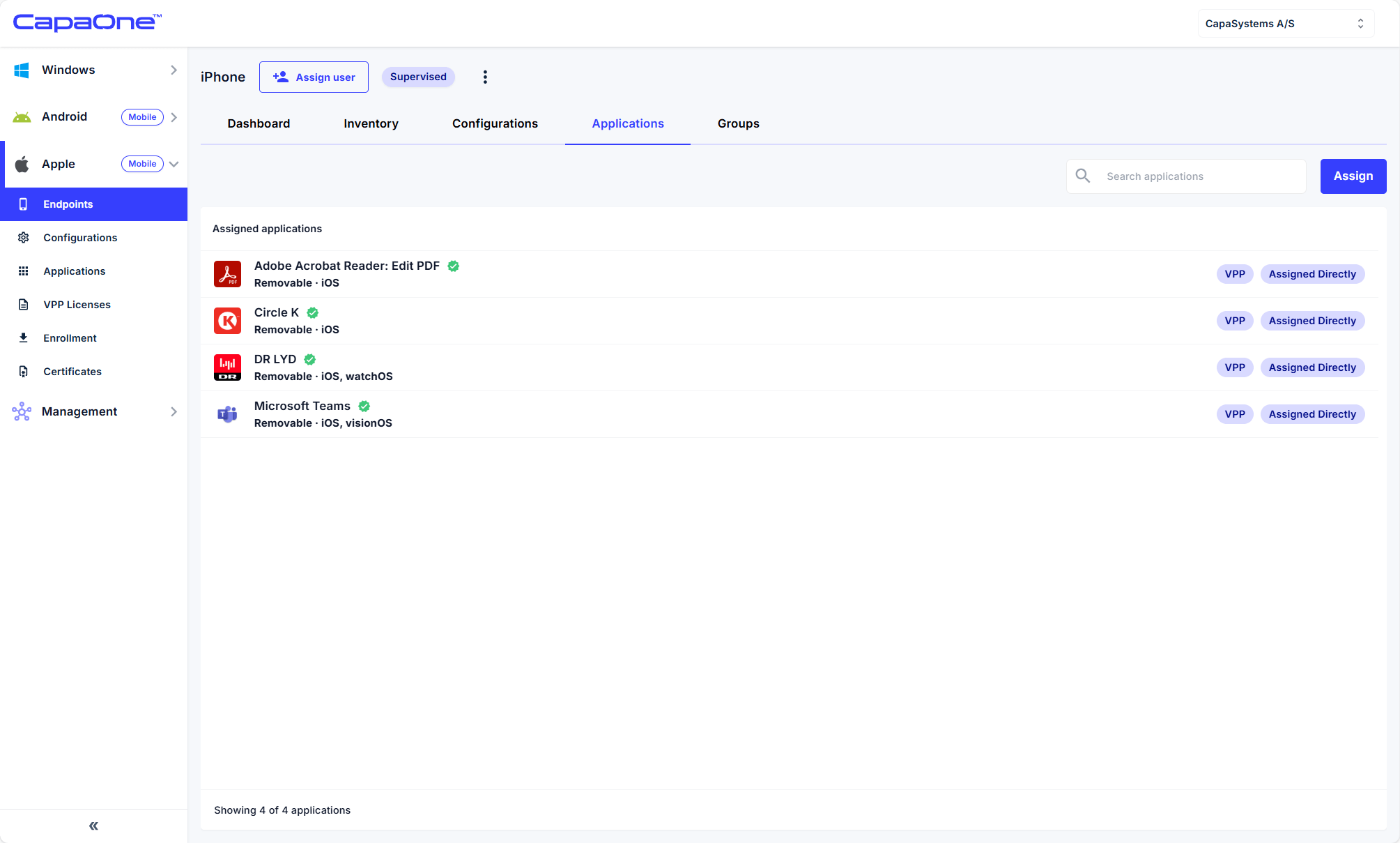
Apple VPP Integration
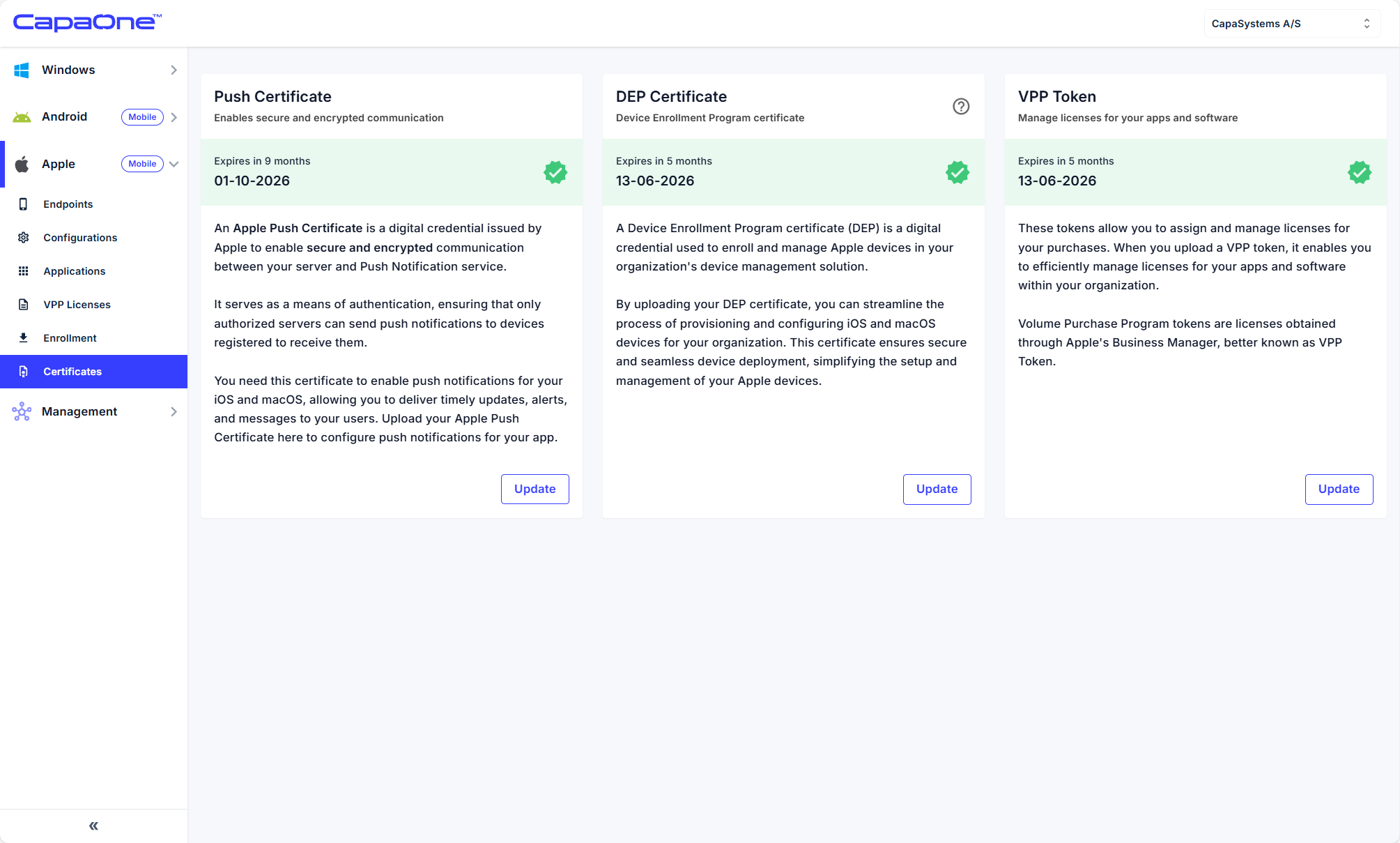
Integrate Apple VPP
Section titled “Integrate Apple VPP”- In CapaOne, go to Apple → Certificates → VPP Token → Update.
- In ABM → Preferences → Payment and Billing, download content token (.vpptoken).
- Upload token into CapaOne.
VPP is now linked.
Purchase VPP apps
Section titled “Purchase VPP apps”- In ABM, go to Apps and Books.
- Search and purchase apps (free or paid).
- Assign licenses to organization location.
Assign VPP licenses
Section titled “Assign VPP licenses”- In CapaOne, go to Apple → VPP Licenses → Click on the settings of one of the VPP licensed Apps and click Create application.
- Select the app and assign to the group we created earlier, it can also be assigned directly to devices.
App is delivered to device.