

Apple Re-enrollment — Keep Profiles and Apps
Re-enrolling iPad/iPhone steps
Section titled “Re-enrolling iPad/iPhone steps”- Open the settings app on the iPad/iPhone
- Go to General -> Transfer or reset iPhone/iPad
- Tap the erase all content and settings
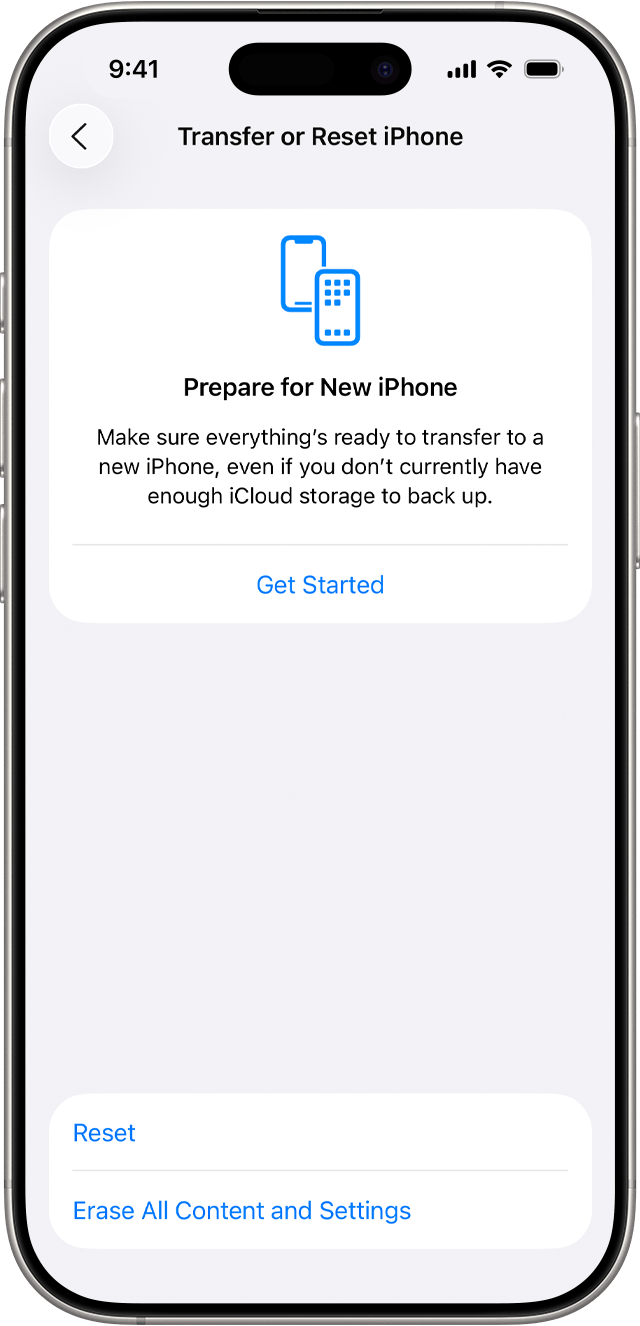
This will reset the iPhone/iPad. When you go through the enrollment process again, the device will be linked to the same Groups, Applications, and Configurations as before.