End-of-Life Information for Applications
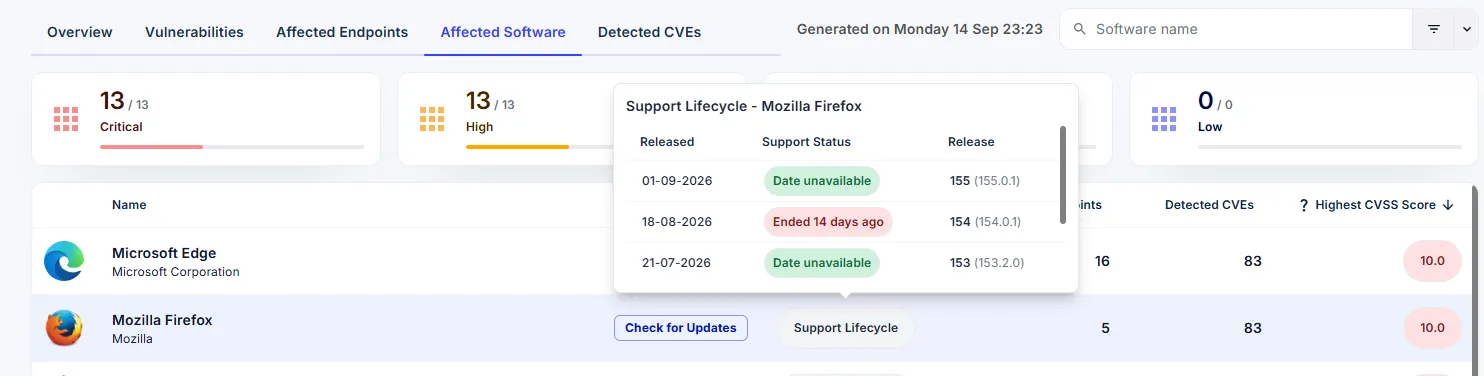
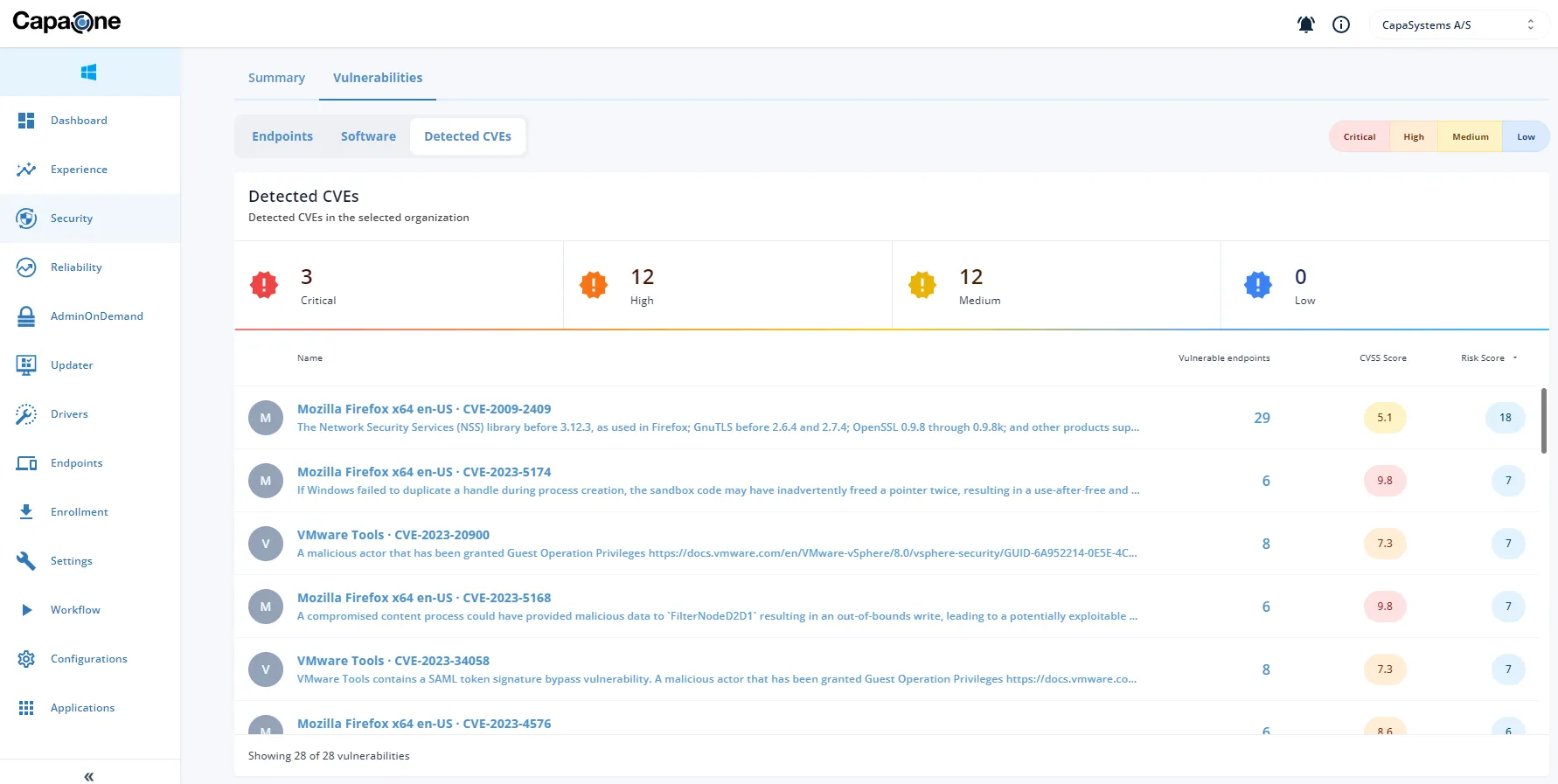
Software that has reached end of life stops receiving security updates. Every vulnerability found after that date stays open, and no patch is coming. Security Monitor now shows you where that applies in your own environment.
Open Affected Software and select Support Lifecycle on any application. You see each version installed on your endpoints, when it was released, and whether its support has ended.
For the security team, this answers three questions that used to mean checking vendor sites by hand:
- Which applications in our environment are past their support date?
- Is a fix still coming for this CVE, or is the version already end of life?
- What do we put in front of an auditor about our exposure?
Working in deployment? Pass this on to your security colleagues. End-of-life dates are the kind of thing they track by hand today, and this puts the answer next to the vulnerability data they already use.