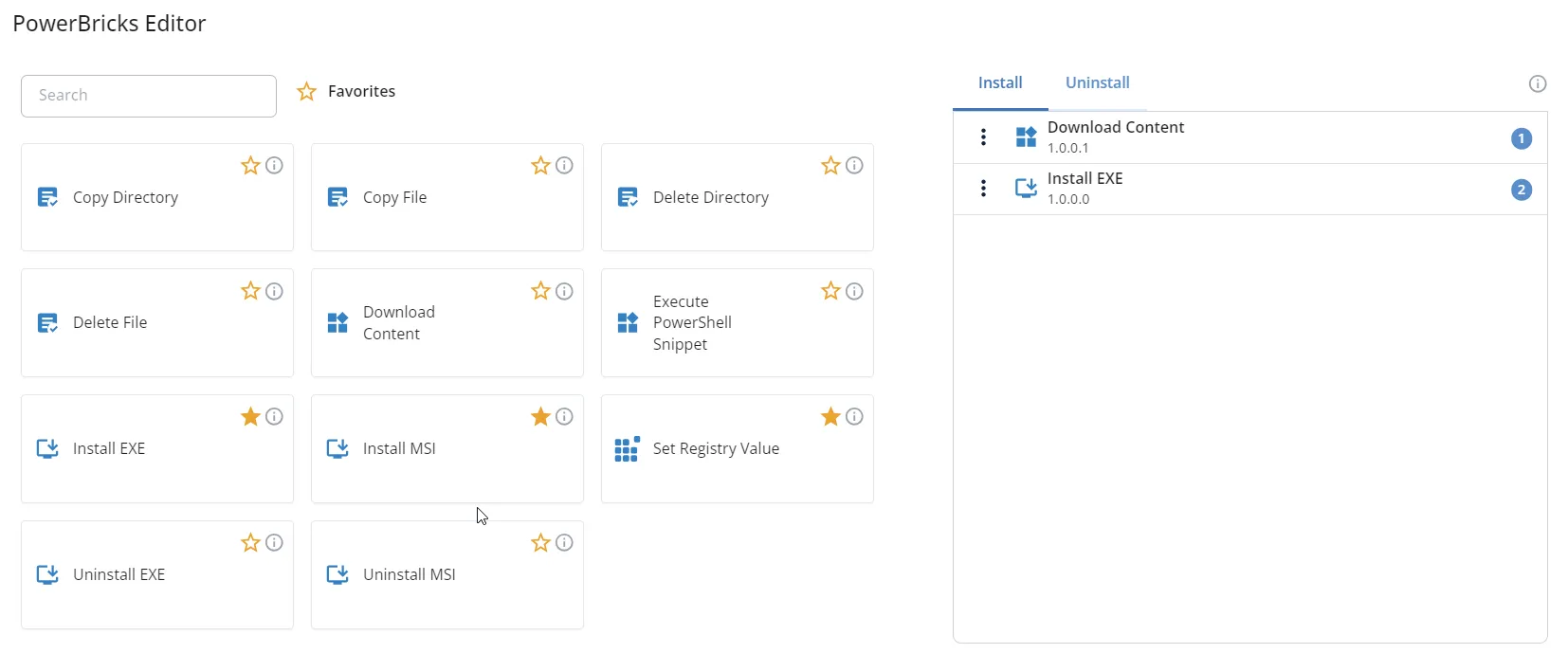
PowerBricks are the building blocks you snap together to automate a task without writing the script
yourself. This release adds 13 of them and updates 55 more.
Disk encryption is the headline of this release. Five new bricks cover the full lifecycle, so you
can turn BitLocker on during provisioning and keep it healthy afterwards:
- 🛡️ Configure BitLocker
- 🔑 Backup BitLocker Recovery Key
- ⏸️ Suspend BitLocker
- ▶️ Resume BitLocker
- 🚫 Disable BitLocker
⭐ Suspend and Resume are the pair you want around a firmware or BIOS update. Without them,
an encrypted disk meets the changed hardware and greets your user with a recovery prompt.
Chrome and Firefox now have the same add and remove bricks that Microsoft Edge already had:
- ➕ Add Google Chrome Extension
- ➖ Remove Google Chrome Extension
- ➕ Add Mozilla Firefox Extension
- ➖ Remove Mozilla Firefox Extension
Three bricks handle the regional settings that every new machine needs:
- 🗣️ Configure Windows Language
- ⌨️ Configure Windows Keyboard Layout
- 🕒 Configure Windows Time Zone
Local Group Remove All Except empties a local group but keeps the accounts you name. Point it at
the local Administrators group to strip out everything that drifted in over time, without locking
yourself out.
We rewrote the PowerShell behind 55 bricks for more reliable error handling and clearer log output.
⚠️ Two changes are visible in the interface:
- Install Microsoft365 is now named Install Microsoft 365, and takes updated parameters.
- The permission bricks — Set and Remove File, Directory, and Registry Permissions —
take updated parameters.
Review any app that uses those bricks the next time you edit it.
💡 Got an idea for the next PowerBrick? Let us know in the comments 👇