Skip to content

CustomApps

12 posts with the tag β€œCustomApps”

Improvements & Enhancements πŸ’‘

πŸŽ‰ 16 New PowerBricks Released!

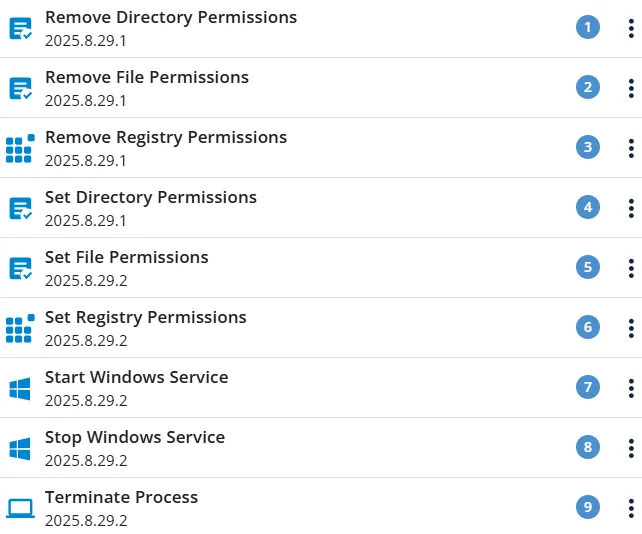
We’ve expanded the PowerBricks library with 16 new bricks, making it even easier to automate, configure, and standardize Windows endpoints.

πŸ“ Archive & File Handling

  • Extract Archive
  • Zip Directory

πŸ”€ Font Management

  • Install Font
  • Uninstall Font

☁️ Microsoft 365

  • Install Microsoft365

πŸ–₯️ Windows Configuration

  • Configure Power Settings
  • Configure Start Menu Layout
  • Windows Configure Right Click Menu
  • Windows Tray Icon Pin

πŸ‘€ Local User Management

  • Add User To Local Group
  • Change Local User Password
  • Create Local User
  • Delete Local User Account
  • Remove User From Local Group

πŸ”„ Windows Update

  • Configure Windows Update
  • Reset Windows Update

πŸš€ The new PowerBricks are ready to use and help save time, reduce manual work, and ensure more consistent endpoint configurations.
12 New PowerBricks

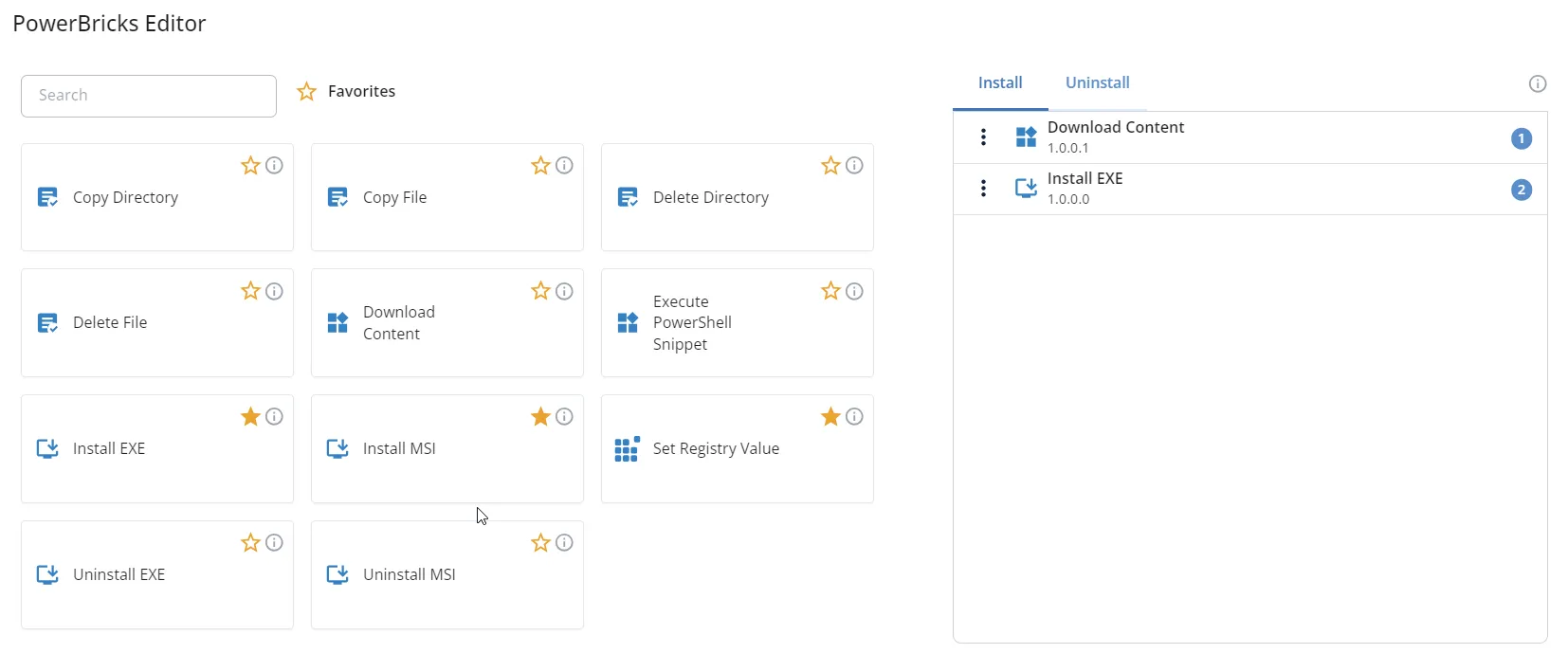
PowerBricks are the building blocks that unlock new possibilities β€” making development simpler and faster than ever. Say goodbye to complex coding and hello to a new era of effortless innovation.

Last week we released 12 new PowerBricks, making CustomApps even more powerful and efficient:

  • Install Driver
  • Install MSIX
  • Import Registry File
  • Install Windows Update
  • Uninstall Windows Update
  • Configure Windows Service
  • Add Microsoft Edge Extension
  • Register DLL
  • Update Windows Group Policy
  • Uninstall Program
  • Remove Microsoft Edge Extension
  • Unregister DLL

Got an idea for the next PowerBrick? Let us know in the comments πŸ‘‡

Dark mode and updated product names

Dark mode and updated product names

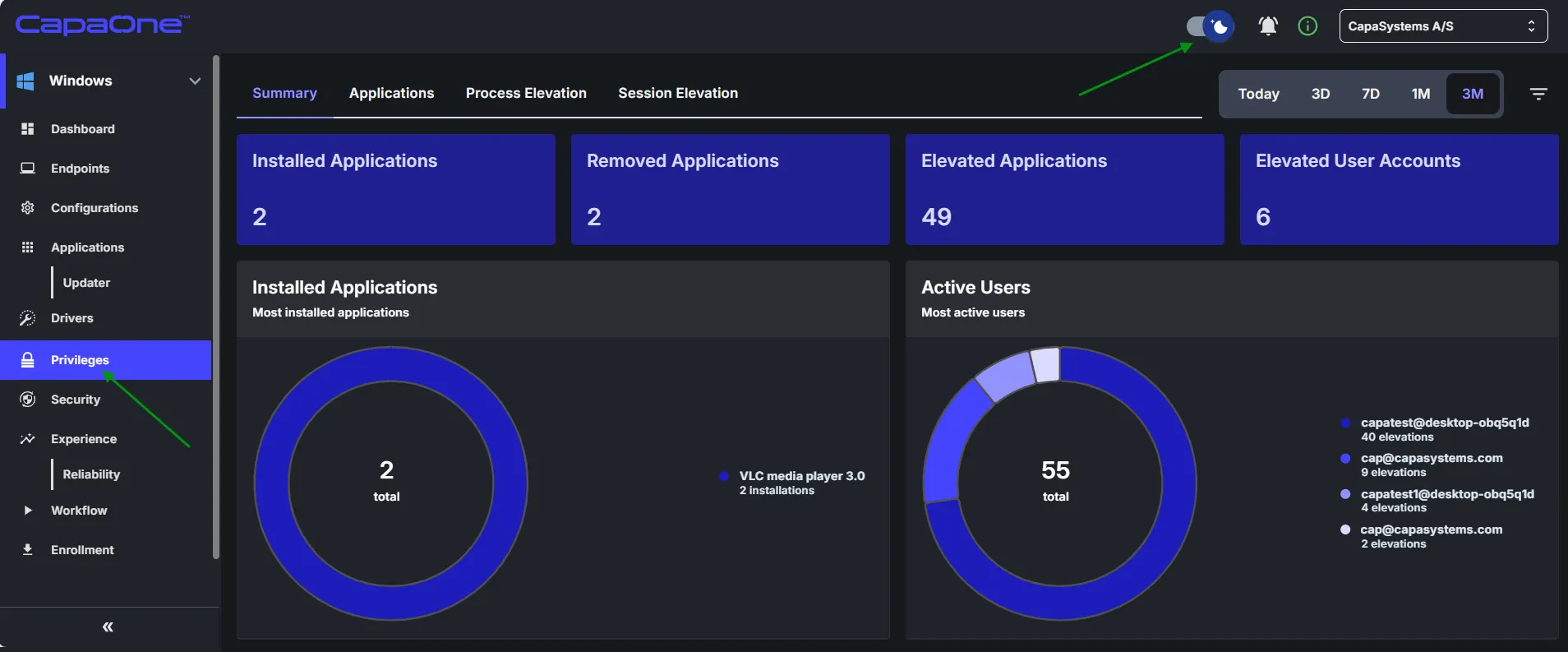
Last week, Dark mode arrived and AdminOnDemand became Privilege Manager πŸš€

Next week, CustomApps & Updater will become Application Manager and Experience & Reliability will become Experience Monitor.

You can read more about the changes to Privilege Manager here.

2

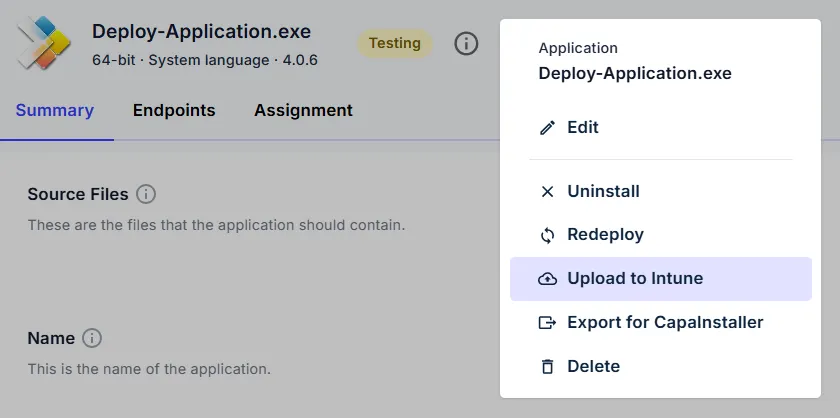
Streamline your Microsoft Intune deployments with CapaOne CustomApps!

Streamline your Microsoft Intune deployments with CapaOne CustomApps!

We are excited to announce that CapaOne CustomApps now features direct integration with Microsoft Intune. The integration enables you to create and validate your packages in CapaOne and deploy them to Intune in just a few clicks. Leverage PowerBricks and the speed of CapaOne to eliminate manual coding and significantly reduce your packaging lead time.

Let us know what you think of the new feature by leaving a comment or reaction.

PowerShell in Practice

VBScript has had its heyday β€” now PowerShell is taking over. Do you want to be ready for the transition? With the course PowerShell in Practice, you get the skills that prepare you for the future of software packaging in just three days.

Why you should attend: Learn to use PowerShell effectively for packaging and automation in CapaInstaller. Gain insight into the CapaSystems PowerShell Scripting Library β€” unique to our platform. Work with CapaOne CustomApps, PowerPacks, the CapaInstaller SDK and PSAppDeployToolkit. Take part in hands-on exercises where you work with your own packages.

Course dates: December 1-3, 2025 (completed), January 12-14, 2026 (fully booked), March 10-12, 2026 (a few seats left), April 14-16, 2026 (seats available).

6 New PowerBricks

Last week we released 6 new PowerBricks, making CustomApps even more efficient:

  • Activate Process Execution At First Logon
  • Deactivate Process Execution At First Logon
  • Delete Directory From All Users Profile Directories
  • Delete File From All Users Profile Directories
  • Sleep Script
  • Execute PSAppDeployToolkit Package

9 New PowerBricks

Last week we released 9 new PowerBricks, making CustomApps even more efficient:

  • Copy Directory To All User Profile Directories
  • Copy File To All User Profile Directories
  • Create Shortcut
  • Delete Registry Key
  • Delete Registry Variable
  • Execute Process
  • Verify System Requirements
  • Wait For Process To Start
  • Wait For Process To End

CapaSystems User Group

Remember that this Wednesday we are hosting the autumn CapaSystems User Group. You can look forward to: sharing experiences with other customers, a look at our Product Roadmap, insight into CustomApps & PowerBricks, and lunch from the hot dog stand. Wednesday, October 29, 2025, 10:00-15:00, CapaSystems, Roskildevej 342C, Taastrup.

Boosted User Experience

Boosted User Experience

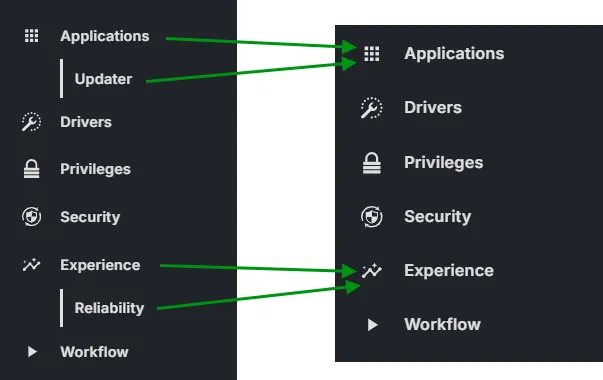
  • New Navigation Sidebar β€” updated icons and new text font provide the best readability to date; the space switcher has been removed to make navigation even easier.
  • Security Filters β€” brand new filter options make it fast and easy to find any information; the ability to save and load filters increases efficiency and ensures a consistent approach.
  • Bulk Commands β€” new bulk commands enable executing a command on multiple endpoints with a single click.
  • CustomApps β€” upload speed improved by a staggering 200%; a new progress indicator shows total progress from start to finish; the upload process is more resilient to network dropouts.

User Experience improvements

User Experience improvements

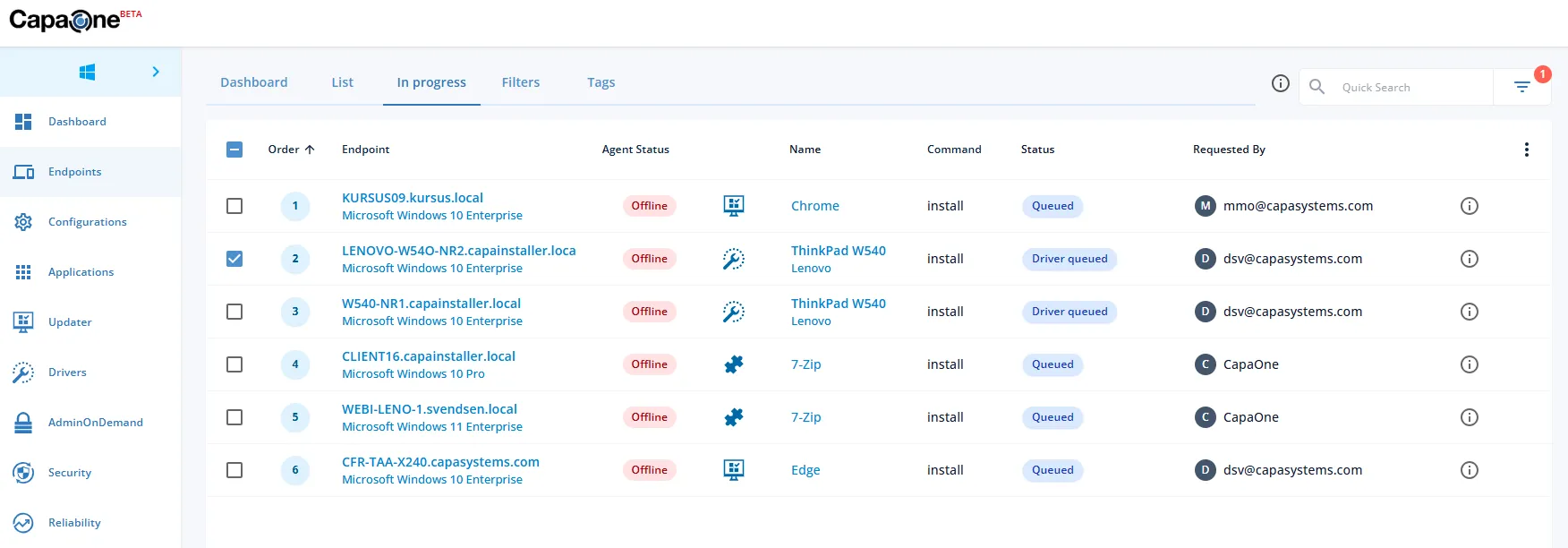
  • New Global In Progress View β€” the β€œIn progress” list moved from CapaOne Updater to Endpoints and now includes actions from Updater, Drivers and CustomApps. It’s possible to pause, resume and clear operations.
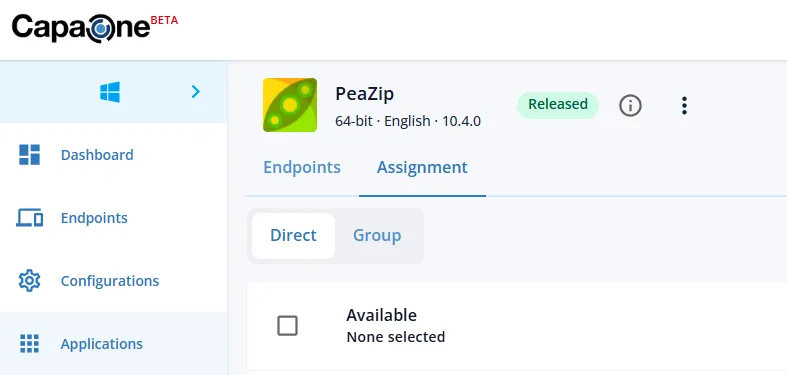
  • New Assignment Tab β€” a new dedicated Assignment tab was introduced, to enhance accuracy.
  • New Endpoints Tab β€” displays both directly and group linked endpoints.

2 3

CustomApps Coming Up!

CustomApps Coming Up!

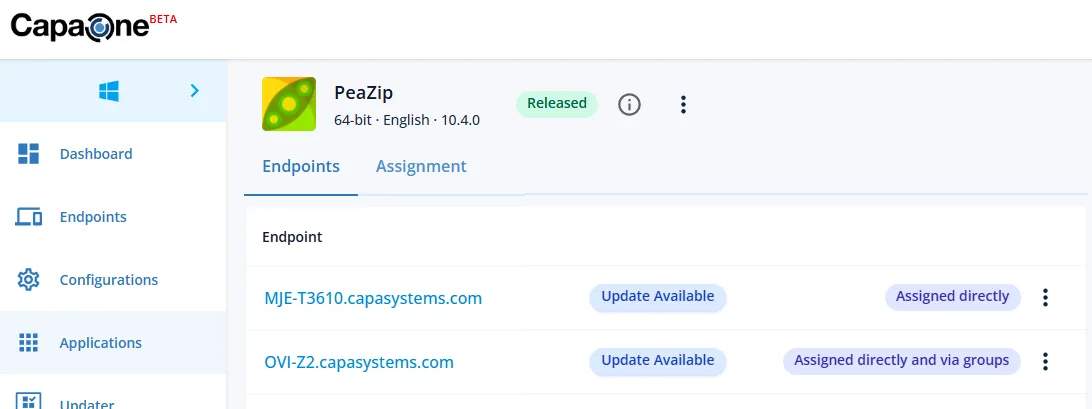
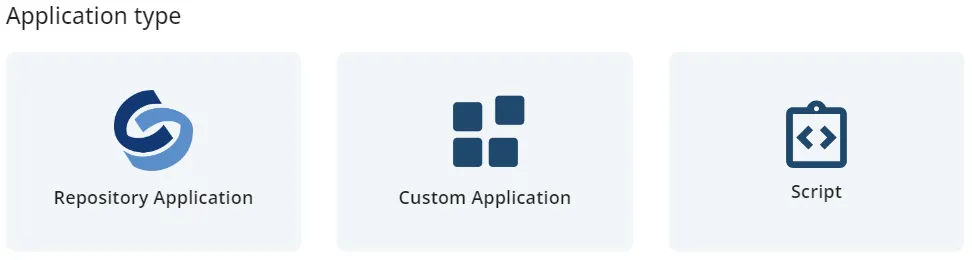
No scripting knowledge required β€” the GUI based application creator makes it easy for everyone to create and customize applications, in seconds using the repository or minutes using own files. PowerBricks make complex applications easy: drag and drop the PowerBrick with the desired action and fill in mandatory fields. The CapaOne CustomApps BETA program launches very soon.

2