Skip to content

Mobile Manager

7 posts with the tag “Mobile Manager”

Work Profiles on Company-Owned Android Devices 📱

CapaOne has completed Android Enterprise certification for work profiles on company-owned devices. You can now keep work and personal apps apart on a device your organization owns.

Work apps and personal apps live in separate profiles. Your management reaches the work side; the user keeps the personal side to themselves.

When a device falls out of compliance, you can suspend its work apps while the personal apps keep running. The work apps come back as soon as the device is compliant again.

You can suspend both sets if a situation calls for it — and both come back together.

Devices are also removed from the zero-touch portal automatically when they leave your organization.
New Filters for Apple and Android Endpoints 🔍

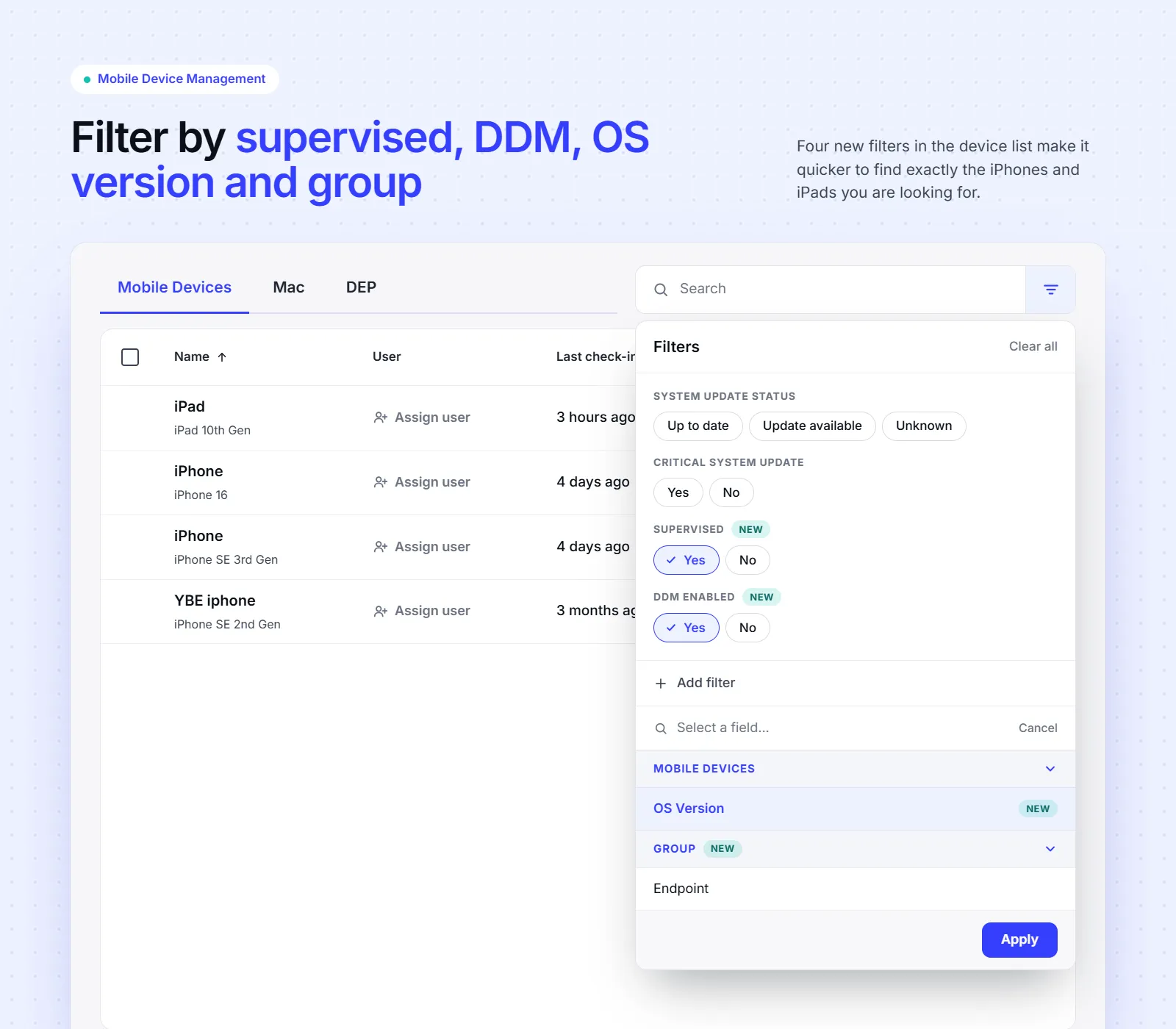
The filter panel on the Mobile Devices list, with Supervised and DDM Enabled both set to Yes, and OS Version and Group available as fields to add

The endpoint list for Apple and Android now carries four filters it was missing.

  • Supervised (Apple) — whether the device is supervised.
  • DDM Enabled (Apple) — whether Declarative Device Management is active on the device.
  • OS version (Apple and Android) — the version the device is running.
  • Group membership (Apple and Android) — Is member of any, Is member of all, and Is not member of any, working the same way as on Windows.

Supervised and DDM Enabled are the pair to combine. Supervision on its own does not tell you whether a device runs DDM or legacy MDM. Set Supervised to Yes and DDM Enabled to No, and you have the list of devices with migration work left on them.

All four combine with your existing filters, and they save and reload as part of a saved filter.

Seamless Transition to Apple DDM

In Autumn 2026, Apple is transitioning from the traditional Mobile Device Management (MDM) framework to the modern Declarative Device Management (DDM) framework.

To ensure future operational stability in CapaOne Mobile Manager, we are currently integrating the new framework into our platform. We are committed to providing a seamless transition, ensuring that existing configurations remain robust.

This is an informational message only. No action is required on your part. Please feel free to contact us if you have any questions.

Google Play EMM API

Google Play EMM API

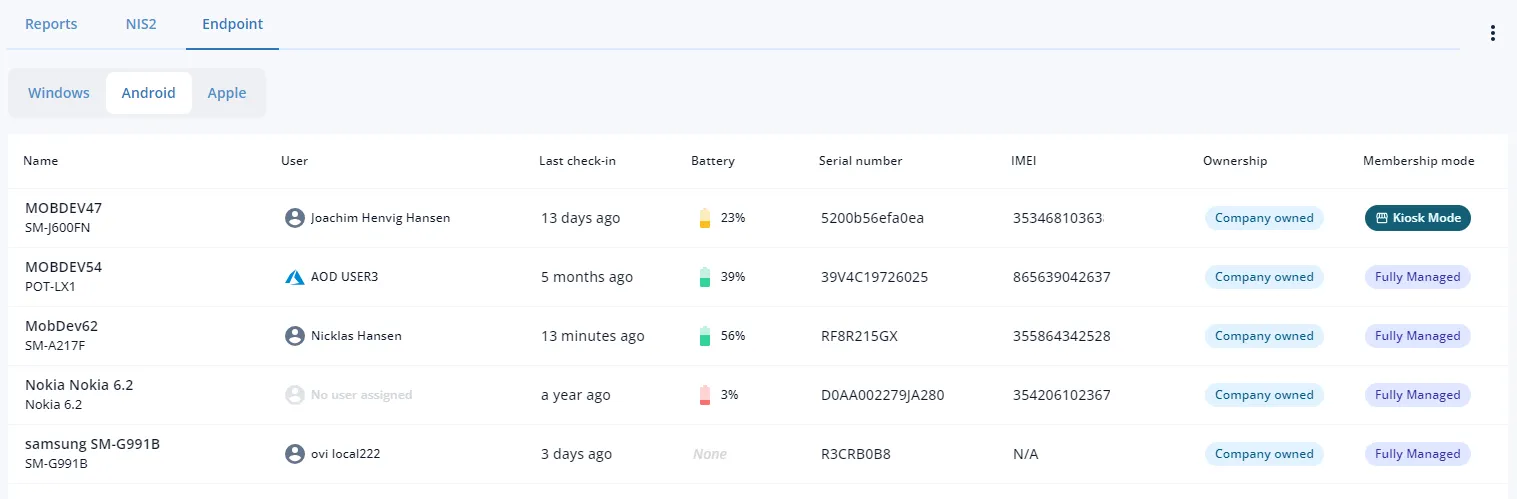
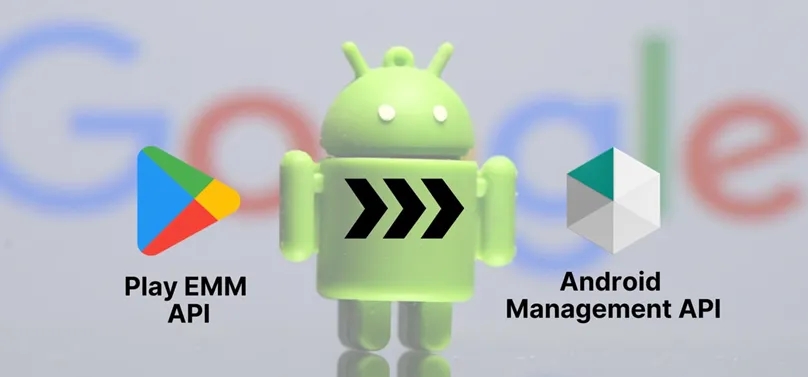
Google announced the Play EMM API stops working September 30, 2025. CapaInstaller uses the Play EMM API for Android endpoint management, so Android endpoint management will stop working in CapaInstaller on September 30, 2025. Apple and Windows endpoints are unaffected. CapaOne MDM uses a newer Google API and continues to function as before. Strongly recommend migrating Android endpoints from CapaInstaller to CapaOne as soon as possible.

Apple Command Queue

Apple Command Queue

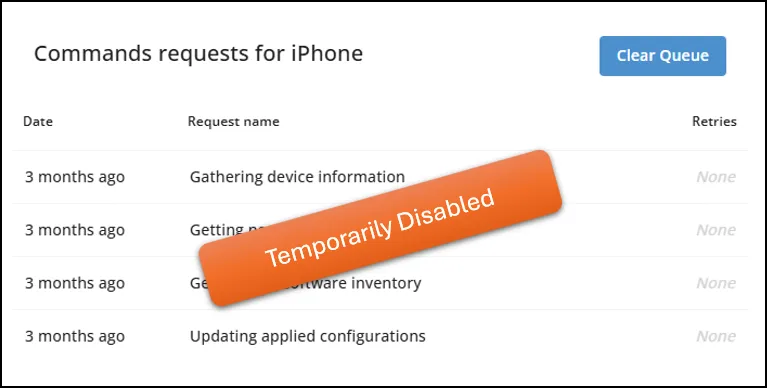
Some customers experienced issues applying configurations with a large amount of data on Apple endpoints. The “view commands queue” feature was temporarily disabled to fix it. Android and Windows endpoints were unaffected; feature expected fully operational again within a few work days.

Enhanced CapaOne MDM

Enhanced CapaOne MDM

  • Bulk commands — send commands to multiple devices at once.
  • Filters — quickly find what’s needed.
  • Reporting — helps meet increasing compliance regulation demands.
  • Plus several quality-of-life improvements.