Skip to content

New feature

8 posts with the tag “New feature”

12 New PowerBricks

PowerBricks are the building blocks that unlock new possibilities — making development simpler and faster than ever. Say goodbye to complex coding and hello to a new era of effortless innovation.

Last week we released 12 new PowerBricks, making CustomApps even more powerful and efficient:

  • Install Driver
  • Install MSIX
  • Import Registry File
  • Install Windows Update
  • Uninstall Windows Update
  • Configure Windows Service
  • Add Microsoft Edge Extension
  • Register DLL
  • Update Windows Group Policy
  • Uninstall Program
  • Remove Microsoft Edge Extension
  • Unregister DLL

Got an idea for the next PowerBrick? Let us know in the comments 👇
Streamline your Microsoft Intune deployments with CapaOne CustomApps!

Streamline your Microsoft Intune deployments with CapaOne CustomApps!

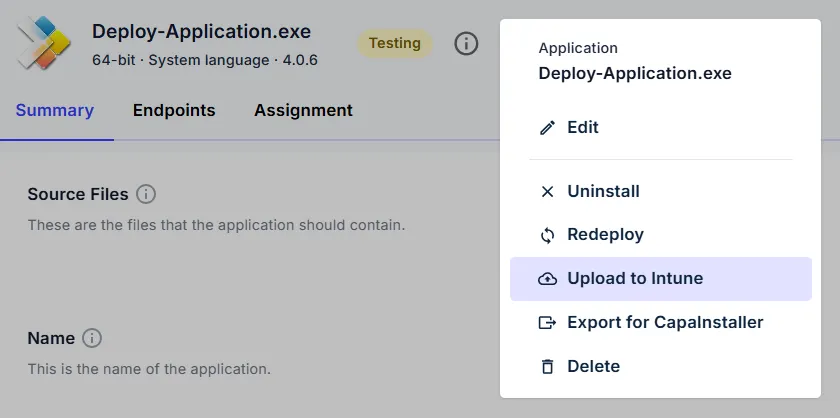
We are excited to announce that CapaOne CustomApps now features direct integration with Microsoft Intune. The integration enables you to create and validate your packages in CapaOne and deploy them to Intune in just a few clicks. Leverage PowerBricks and the speed of CapaOne to eliminate manual coding and significantly reduce your packaging lead time.

Let us know what you think of the new feature by leaving a comment or reaction.

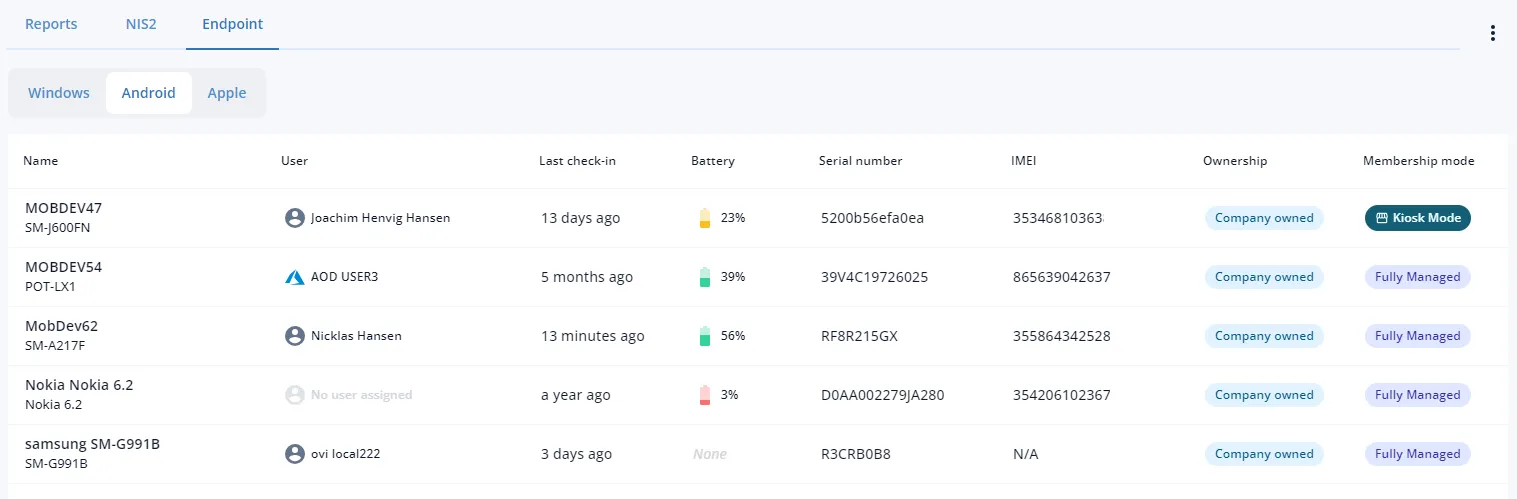
Enhanced CapaOne MDM

Enhanced CapaOne MDM

  • Bulk commands — send commands to multiple devices at once.
  • Filters — quickly find what’s needed.
  • Reporting — helps meet increasing compliance regulation demands.
  • Plus several quality-of-life improvements.

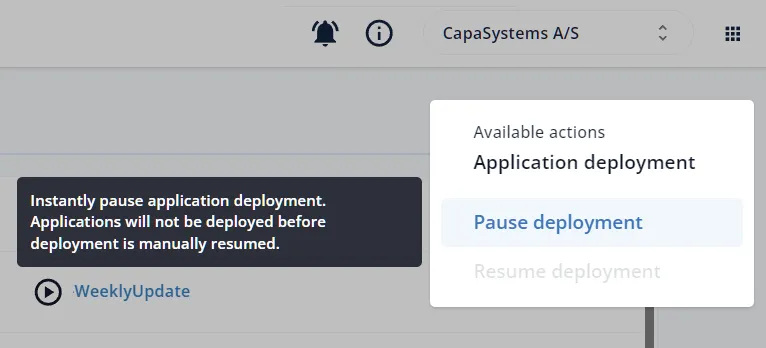
Pause Deployment

Pause Deployment

CapaOne Updater now offers a “pause deployment” feature, allowing temporary pause and modification of deployment actions before resuming.

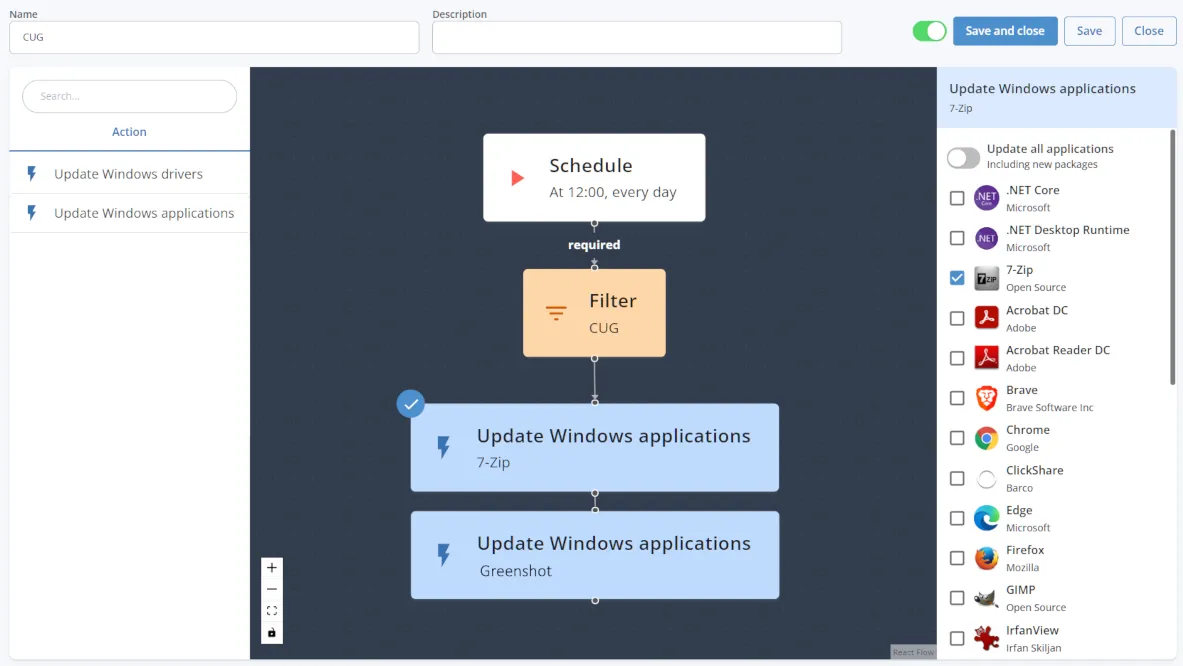
Improved workflows

Improved workflows

CapaOne workflows got a major upgrade July 11, 2024, making it easier to select which applications a workflow should update — one, more, or all. If “all applications” is selected, new applications are automatically added when released. No manual operations necessary.

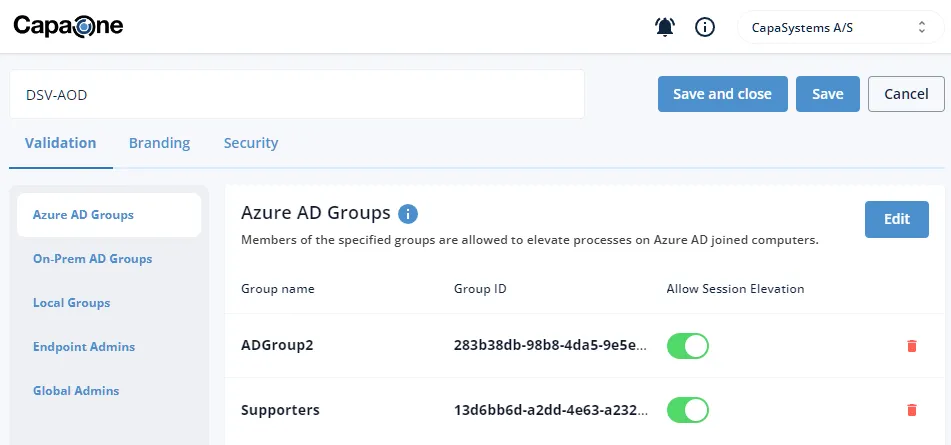
AdminOnDemand & Azure AD

AdminOnDemand & Azure AD

Azure AD groups (Entra ID groups) can now be used to validate users in CapaOne AdminOnDemand — makes it easy to specify users allowed to run elevated processes by selecting Azure AD groups from a drop-down list.

CapaOne Security

CapaOne Security

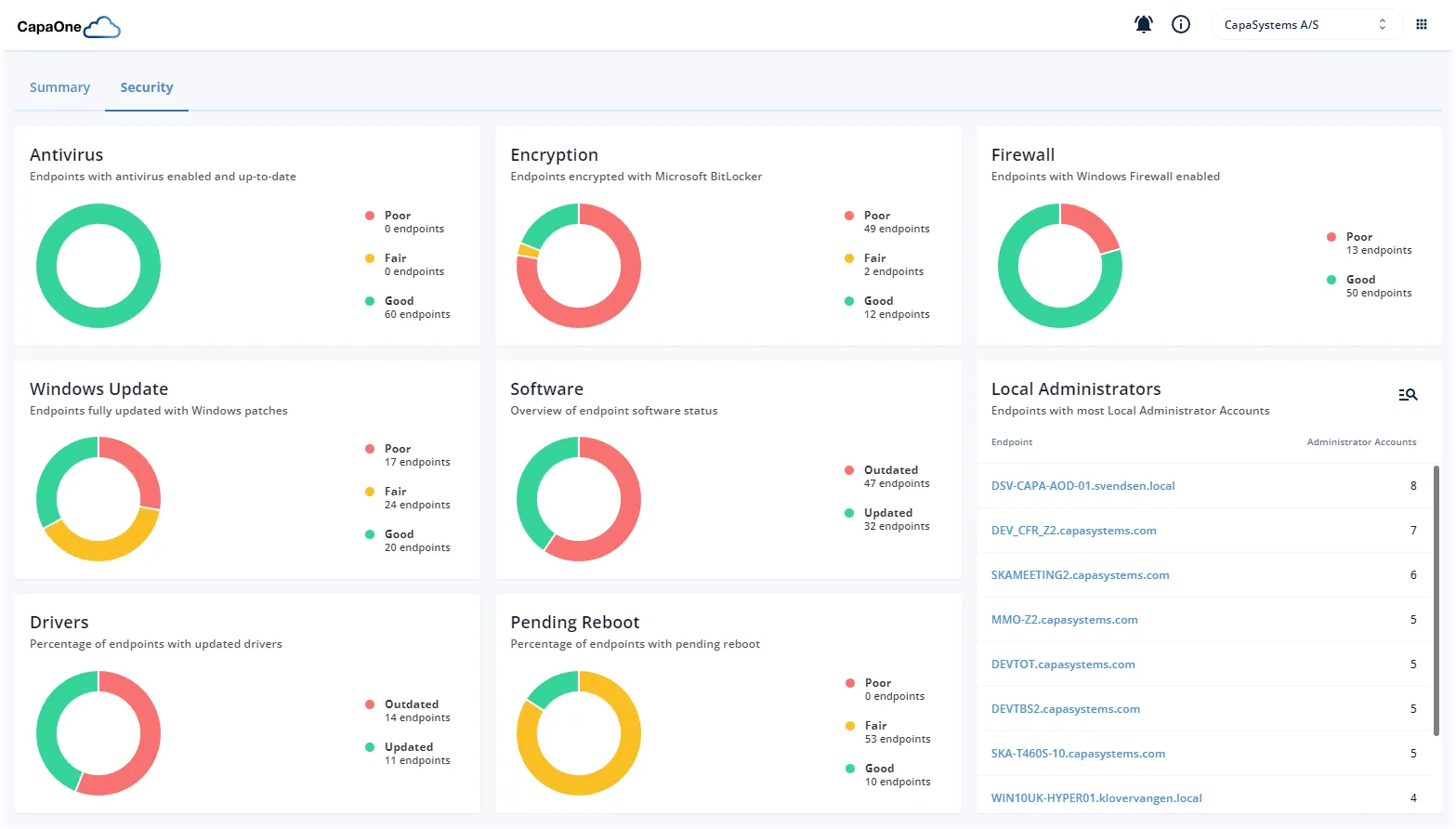
CapaOne Security monitors the most critical security configurations, hardware drivers, third-party software, and Windows patches — helps identify and pinpoint security vulnerabilities across all endpoints. Available now, free.