Skip to content

Improvement

13 posts with the tag β€œImprovement”

End-of-Life Information for Applications
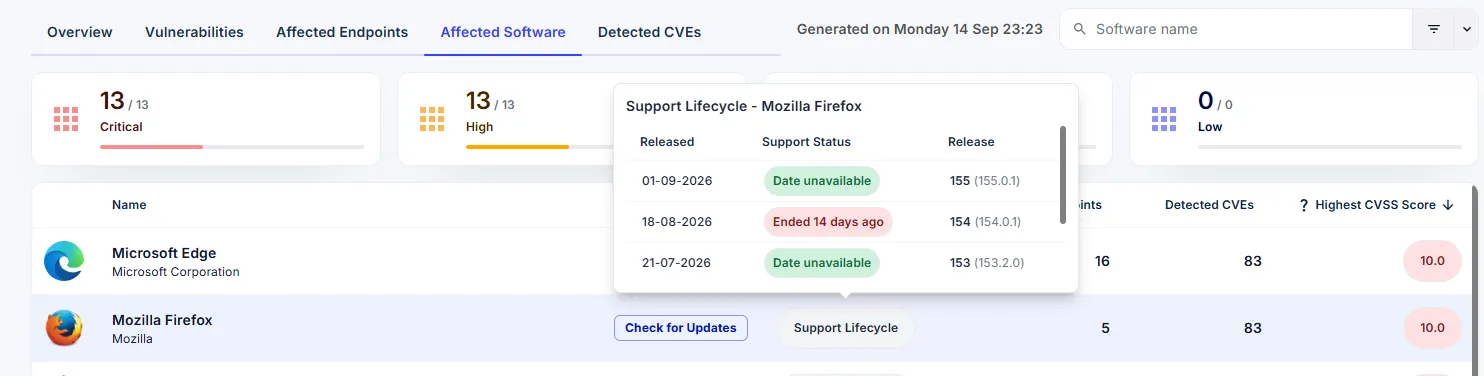
The Support Lifecycle panel for Mozilla Firefox, listing each version with its release date and support status, including one that ended 14 days ago

Software that has reached end of life stops receiving security updates. Every vulnerability found after that date stays open, and no patch is coming. Security Monitor now shows you where that applies in your own environment.

Open Affected Software and select Support Lifecycle on any application. You see each version installed on your endpoints, when it was released, and whether its support has ended.

For the security team, this answers three questions that used to mean checking vendor sites by hand:

  • Which applications in our environment are past their support date?
  • Is a fix still coming for this CVE, or is the version already end of life?
  • What do we put in front of an auditor about our exposure?

Working in deployment? Pass this on to your security colleagues. End-of-life dates are the kind of thing they track by hand today, and this puts the answer next to the vulnerability data they already use.

Improvements & Enhancements πŸ’‘

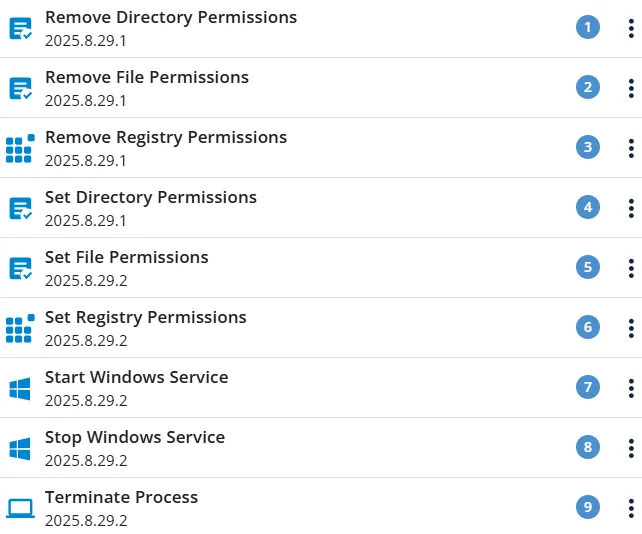
πŸŽ‰ 16 New PowerBricks Released!

We’ve expanded the PowerBricks library with 16 new bricks, making it even easier to automate, configure, and standardize Windows endpoints.

πŸ“ Archive & File Handling

  • Extract Archive
  • Zip Directory

πŸ”€ Font Management

  • Install Font
  • Uninstall Font

☁️ Microsoft 365

  • Install Microsoft365

πŸ–₯️ Windows Configuration

  • Configure Power Settings
  • Configure Start Menu Layout
  • Windows Configure Right Click Menu
  • Windows Tray Icon Pin

πŸ‘€ Local User Management

  • Add User To Local Group
  • Change Local User Password
  • Create Local User
  • Delete Local User Account
  • Remove User From Local Group

πŸ”„ Windows Update

  • Configure Windows Update
  • Reset Windows Update

πŸš€ The new PowerBricks are ready to use and help save time, reduce manual work, and ensure more consistent endpoint configurations.

6 New PowerBricks

Last week we released 6 new PowerBricks, making CustomApps even more efficient:

  • Activate Process Execution At First Logon
  • Deactivate Process Execution At First Logon
  • Delete Directory From All Users Profile Directories
  • Delete File From All Users Profile Directories
  • Sleep Script
  • Execute PSAppDeployToolkit Package

9 New PowerBricks

Last week we released 9 new PowerBricks, making CustomApps even more efficient:

  • Copy Directory To All User Profile Directories
  • Copy File To All User Profile Directories
  • Create Shortcut
  • Delete Registry Key
  • Delete Registry Variable
  • Execute Process
  • Verify System Requirements
  • Wait For Process To Start
  • Wait For Process To End

Boosted User Experience

Boosted User Experience

  • New Navigation Sidebar β€” updated icons and new text font provide the best readability to date; the space switcher has been removed to make navigation even easier.
  • Security Filters β€” brand new filter options make it fast and easy to find any information; the ability to save and load filters increases efficiency and ensures a consistent approach.
  • Bulk Commands β€” new bulk commands enable executing a command on multiple endpoints with a single click.
  • CustomApps β€” upload speed improved by a staggering 200%; a new progress indicator shows total progress from start to finish; the upload process is more resilient to network dropouts.

User Experience improvements

User Experience improvements

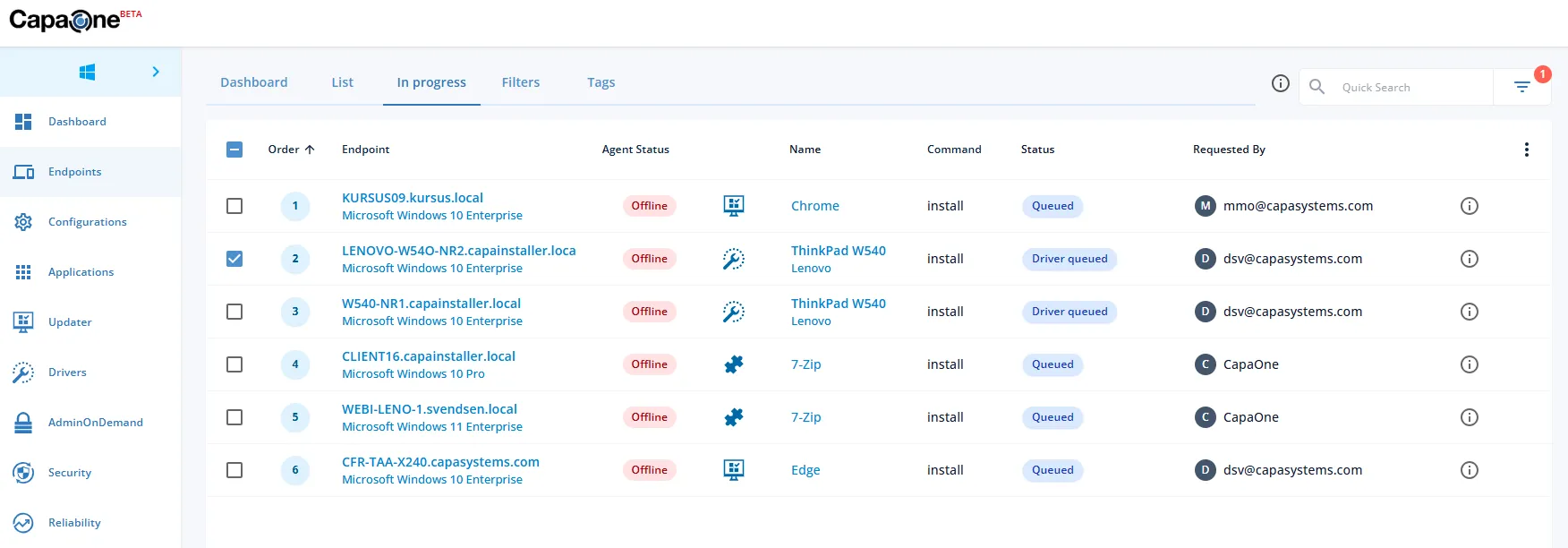
  • New Global In Progress View β€” the β€œIn progress” list moved from CapaOne Updater to Endpoints and now includes actions from Updater, Drivers and CustomApps. It’s possible to pause, resume and clear operations.
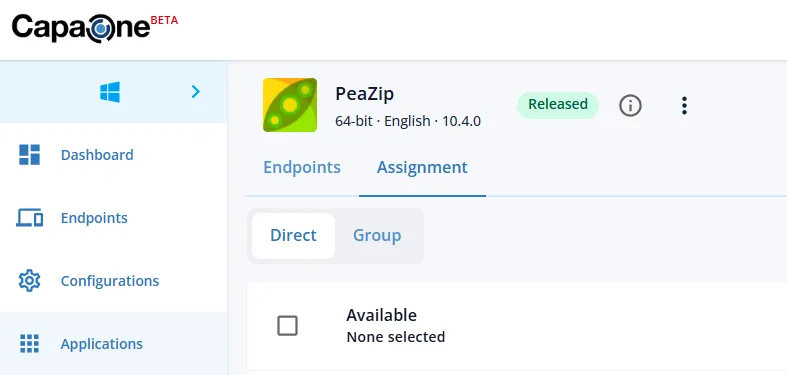
  • New Assignment Tab β€” a new dedicated Assignment tab was introduced, to enhance accuracy.
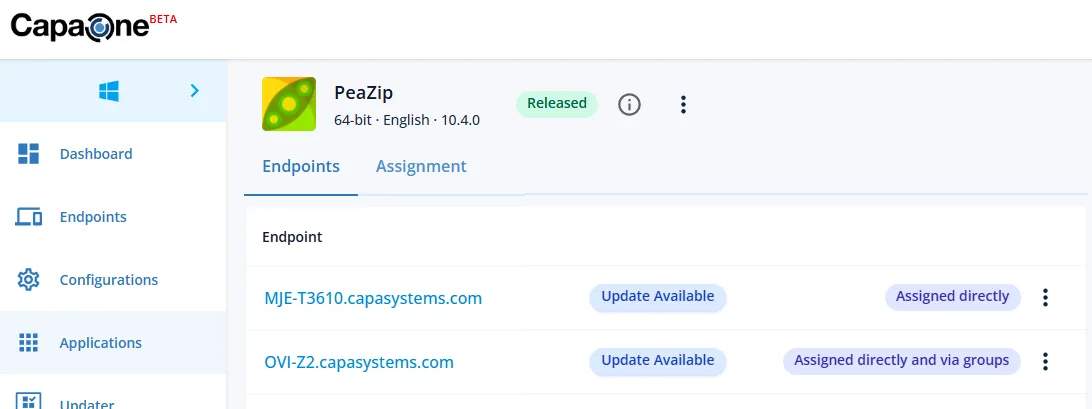
  • New Endpoints Tab β€” displays both directly and group linked endpoints.

2 3

User Experience Boost

User Experience Boost

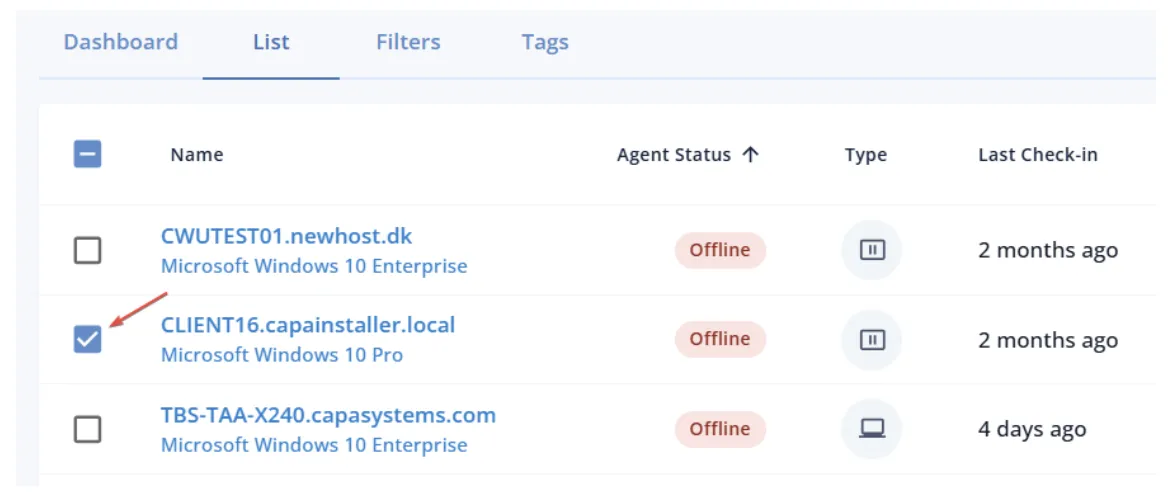
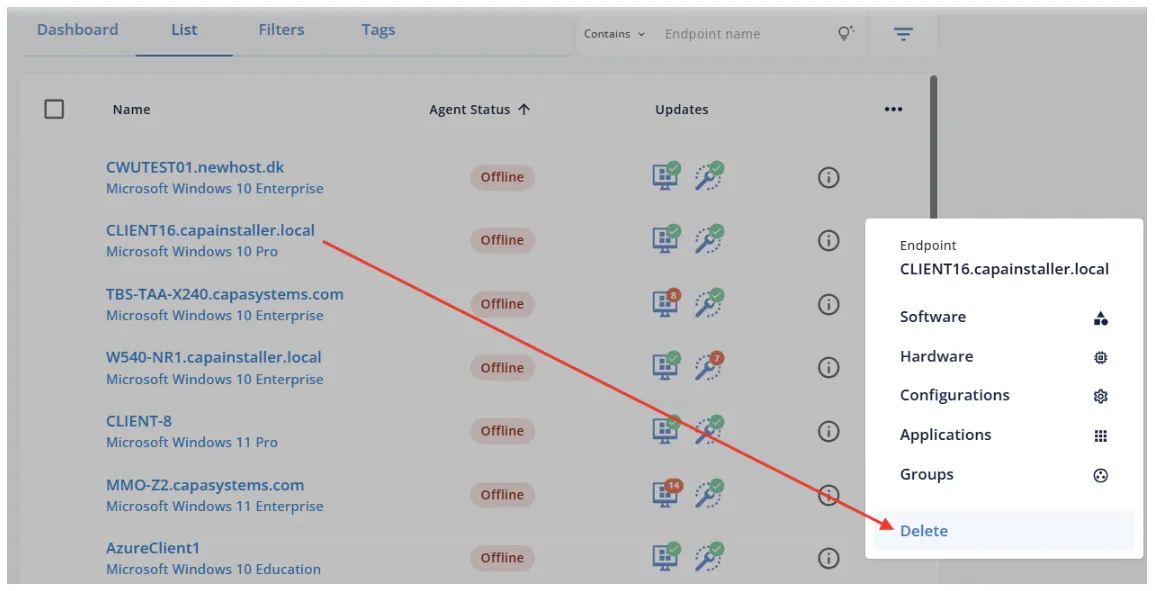
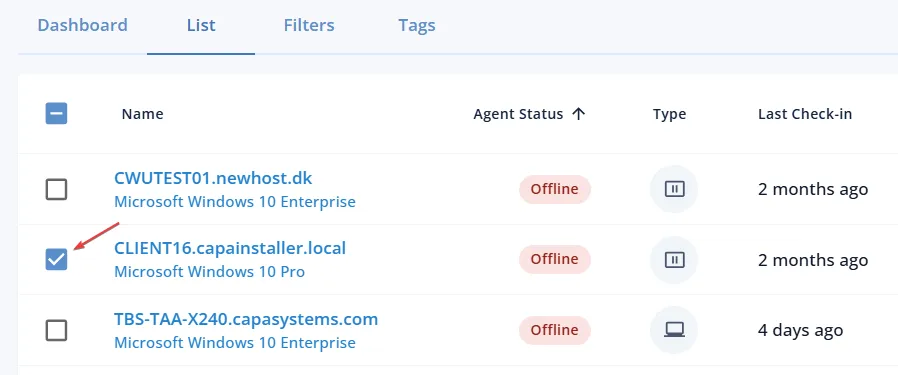
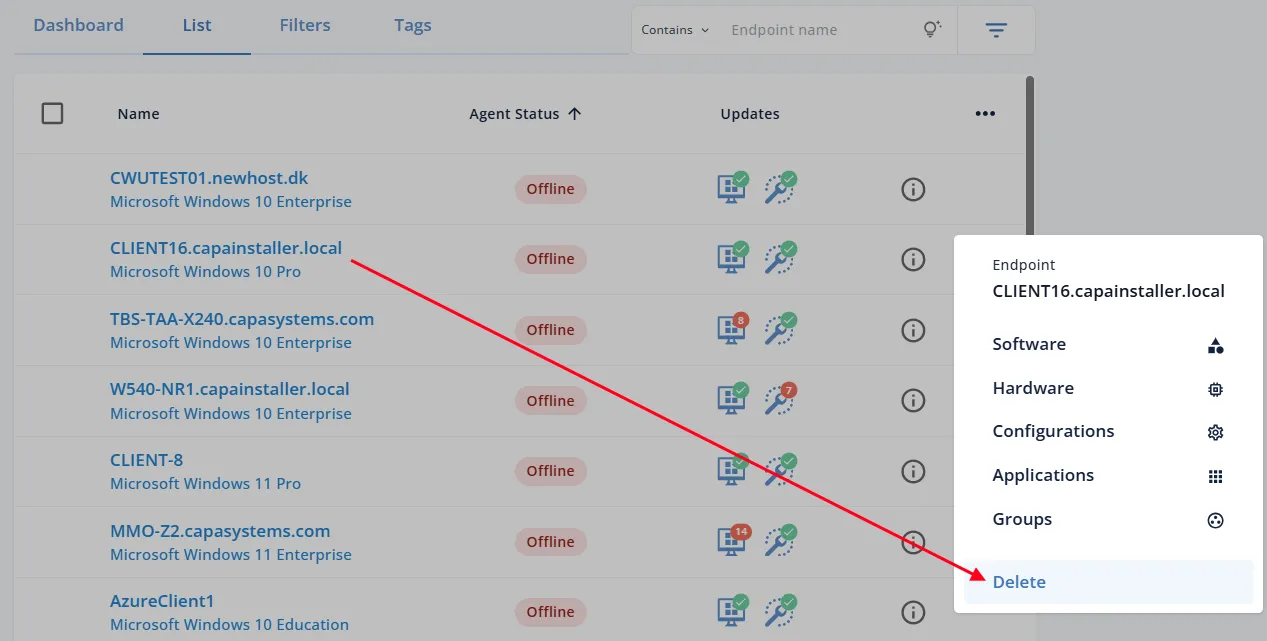
Bulk actions are seamless thanks to the brand new selector option. The action buttons are relocated on the right to optimize the layout. Individual endpoints can be deleted directly from the action buttons.

2

User Experience Boost (Coming Soon)

User Experience Boost (Coming Soon)

Within the next few weeks, a User Experience boost lands in CapaOne: bulk actions become seamless thanks to a brand new selector option; action buttons relocate to the right to optimize the layout; individual endpoints can be deleted directly from the action buttons.

2

Blazing fast views

Blazing fast views

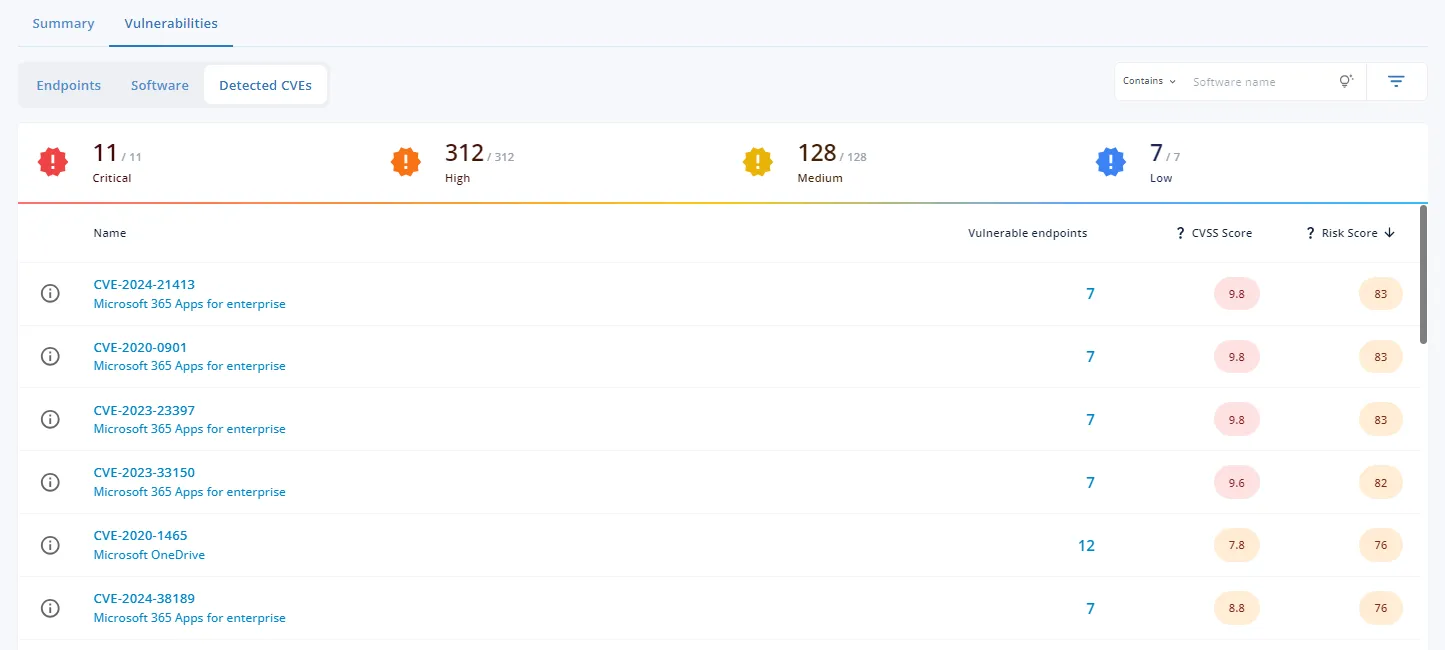
CapaOne Security now displays views over 92% faster. Previously customers with 5,000+ endpoints could see a 10-15 second delay before Endpoints, Software and Detected CVE views displayed; now under 1 second, even for 10,000+ endpoints.

Enhanced CVE matching

Enhanced CVE matching

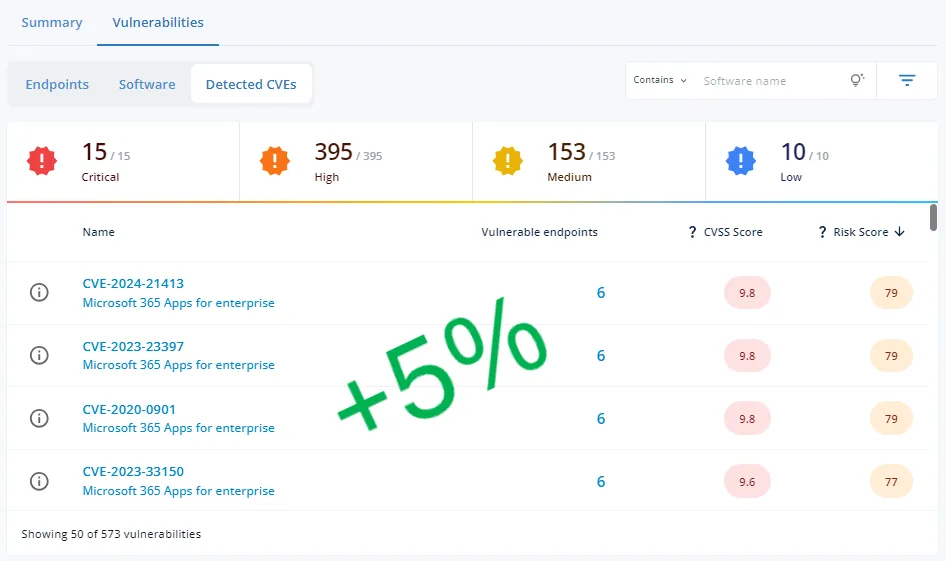
Enhanced CVE matching in CapaOne Security led to a 5% increase in vulnerability detection. Resolved issues with specific versions of 7-Zip and Adobe Acrobat that were not previously matched.