Skip to content

CapaOne Changelog

13 New PowerBricks 🧱

PowerBricks are the building blocks you snap together to automate a task without writing the script yourself. This release adds 13 of them and updates 55 more.

Disk encryption is the headline of this release. Five new bricks cover the full lifecycle, so you can turn BitLocker on during provisioning and keep it healthy afterwards:

  • πŸ›‘οΈ Configure BitLocker
  • πŸ”‘ Backup BitLocker Recovery Key
  • ⏸️ Suspend BitLocker
  • ▢️ Resume BitLocker
  • 🚫 Disable BitLocker

⭐ Suspend and Resume are the pair you want around a firmware or BIOS update. Without them, an encrypted disk meets the changed hardware and greets your user with a recovery prompt.

Chrome and Firefox now have the same add and remove bricks that Microsoft Edge already had:

  • βž• Add Google Chrome Extension
  • βž– Remove Google Chrome Extension
  • βž• Add Mozilla Firefox Extension
  • βž– Remove Mozilla Firefox Extension

Three bricks handle the regional settings that every new machine needs:

  • πŸ—£οΈ Configure Windows Language
  • ⌨️ Configure Windows Keyboard Layout
  • πŸ•’ Configure Windows Time Zone

Local Group Remove All Except empties a local group but keeps the accounts you name. Point it at the local Administrators group to strip out everything that drifted in over time, without locking yourself out.

We rewrote the PowerShell behind 55 bricks for more reliable error handling and clearer log output.

⚠️ Two changes are visible in the interface:

  • Install Microsoft365 is now named Install Microsoft 365, and takes updated parameters.
  • The permission bricks β€” Set and Remove File, Directory, and Registry Permissions β€” take updated parameters.

Review any app that uses those bricks the next time you edit it.

πŸ’‘ Got an idea for the next PowerBrick? Let us know in the comments πŸ‘‡

Improvements & Enhancements πŸ’‘

πŸŽ‰ 16 New PowerBricks Released!

We’ve expanded the PowerBricks library with 16 new bricks, making it even easier to automate, configure, and standardize Windows endpoints.

πŸ“ Archive & File Handling

  • Extract Archive
  • Zip Directory

πŸ”€ Font Management

  • Install Font
  • Uninstall Font

☁️ Microsoft 365

  • Install Microsoft365

πŸ–₯️ Windows Configuration

  • Configure Power Settings
  • Configure Start Menu Layout
  • Windows Configure Right Click Menu
  • Windows Tray Icon Pin

πŸ‘€ Local User Management

  • Add User To Local Group
  • Change Local User Password
  • Create Local User
  • Delete Local User Account
  • Remove User From Local Group

πŸ”„ Windows Update

  • Configure Windows Update
  • Reset Windows Update

πŸš€ The new PowerBricks are ready to use and help save time, reduce manual work, and ensure more consistent endpoint configurations.

12 New PowerBricks

PowerBricks are the building blocks that unlock new possibilities β€” making development simpler and faster than ever. Say goodbye to complex coding and hello to a new era of effortless innovation.

Last week we released 12 new PowerBricks, making CustomApps even more powerful and efficient:

  • Install Driver
  • Install MSIX
  • Import Registry File
  • Install Windows Update
  • Uninstall Windows Update
  • Configure Windows Service
  • Add Microsoft Edge Extension
  • Register DLL
  • Update Windows Group Policy
  • Uninstall Program
  • Remove Microsoft Edge Extension
  • Unregister DLL

Got an idea for the next PowerBrick? Let us know in the comments πŸ‘‡

Dark mode and updated product names

Dark mode and updated product names

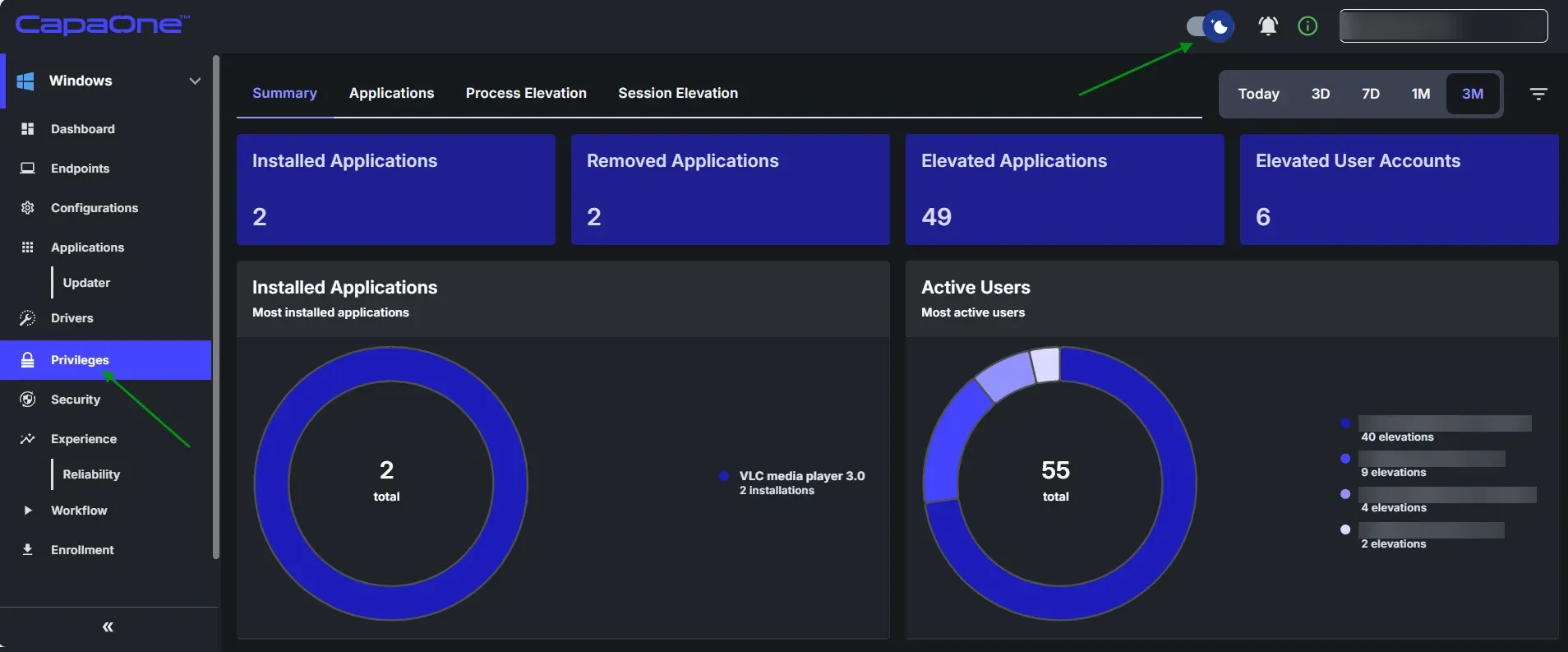
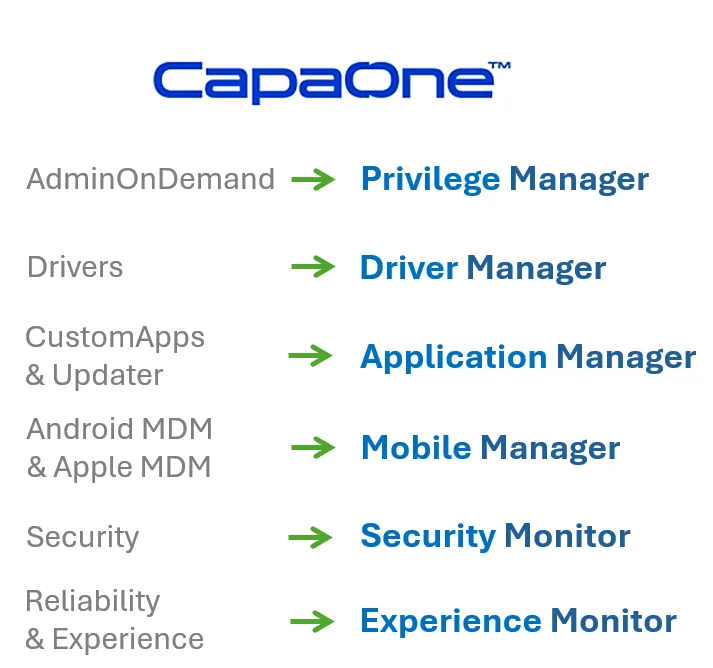
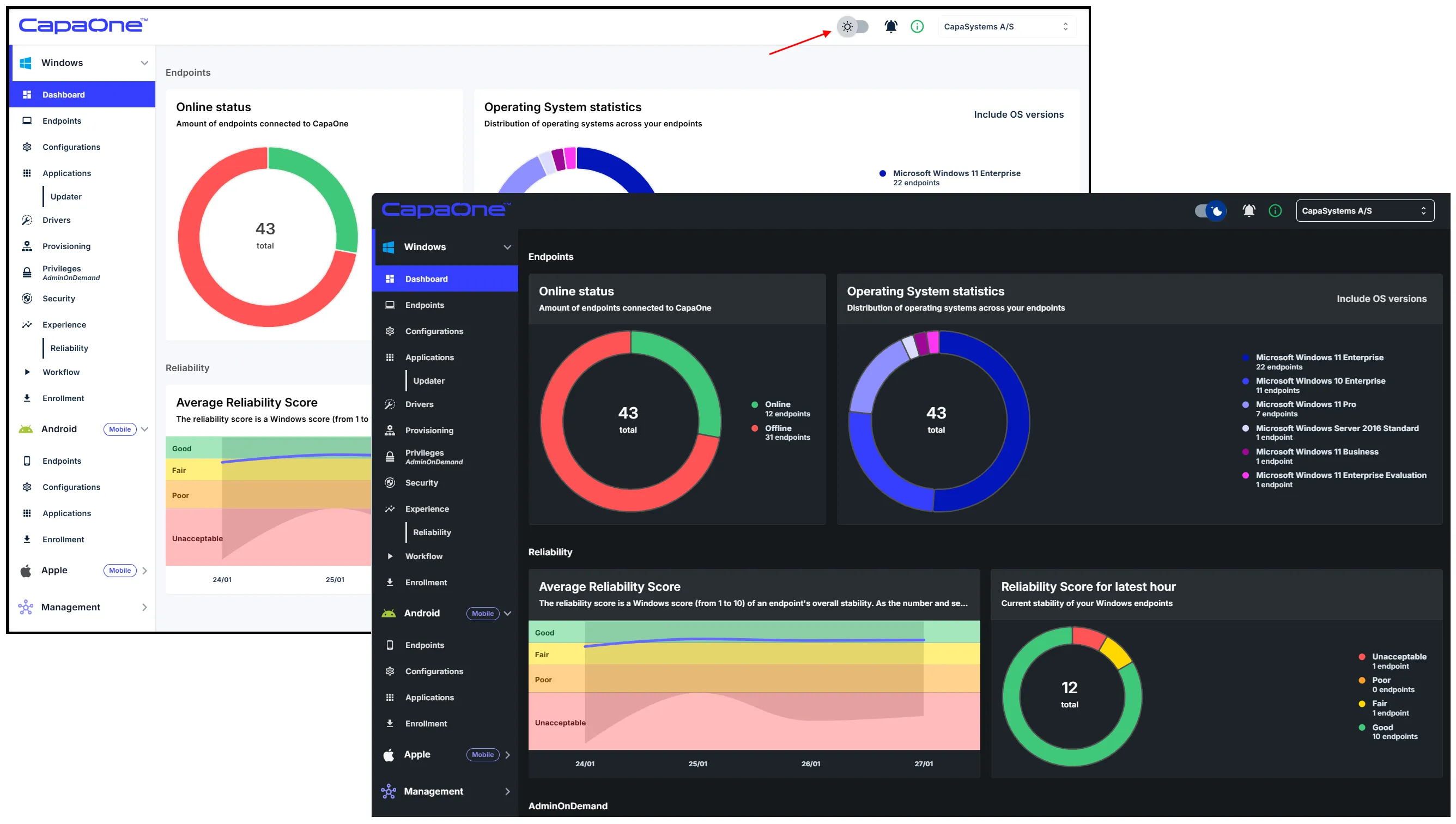
Last week, Dark mode arrived and AdminOnDemand became Privilege Manager πŸš€

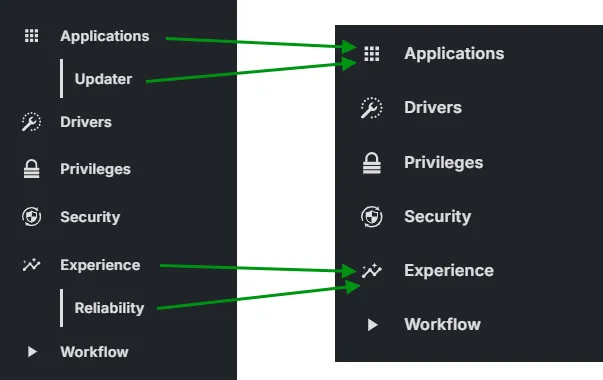
Next week, CustomApps & Updater will become Application Manager and Experience & Reliability will become Experience Monitor.

You can read more about the changes to Privilege Manager here.

2

New product names and new icons

New product names and new icons

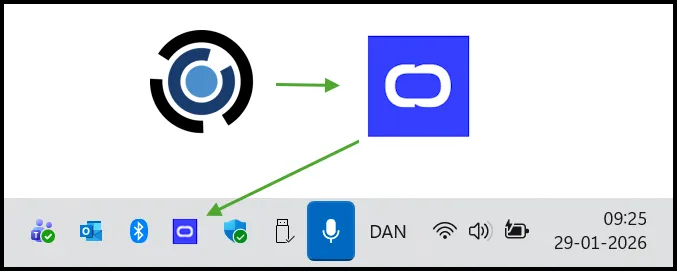
Following our announcement in November 2025, we are moving into the next phase of our rebranding by transitioning to the new product names and the new CapaOne icon.

Over the next few weeks, you will see the new icon appear in the notification area, agent menu, and system messages. AdminOnDemand will also officially become Privilege Manager.

πŸ‘‰ Please note that while our visual identity is evolving, the functionality remains exactly the same.

2

Dark Mode on the horizon

Dark Mode on the horizon

We are excited to announce one of the most requested UI enhancements to date: Dark Mode!

Whether you prefer the familiar Light Mode or want to reduce eye strain with the new Dark Mode, you can customize the CapaOne interface with ease. Toggle between the classic and the modern with a single click. Dark Mode is just weeks away - get ready to flip the switch!

Seamless Transition to Apple DDM

In Autumn 2026, Apple is transitioning from the traditional Mobile Device Management (MDM) framework to the modern Declarative Device Management (DDM) framework.

To ensure future operational stability in CapaOne Mobile Manager, we are currently integrating the new framework into our platform. We are committed to providing a seamless transition, ensuring that existing configurations remain robust.

This is an informational message only. No action is required on your part. Please feel free to contact us if you have any questions.

Streamline your Microsoft Intune deployments with CapaOne CustomApps!

Streamline your Microsoft Intune deployments with CapaOne CustomApps!

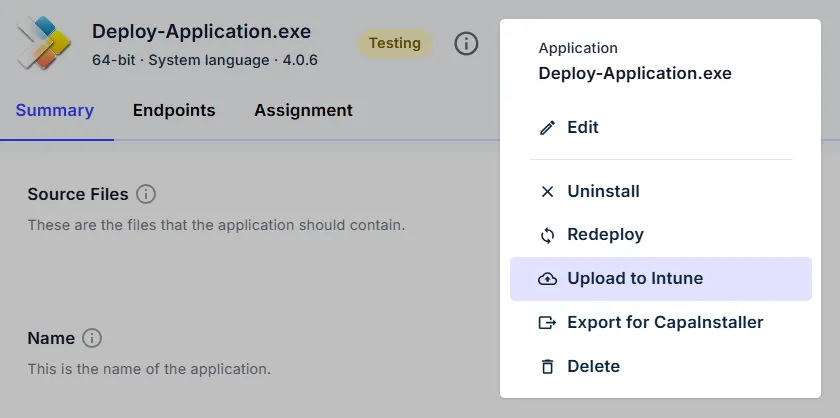
We are excited to announce that CapaOne CustomApps now features direct integration with Microsoft Intune. The integration enables you to create and validate your packages in CapaOne and deploy them to Intune in just a few clicks. Leverage PowerBricks and the speed of CapaOne to eliminate manual coding and significantly reduce your packaging lead time.

Let us know what you think of the new feature by leaving a comment or reaction.

Get ready for a more modern and vibrant CapaOne!

Get ready for a more modern and vibrant CapaOne!

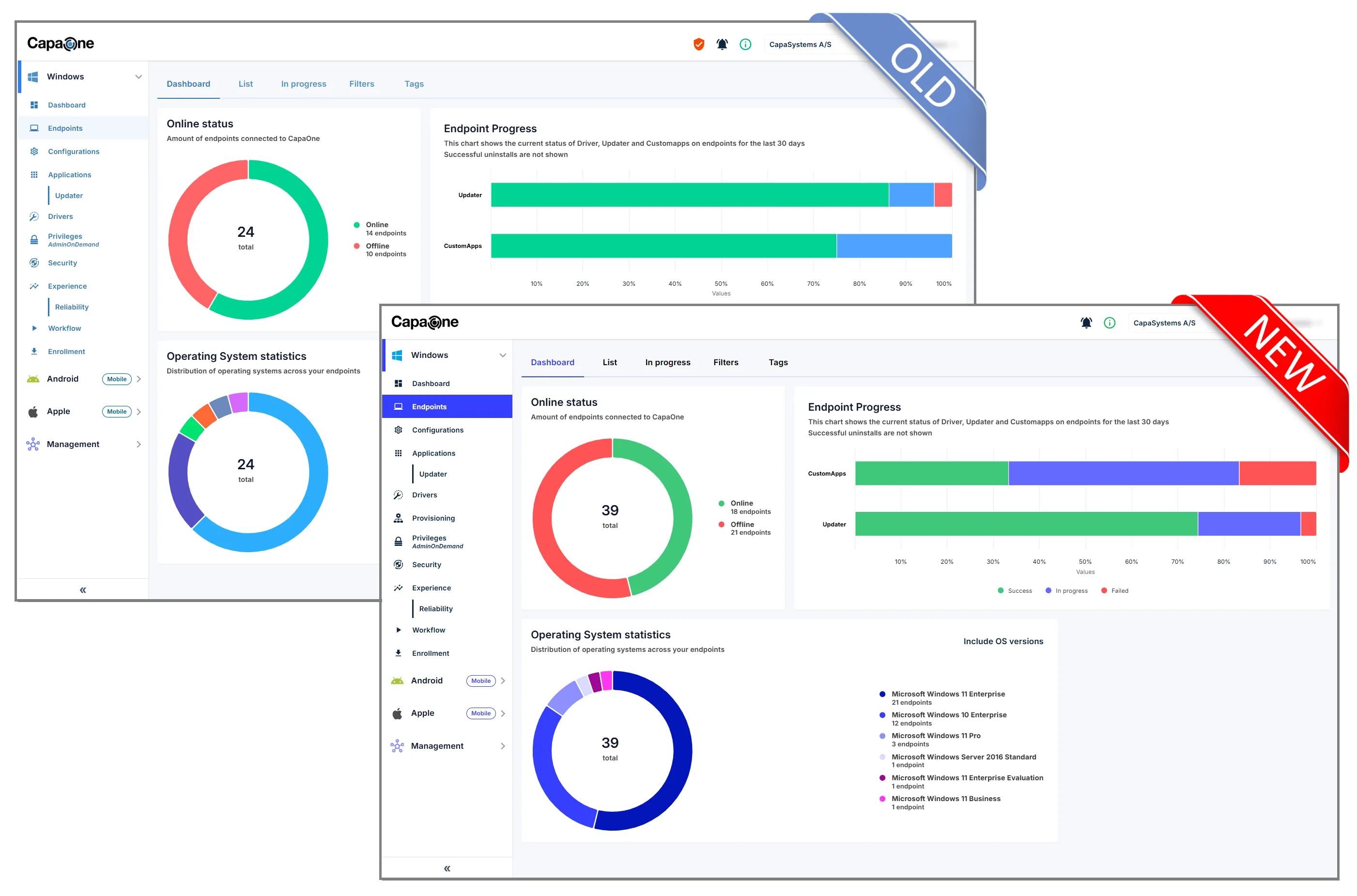
As part of the previously announced rebranding of CapaOne, we’re updating the color scheme on the entire platform, starting tomorrow morning. This is purely a visual change, all functionality remains the same.

Let us know what you think of the updated color scheme by leaving a comment or reaction.