# Dashboard thumbnails
> How dashboard preview thumbnails are generated when you save a dashboard, and when the default one is shown instead.
Source: https://docs.capaone.com/performanceguard/dashboards-and-widgets/dashboard-thumbnails/
Product: PerformanceGuard — a separate CapaSystems product; do not apply this page to any other.
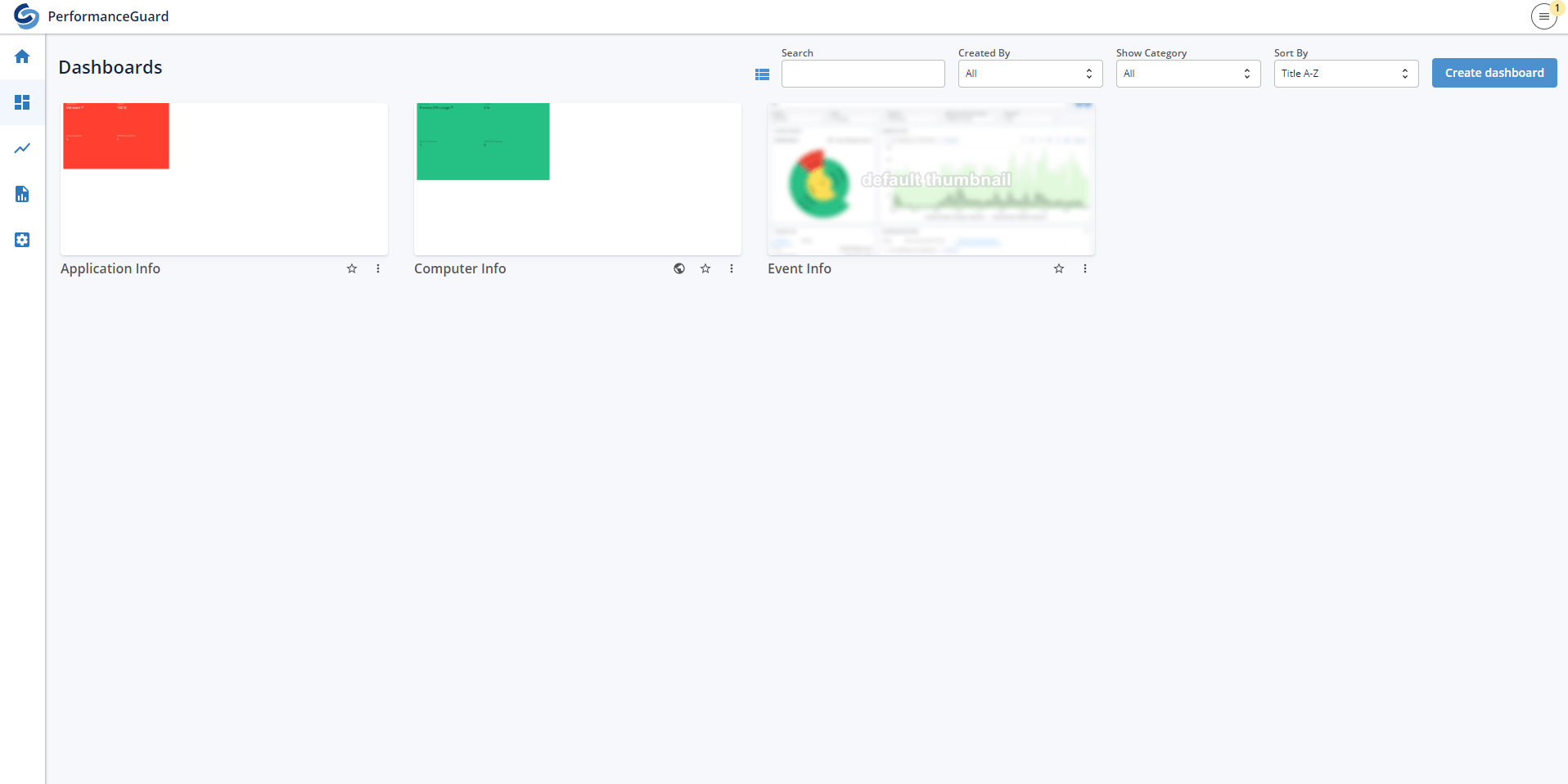
When viewing dashboards from either the Dashboards or Home tab each dashboard will have a thumbnail showing a preview of what the dashboard looks like.
The thumbnail is generated whenever you save a dashboard. A default thumbnail is shown while the thumbnail is generating.
:::note[Important]
**Example:** Click thumbnail to view the picture in full size.
:::
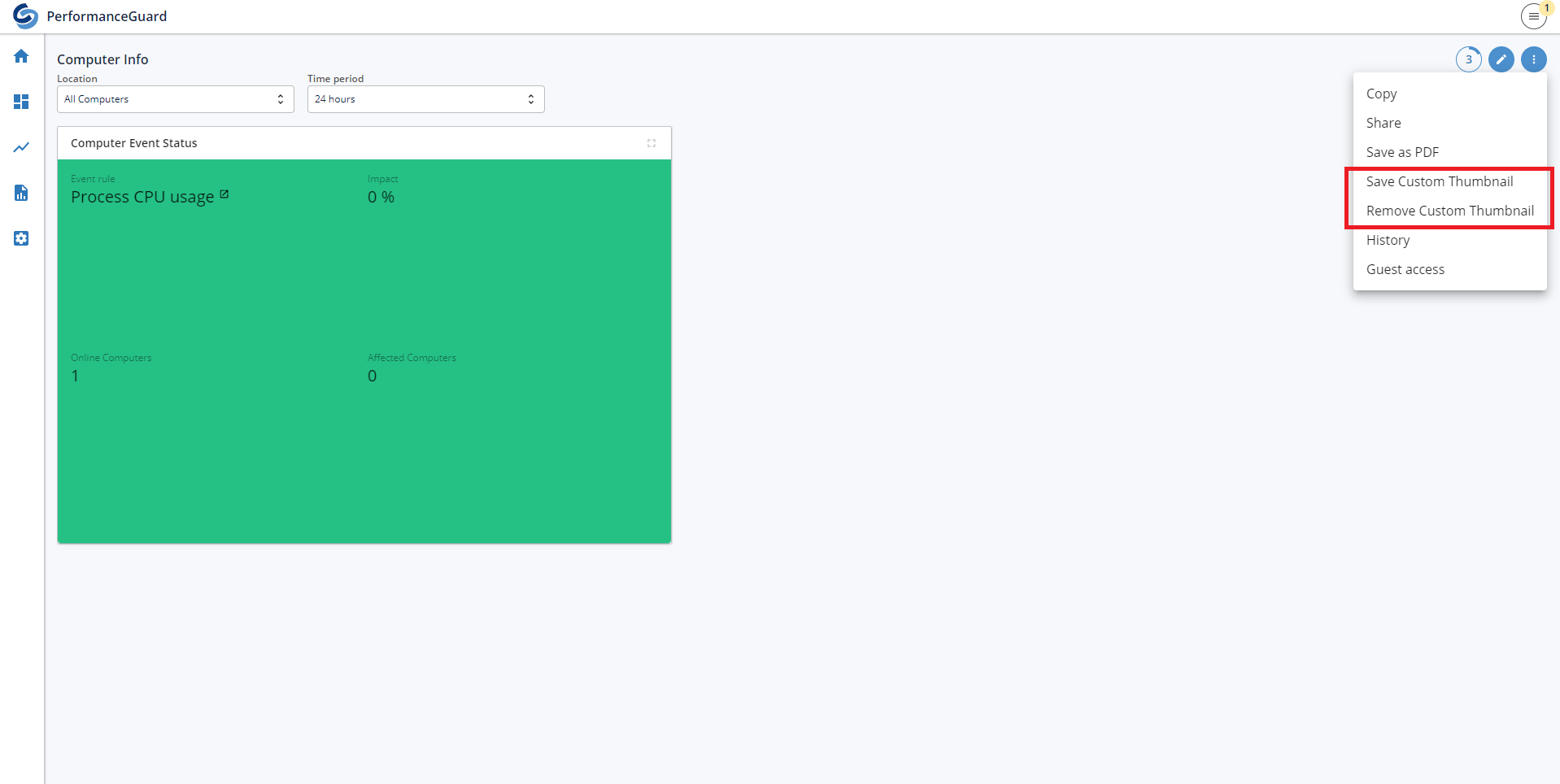
It is also possible to use a current state of the dashboard as a thumbnail. This is done by clicking on the menu button in a dashboard and then selecting Save custom thumbnail. This will make it so the thumbnail will not update whenever you save the dashboard. To undo this go to the same menu and click on Remove custom thumbnail.
:::note[Important]
**Example:** Click thumbnail to view the picture in full size.
:::