# Deploy Patch Management Service

> Deploy the Patch Management Service.

Source: https://docs.capaone.com/capainstaller/the-capainstaller-console/system-administration/what-is-system-administration/services/patch-management-service/deploy-patch-management-service/  
Product: CapaInstaller — a separate CapaSystems product; do not apply this page to any other.

# Introduction

The following is a description of how to deploy the Patch Management Service.

---

|          |                                                                                                                                                                                                                                                                                                                                                                                              |
|:---------|:---------------------------------------------------------------------------------------------------------------------------------------------------------------------------------------------------------------------------------------------------------------------------------------------------------------------------------------------------------------------------------------------|
| **Step** | **Action**                                                                                                                                                                                                                                                                                                                                                                                   |
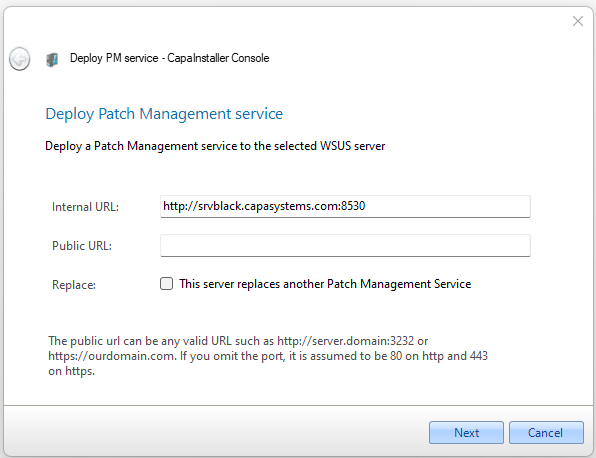
| 1        | Open the Services folder and right-click on Patch Management Service click \_Deploy \_Patch Management Service and the following form will open.                                                                                                                                                                                                                                             |
| 2        | Enter the URL to WSUS server, both internal and public. The default ports on the WSUS are 8530 for HTTP and 8531 for HTTPS (SSL) <br/> If this is a re-deployment, check '**This server replaces another Patch Management Service**'. This ensures a full synchronization of points, child points, and groups.   ![](/attachments/capainstaller/e0700ca4-9b3b-43ca-b1fc-62398f21a54b.png) |
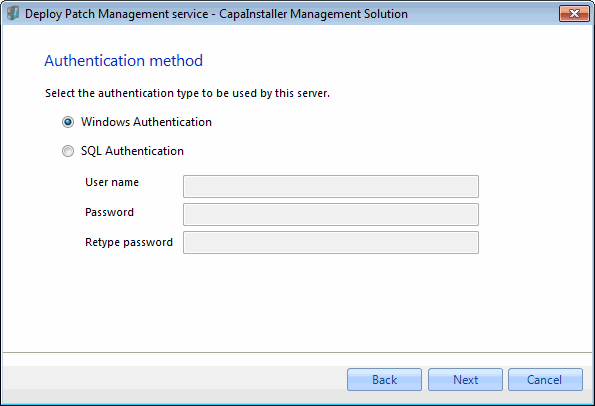
| 3        | Normally Windows authentication should be used, however, it is possible to use SQL authentication.   ![](/attachments/capainstaller/d6058dd8-0ada-4278-8f4a-17fab5fc3d5e.webp)                                                                                                                                                                                                             |
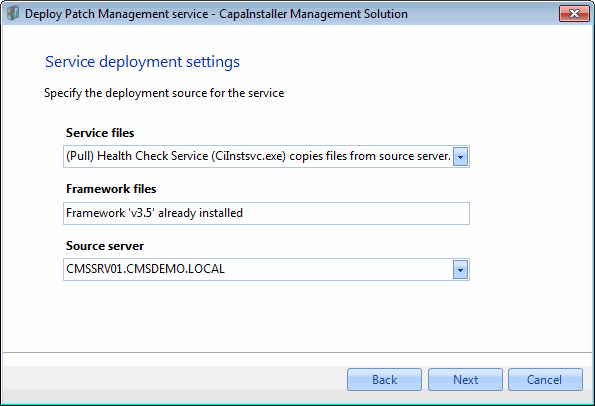
| 4        | - Select how service files are copied to target Server  - Select how framework files are copied to target Server  - Select the source server <br/> ![](/attachments/capainstaller/8a7688cc-8346-4d9e-865a-b97d04de0103.webp)                                                                                                                                                               |
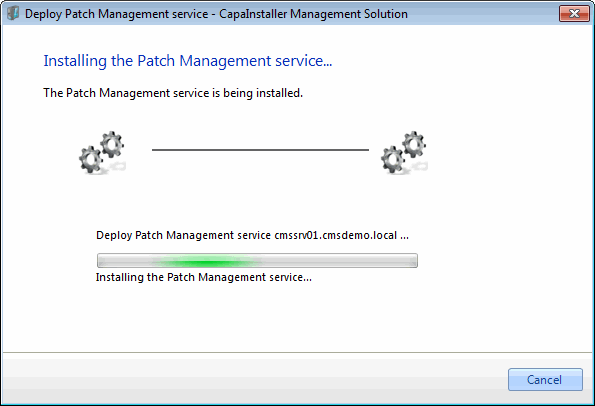
| 5        | The deployment process will now start   ![](/attachments/capainstaller/27bc0fea-d14a-4748-b6e3-7783b8c0bd9b.webp).                                                                                                                                                                                                                                                                         |
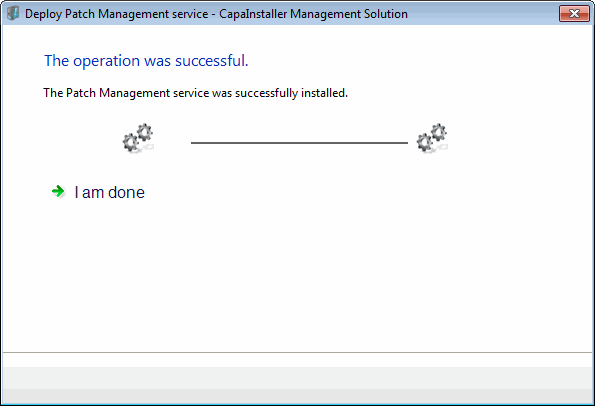
| 6        | Deployment completed.   ![](/attachments/capainstaller/3b094481-2cde-49e1-a995-6eb74cdfe7c5.webp)                                                                                                                                                                                                                                                                                          |

.