# Delete Management Server
> Use the Remove Management Server wizard so every reference to the server is removed correctly.
Source: https://docs.capaone.com/capainstaller/the-capainstaller-console/system-administration/how-to-use-system-administration/how-to-use-servers/delete-management-server/
Product: CapaInstaller — a separate CapaSystems product; do not apply this page to any other.
**Introduction**
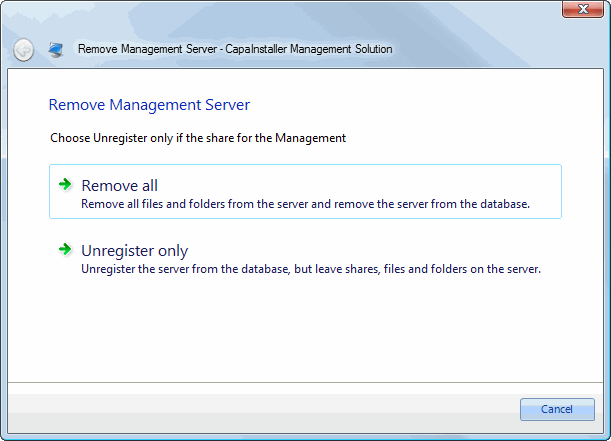
When removing a Management Server, use the Remove Management Server wizard to ensure the correct removal of all references. The wizard is divided into two tracks:
- Remove all that will remove the Management Server from the database as well as removing files, folders, shares, and the synchronization service on the server
- Unregister only that will unregister the Management Server from the database
| | |
|:---------|:--------------------------------------------------------------------------------------------------------------------------------------------------------------------------------------------------------------------------------|
| **Step** | **Action** |
| 1 | Choose the method of removal.
Use Unregister only if the server is no longer accessible; the wizard will not try to connect to the server.
 |
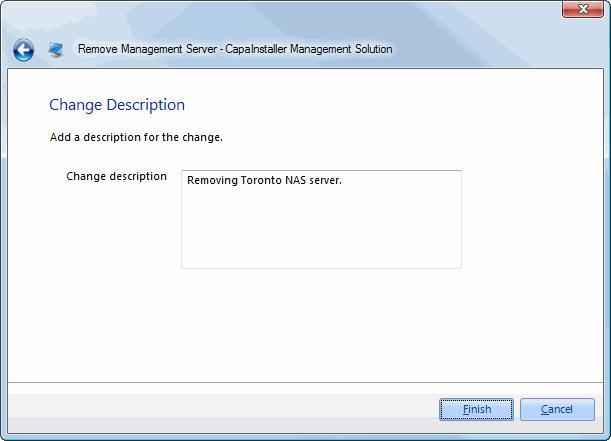
| 2 | Add a description of the removal.
 |
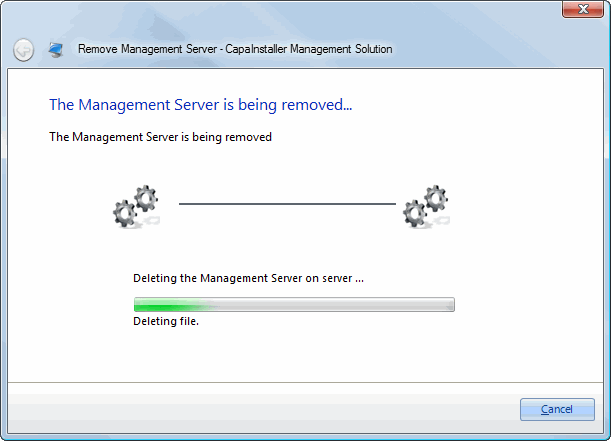
| 3 | If Remove all has been selected, the wizard removes files, folders, shares, and the synchronization service from the server.
 |
| 4 |  |