# Delete Management Point
> Use the Delete Management Point wizard so every reference to the point is removed correctly.
Source: https://docs.capaone.com/capainstaller/the-capainstaller-console/system-administration/how-to-use-system-administration/how-to-use-configuration-management-points/delete-management-point/
Product: CapaInstaller — a separate CapaSystems product; do not apply this page to any other.
**Introduction**
When deleting a Management Point, use the Delete Management Point wizard to ensure correct removal of all references.
Follow the steps below, to ensure the correct deletion of the Management Point.
| | |
|:---------|:----------------------------------------------------------------------------------------------------------------------------------------------------------------------------------------------------------------------------------------------------------------------------------------------------------------------------------------------------------------------------------------------------------------------------------------------------------------------------------------------------------------------------------------------------------------------------------------------------------------------------------------------------|
| **Step** | **Action** |
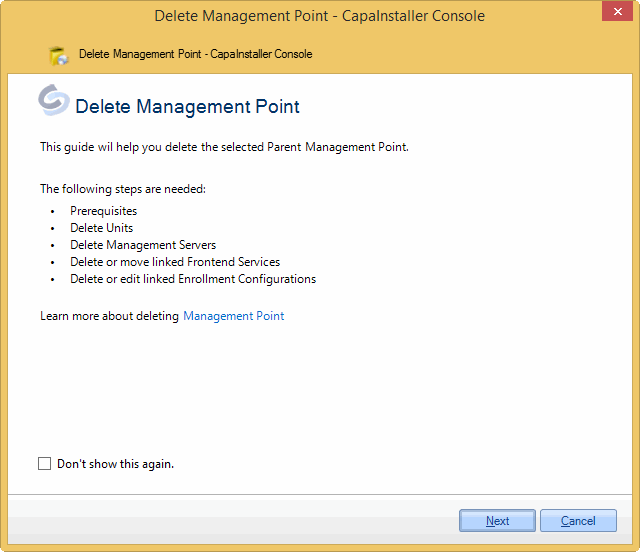
| 1 | The Welcome page list the necessary steps. Unnecessary steps will not be listed and will be passed in the Wizard.
 |
| 2 | The Prerequisites page is only displayed when deleting a root Management Point. When deleting a child point, these checks are not needed.
The MediaMaster folder must be copied to the child Management Point. And it is recommended to promote all items.
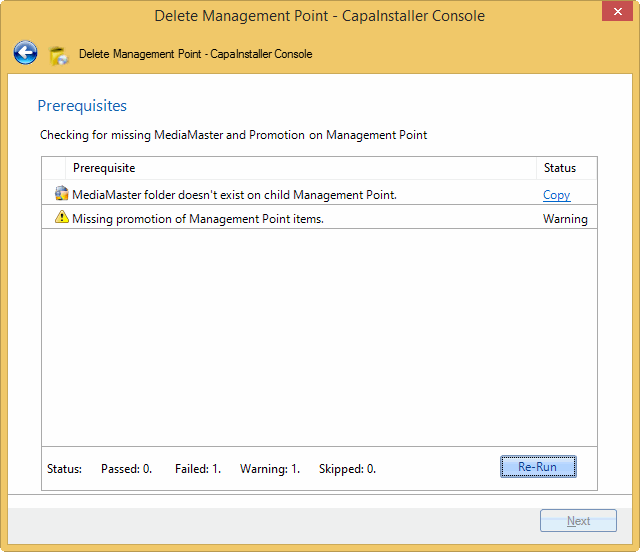
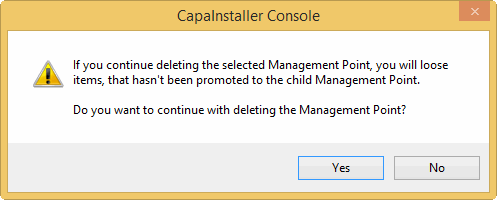
If there is missing promotion, you can still continue, but a warning is displayed.
 |
| 3 | All units linked to the Management Point must either be moved or deleted.
You can delete the units directly in the Wizard. The actual deletion of the units is done in the end, together with deleting the Management Point.
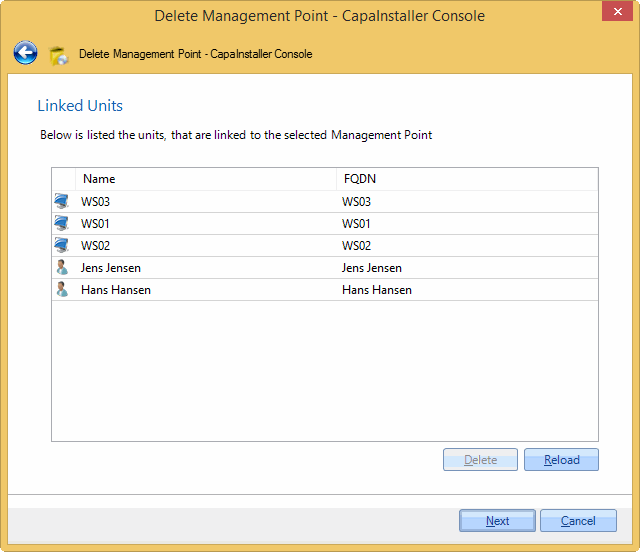
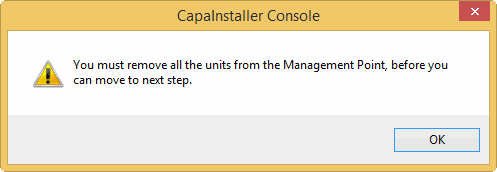
If not every unit is moved or deleted, this message box is displayed.
 |
| 4 | All Management Servers linked to the Management Point must either be moved or deleted.
You can delete the linked Management Servers directly in the wizard, with the [Delete Management Server](/capainstaller/the-capainstaller-console/system-administration/how-to-use-system-administration/how-to-use-servers/delete-management-server/).
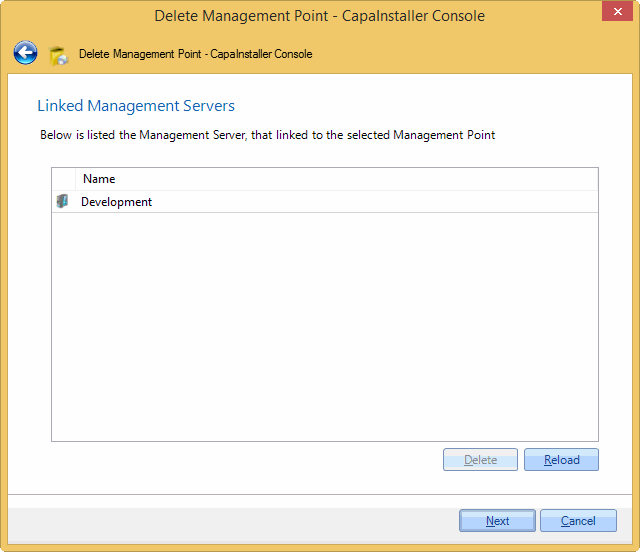
If all Management Servers are not moved or deleted, this message box will appear.
 |
| 5 | Frontend Services linked to the Management Point must be deleted or linked to another Management Point.
Mark one or more of the Frontend Services, and choose either *Delete* or *Relink*.
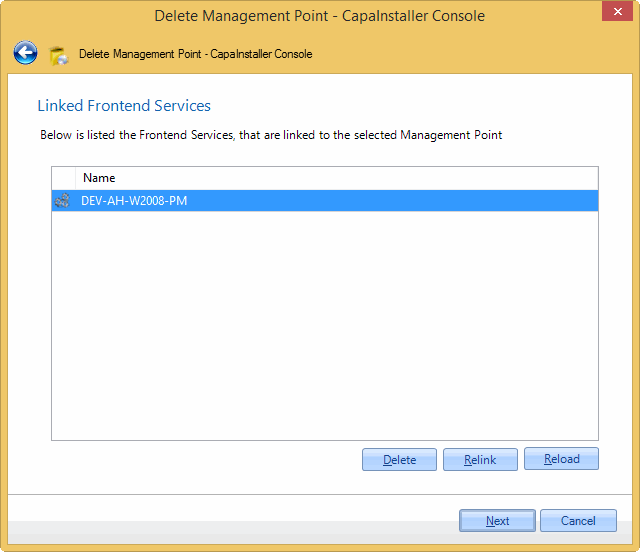
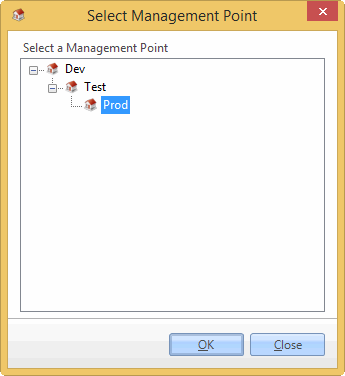
Choosing the *Relink* option will open this window. Choose another Management Point, and click OK to relink the Frontend Service.
 |
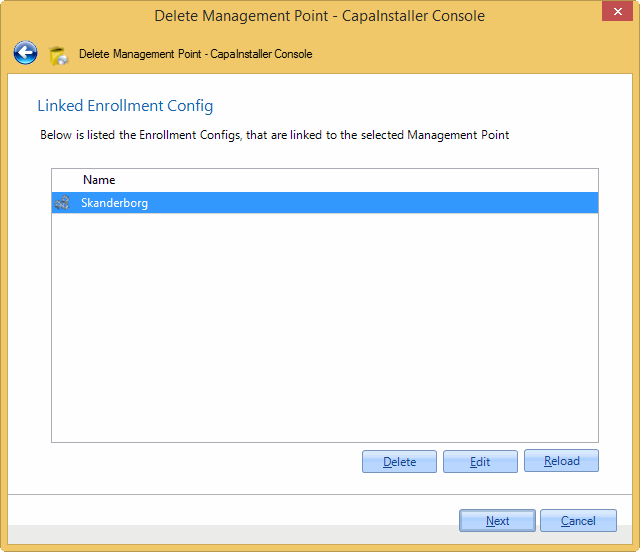
| 6 | Enrollment Configs can be configured to link to a Management Point. These should either be deleted or linked to another Management Point.
Clicking Edit will open the [Getting started with Enrollment Configurations](/capainstaller/the-capainstaller-console/system-administration/getting-started-with-enrollment-configurations/), and enables you to change the configuration.
 |
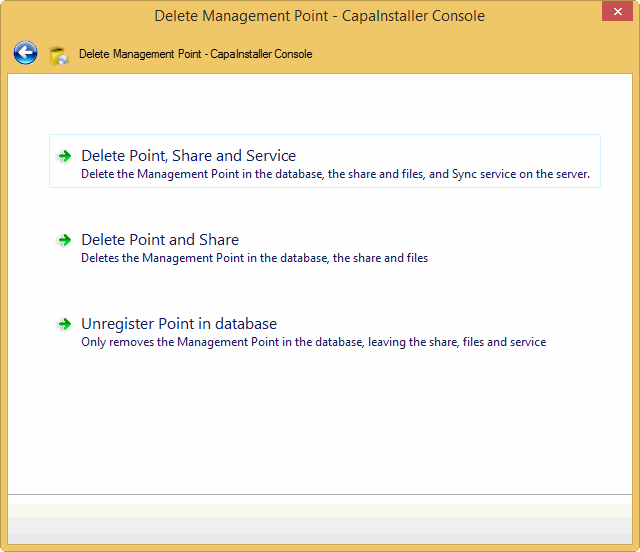
| 7 | On this page, you should choose how you wanna delete the Management Point.
You can
- Delete Point, Share, and Service. The Sync Service is not deleted if it is used on other Points, Servers, or Os Deployment.
- Delete Point and share. Leaves the Sync service in the system, and delete the Management Point in the database and the share.
- Unregister Point in database. This will remove the Management Point in the database, and all of its references. Then you must remove the share manually.
 |
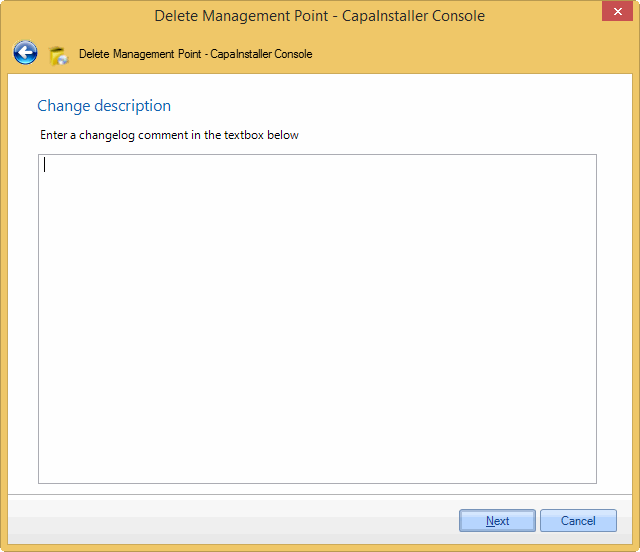
| 8 | On this page, you can describe the changes made. If Force Changelog is set, a Change description must be entered.
 |
| 9 | The summary page lists the changes made to the system, which Management Point, Share, and Sync Service is deleted.
The summary page can be printed or saved as an HTML page for future documentation. Can be useful if only unregistering the Management Point in the database.
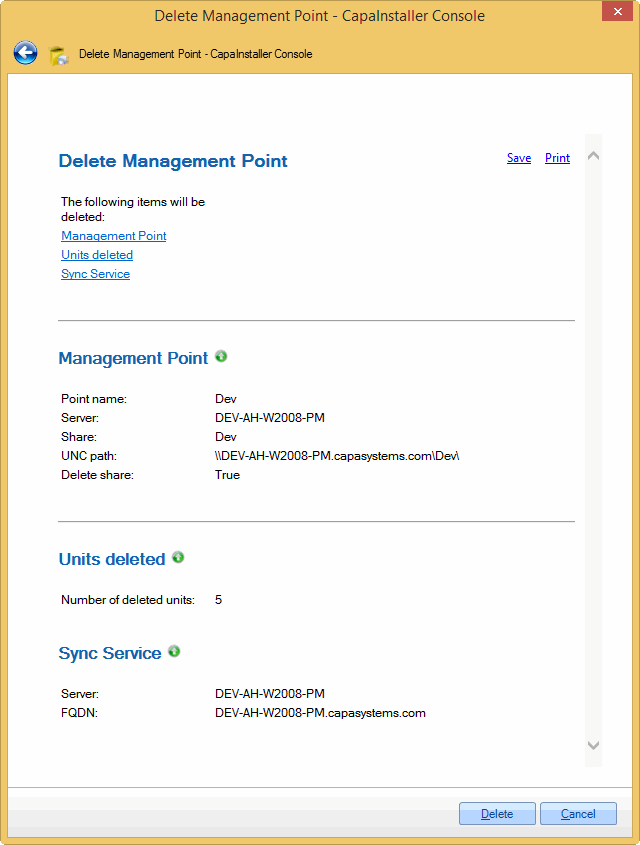
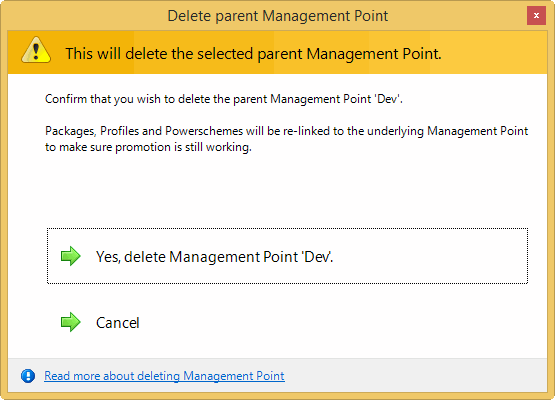
Clicking the Delete button, when deleting a parent Management Point will show this message box, as a confirmation to delete the selected Management Point.
 |
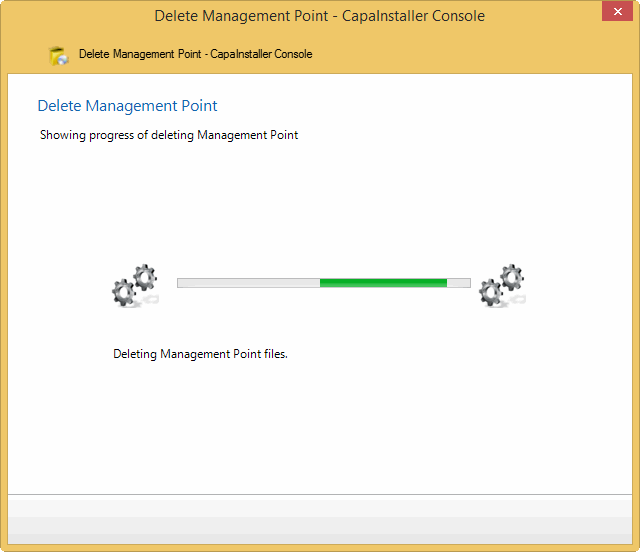
| 10 | Deleting the Management Point is processing. Changes to the database is done in a database transaction, so any error during deleting in the database will rollback the changes.
 |
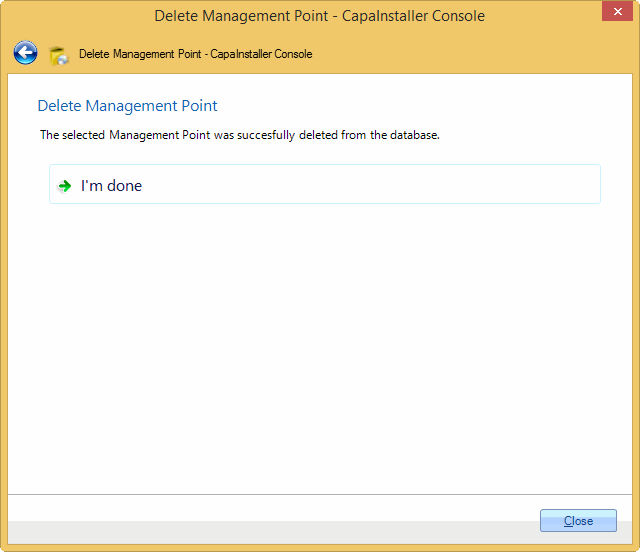
| 11 | Deleting the selected Management Point was successful. Click Done to close the wizard.
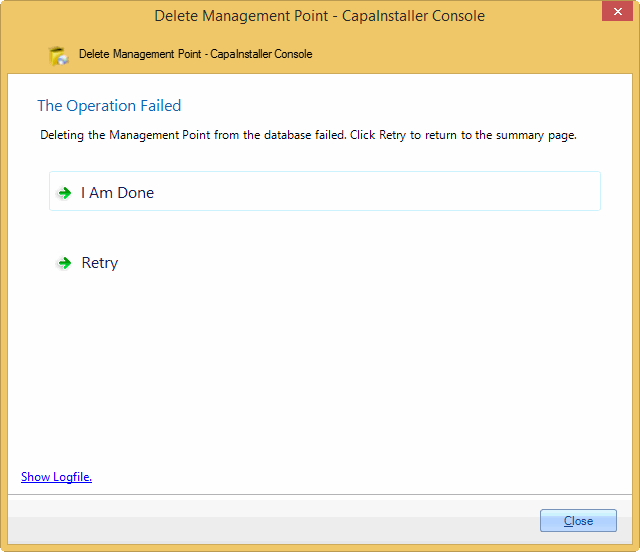
If deleting the Management Point fails, the following page is displayed. Click *Show Logfile*, to view any errors in the logfile.
Click *I Am done*, to finish the wizard or click *Retry* to go back to step 7, and choose what to delete again.
If deleting the share or services failed, you can choose only to unregister the Management Point from the database.
 |
Read more about:
[What is Management Point](#)
[Configuration management point properties](/capainstaller/the-capainstaller-console/system-administration/what-is-system-administration/configuration-management-point/configuration-management-point-properties/)
[Create a configuration management point](Create%20a%20configuration%20management%20point.md)