# Link unit to Business Unit

> Link units to a business unit.

Source: https://docs.capaone.com/capainstaller/the-capainstaller-console/configuration-management/how-to-use-configuration-management/link-unit-to-business-unit/  
Product: CapaInstaller — a separate CapaSystems product; do not apply this page to any other.

The following is a description of how to link units to a business unit.

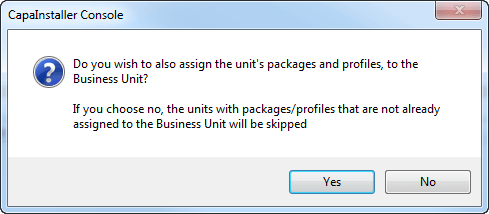
|          |                                                                                                                                                                                                                                                                                                                                                                                                                                            |
|:---------|:-------------------------------------------------------------------------------------------------------------------------------------------------------------------------------------------------------------------------------------------------------------------------------------------------------------------------------------------------------------------------------------------------------------------------------------------|
| **Step** | **Action**                                                                                                                                                                                                                                                                                                                                                                                                                                 |
| 1        | Select the units, right-click, and select 'Add to buffer'.                                                                                                                                                                                                                                                                                                                                                                                 |
| 2        | Locate the business unit and expand it.                                                                                                                                                                                                                                                                                                                                                                                                    |
| 3        | Right-click 'Computer and Devices' or a unit folder inside the business unit, and select 'Paste units'.                                                                                                                                                                                                                                                                                                                                    |
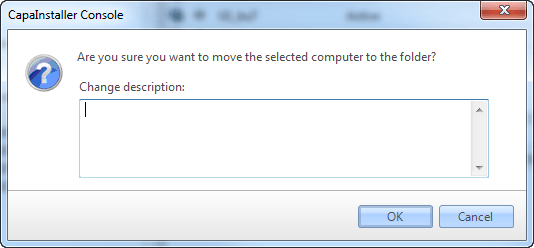
| 4        | Enter an optional comment and confirm the operation. <br/> ![](/attachments/capainstaller/c568f10d-a0ce-4034-87fd-910babfcff5b.png)                                                                                                                                                                                                                                                                                                           |
| 5        | If any packages or profiles on the units are not already assigned to the business unit, you can choose to assign those to the business unit as well. <br/> If you choose *No*, the operation will proceed but skip those units with packages/profiles not assigned to the business unit. <br/> ![](/attachments/capainstaller/9af326a7-6c6b-4b7e-b794-1f3a5b35aa63.png) <br/>  <br/>❗ You can see the list of skipped units in the log file. |